Your contract comes back from a partner’s legal team with one request: sign it with a digital signature. Your team’s tool lets people type or draw their name, and nobody is sure whether that counts.
The two terms get used as if they mean the same thing. They do not. The difference shows up later, when someone has to prove who signed and whether the file changed.
It also changes how you answer that legal team. Sometimes a typed name is enough for the contract, and sometimes it is not.
“Digital” sounds like it could mean any signature made on a computer or phone, but the term is narrower. A digital signature is one kind of electronic signature, the kind built with a certificate and a private key. A typed or drawn name on its own is electronic, but not digital.
Each point below starts with a basic electronic signature, then shows what a certificate-based digital signature adds.
A basic electronic signature is something the signer does. They type their name, draw it or click a button marked Sign, and the tool records that action.
Software creates a digital signature. It uses the document’s contents and the signer’s private key, which has to stay secret. Only the person holding that key can create a valid signature.
Next comes the check, called digital signature verification. Anyone can run it with the matching public key in the signer’s certificate. The US standards agency NIST describes the whole key pair process in its Digital Signature Standard, FIPS 186-5.
A handwritten signature looks about the same on every page you sign. A digital signature is different for every document, because it is built from that document’s contents. It cannot be moved onto another file and still pass the check.
If a basic electronic signature relies only on an email link, anyone who can open that inbox can sign. That is why some tools add a second step, such as a one-time code texted or emailed to the signer.
A digital signature is backed by a digital signature certificate. This electronic file links a person’s name to their public key.
In the EU, a provider must verify a person’s identity before issuing a qualified certificate (Article 24 of the eIDAS Regulation). The check can happen in person or remotely, for example with a recognized national electronic ID.
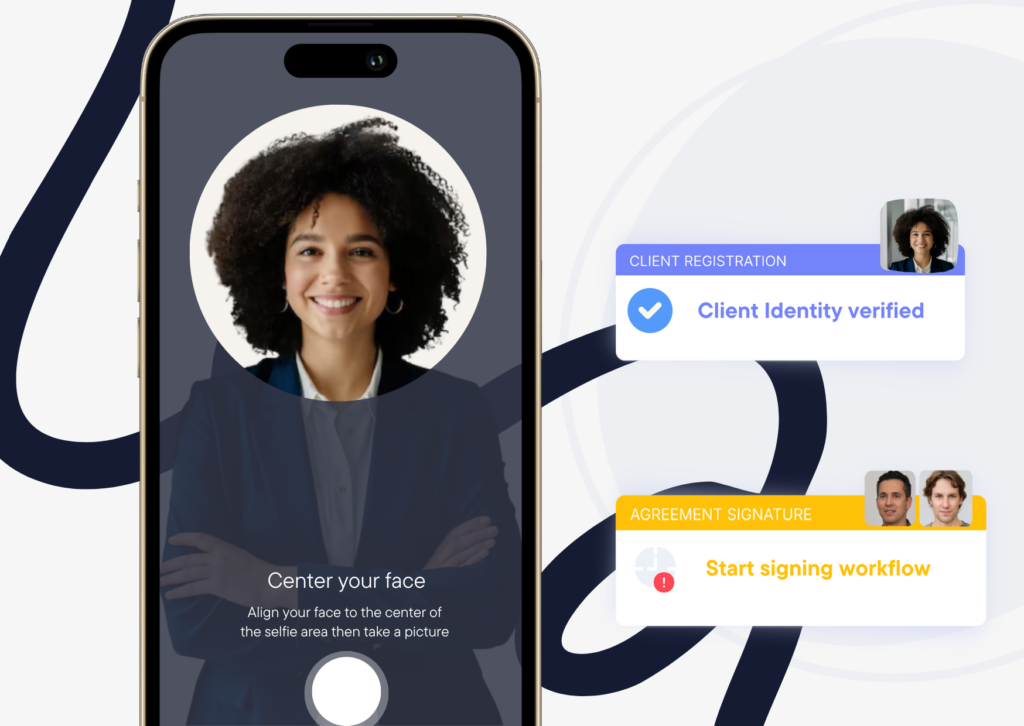
Clustdoc’s advanced signature uses two steps. The signer draws their signature on screen, by mouse or touch, and types in a one-time code sent by SMS or email. For confidential files, such as a client’s bank details, you can add identity verification, so every signer is checked before they can sign.
Nothing stops someone from editing a signed file later, even to change one date or fee. On screen, the edited copy can look exactly like the signed one.
If the file was digitally signed, the signature check fails. The signature no longer matches the document, so the change can be detected. That helps when a contract passes between several people, such as two legal teams.
A basic electronic signature does not give you this on its own. Proof of the final version depends on the signing tool’s records, such as which file was sent and when.
For advanced electronic signatures, this check is also an EU rule. Any later change to the signed data must be detectable (Article 26 of eIDAS).
Our advanced signature is built to meet this rule. Once the signer completes both steps, we create the final PDF and seal it with an electronic certificate.
Where does the proof live once the signing is done? With a basic electronic signature, it sits in the audit trail. That log can show who signed, when, and from which IP address.
A digitally signed PDF also carries proof inside the file. The signature and certificate details stay with the PDF. Anyone who receives it can check who signed and whether it changed.
That makes the signed file itself useful evidence if someone later says they never signed. Keep the original PDF, not a printout or a scan, or that check is lost. When a client downloads the signed PDF, their copy carries the same proof.
We keep both kinds of proof, and our audit trail time-stamps every upload, approval and signature. For advanced signatures, we also log the one-time code events and the browser used, and that record can be provided in a dispute.
US law does not rank digital signatures above electronic ones. The ESIGN Act and the Uniform Electronic Transactions Act (UETA) define an electronic signature the same way. It is a sound, symbol or process used with the intent to sign.
Neither names a technology, so a typed name can meet a legal signature requirement (UETA section 7). In the US, the choice is mostly about how much proof you want.
EU law under eIDAS has three levels: simple, advanced and qualified. An advanced signature must be uniquely linked to the signer and able to identify them. It must also use data under the signer’s sole control and pass the change check above (Article 26).
A qualified signature is an advanced one made with a qualified signature creation device and a qualified certificate. Only this level has the legal effect of a handwritten signature (Article 25(2)).
One HR team might use a basic signature for a policy acknowledgment and an advanced one for an employment contract. The difference is how much proof each file needs.
For everyday paperwork, a basic electronic signature can be enough when the audit trail gives you the proof you need. Examples include an NDA, a consent form or a standard service agreement.
Digital or advanced signatures make sense when you need stronger proof of who signed and that nothing changed. Think of a loan agreement, a shareholder agreement or a file a regulator may review later.
In the EU, pick a qualified signature when a law asks for a handwritten one. It also fits when the other party asks for it by name.
Not sure? Ask the other party what they accept before you send the contract. For regulated files, check with a lawyer in the country that applies.
A signed PDF arrives from the other side. With a digital signature you can check it yourself.
Open the file in a PDF reader that validates signatures. It shows who signed, whether the certificate was valid at the time, and whether the content changed since. Those are the same points eIDAS sets out for validating a qualified signature (Article 32).
Certificates also carry an end date. A qualified certificate states the dates it runs from and to. A check made years later can show it as expired.
That does not cancel the signature. What matters then is proving when the file was signed.
An electronic time stamp does that job. Under eIDAS, a qualified electronic time stamp is presumed to show the correct date and time (Article 41). It has to come from an accurate time source and bind that time to the file (Article 42).
Ask for a time stamp on contracts you may need to prove years from now. For everyday paperwork, the signed file and the audit trail are usually enough.
Here is the electronic signature vs digital signature comparison in one table.
|
Difference |
Electronic signature |
Digital signature |
|---|---|---|
|
What it is |
Typed name, drawn mark or click |
Made with a private key and certificate |
|
Signer identity |
Email link, sometimes a one-time code |
Certificate tied to the signer’s name |
|
Changes after signing |
Depends on the tool’s records |
Any change can be detected |
|
Proof kept |
Audit trail with time and IP address |
Details in the file, plus audit trail |
|
US legal status |
Legal effect under ESIGN and UETA |
Same legal effect, no higher rank |
|
EU legal status |
Not refused just for being electronic |
Same, and can reach advanced or qualified |
|
Example documents |
NDA, consent form, service agreement |
Loan agreement, employment contract |
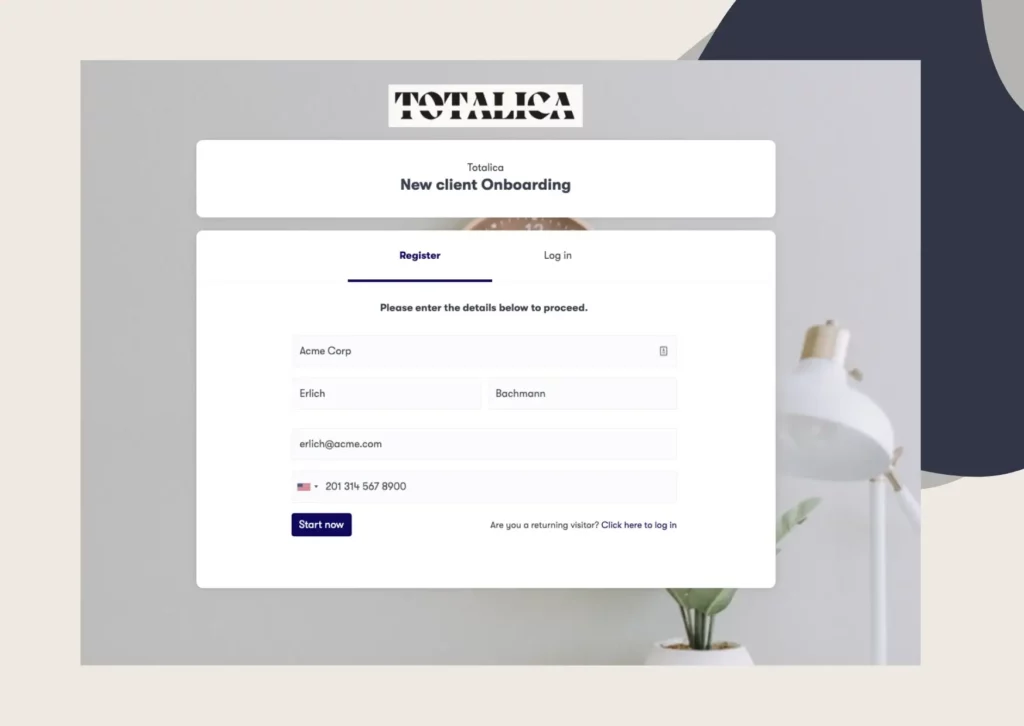
Our signature workflow offers Simple Electronic Signatures and Digital Signature (AES), both following eIDAS requirements. Clients sign in the same secure link where they fill in forms and upload files.
Book a demo call to see both signature types inside a Clustdoc onboarding flow.
No. A digital signature is one kind of electronic signature, made with a private key and a certificate. That lets anyone check who signed and whether the file changed afterward.
An electronic signature is the wider group. It also covers a typed name, a drawn signature and a click on an Accept button. None of those is digital, but under US law each can have legal effect when the person meant to sign.
It is an electronic file that links a person's name to the public key that checks their digital signature. In the EU, the formal term is a certificate for electronic signature.
The matching private key stays with the signer and must be kept secret. When someone checks the signed file, their software uses the certificate to confirm who signed. A qualified certificate also shows the dates it is valid from and to.
A digital signature adds two protections a basic electronic signature lacks on its own: a certificate tied to the signer and a check that shows if the file changed.
That does not make every electronic signature weak. One backed by a one-time code, an ID check and an audit trail can still give strong proof. The better choice depends on the document, so a routine NDA and a loan agreement may need different levels.
No. Typing your name is an electronic signature, and under US law it can be binding when you meant to sign.
A digital signature is different work. Software builds it from the document and a private key, and a certificate ties that key to you. So a typed name shows intent, while a digital signature also shows the file did not change.
Take a loan agreement sent as a PDF. The borrower signs it with a certificate-based signature, so the file now carries the signature and certificate details. The lender can see from the certificate who signed.
If someone later edits even one line, anyone who checks the signature will see it no longer matches the file. The proof sits in the file itself, so nobody has to rely on emails or screenshots. That is the same check eIDAS requires for an advanced electronic signature.
Still stitching emails, files, and approvals together?
Clustdoc gives teams one place to run client-facing work, boost customer engagement and increase compliance.

Claire writes about customer onboarding, digital processes, and the day-to-day challenges faced by operations teams. At Clustdoc, she focuses on practical insights: how organizations collect information, guide customers through complex steps, and improve service delivery with automation.