Client portal software for regulated, document-heavy workflows.
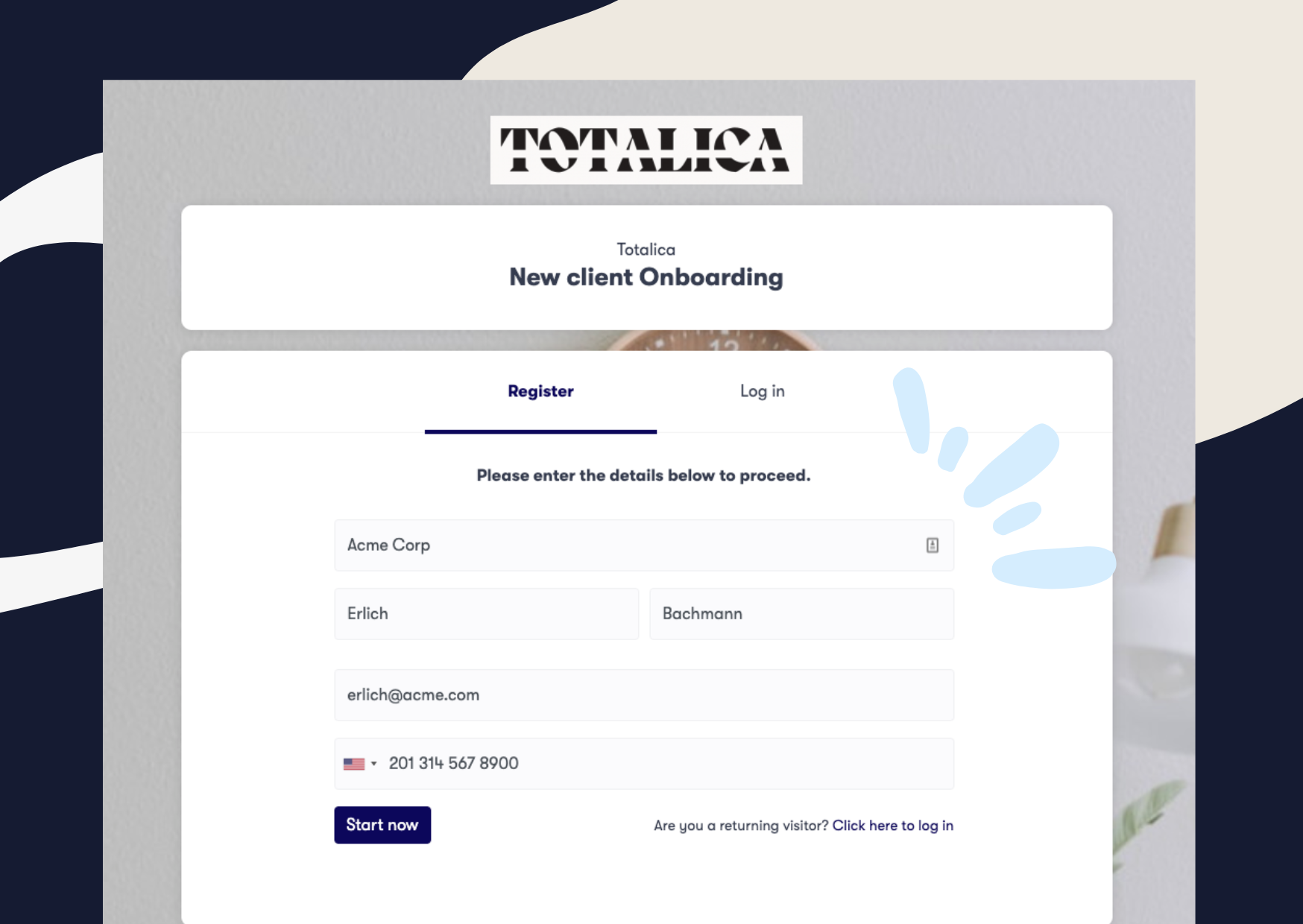
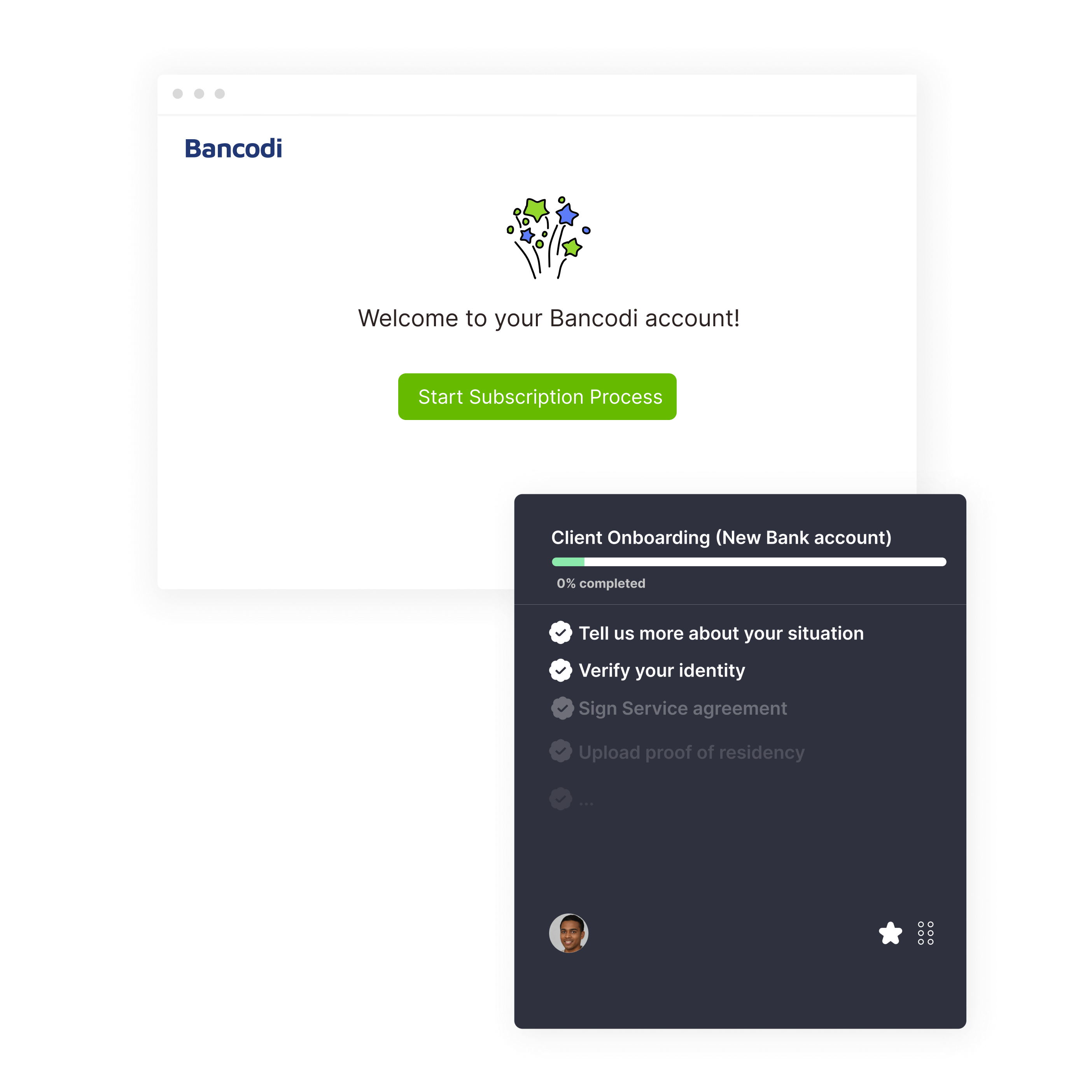
Clustdoc gives customers and contacts one secure, branded client onboarding portal for forms, documents, identity checks and e-signatures. Your team reviews submissions and tracks every step in the same controlled workflow.
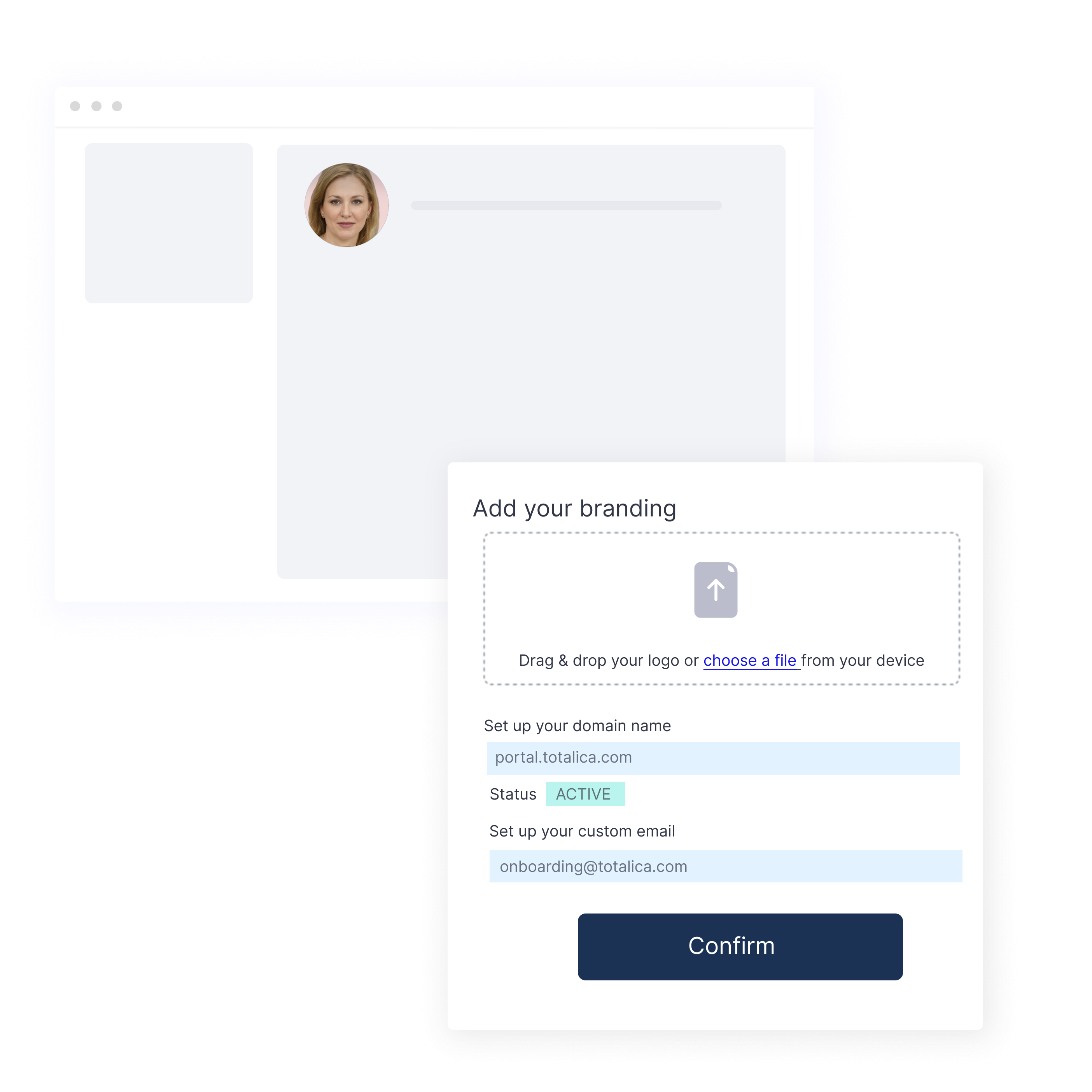
Apply your logo, colors and fonts to the portal pages, forms and emails your clients see. Reminders and notifications also go out under your brand name, so clients recognize who is writing to them.
Choose your own subdomain within Clustdoc that matches your business or brand name.
Clients then see your brand name in the portal address from their first visit.
Embed a customer onboarding portal in your own website.
Add the portal to your site with an embed code or our WordPress plugin, so visitors can start the right process without leaving your pages.
You can also share the portal as a link on social media or in email signatures. If only existing clients should use it, switch on login-only access in the portal settings.
Clients open the online client portal from a phone or computer and pick up where they left off. Messages, notifications and reminders stay tied to each client's application.
Request, review and share files in one document portal for clients.
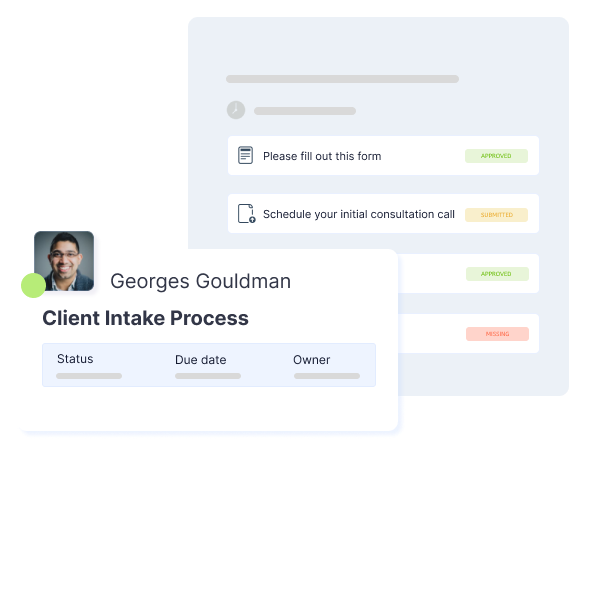
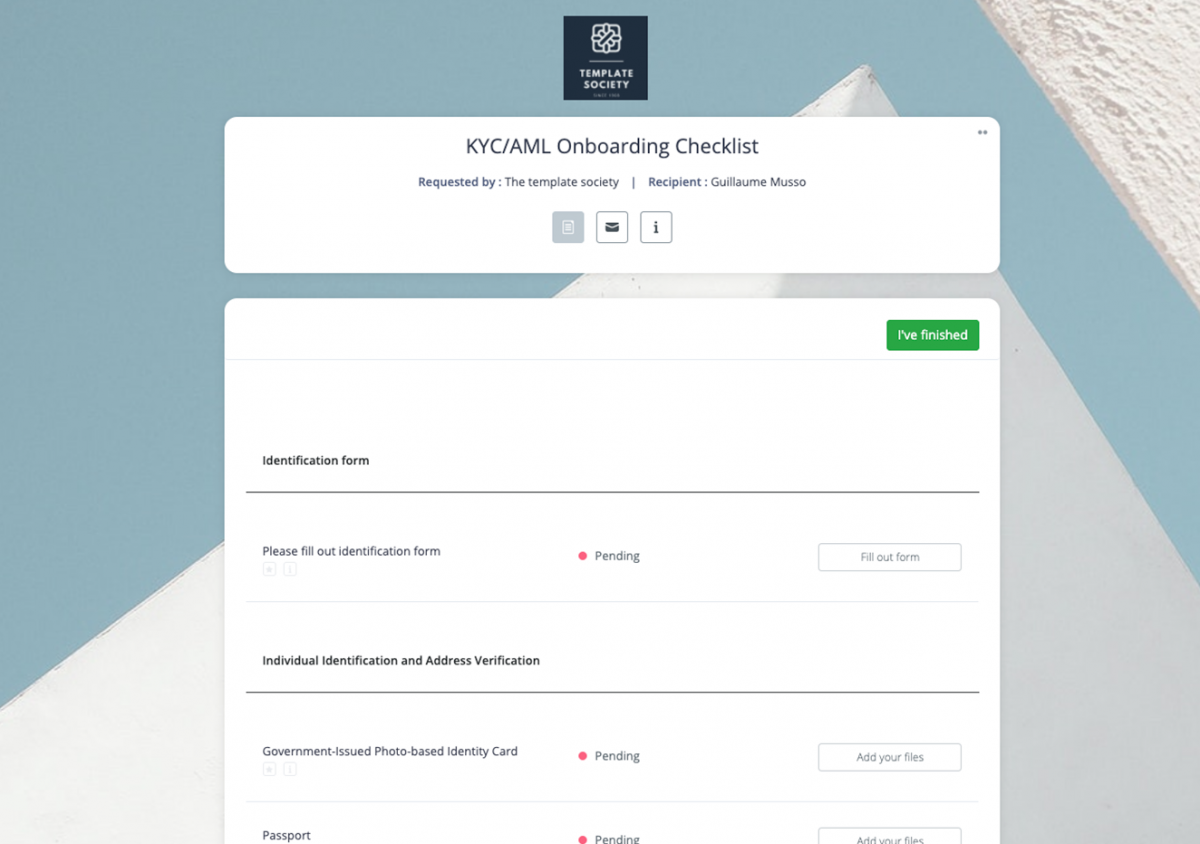
Request each file by name, such as an ID, a proof of address, financial statements or a signed contract. Clients upload them from any device, and their checklist shows what is complete and what is still missing.
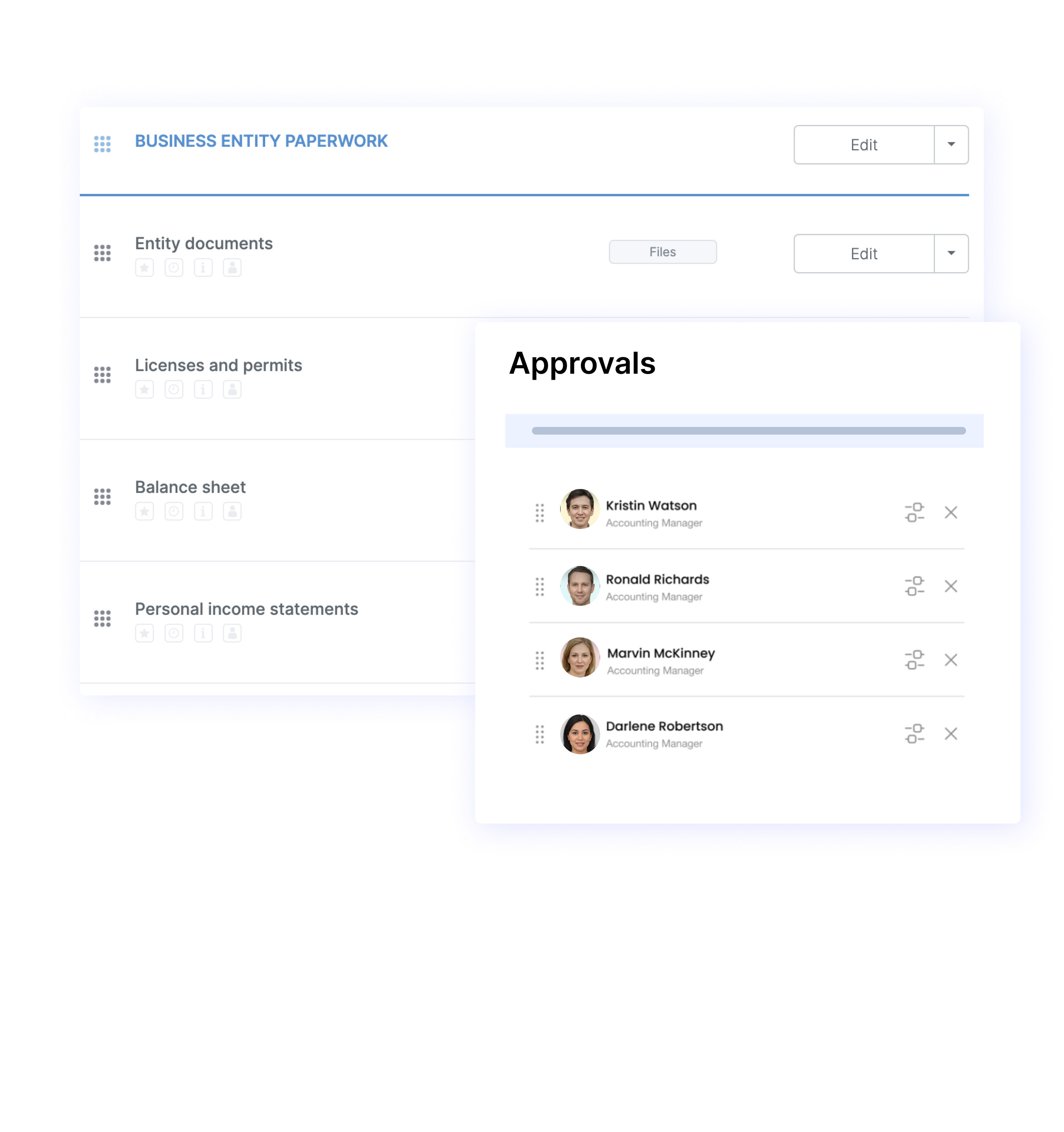
Each upload can become a review task for the assigned team member, who accepts or rejects the file with a comment. If a document is rejected, it appears on the client’s checklist. Version tracking makes it easy for your team to manage updated files, while the workflow can automatically request a new copy when a document expires.
The portal also works as a secure document sharing platform, allowing your team and clients to exchange documents directly within the same application. From there, our document collection software can sync collected files to Google Drive or Dropbox automatically.
Protect sensitive data with secure client portal software.
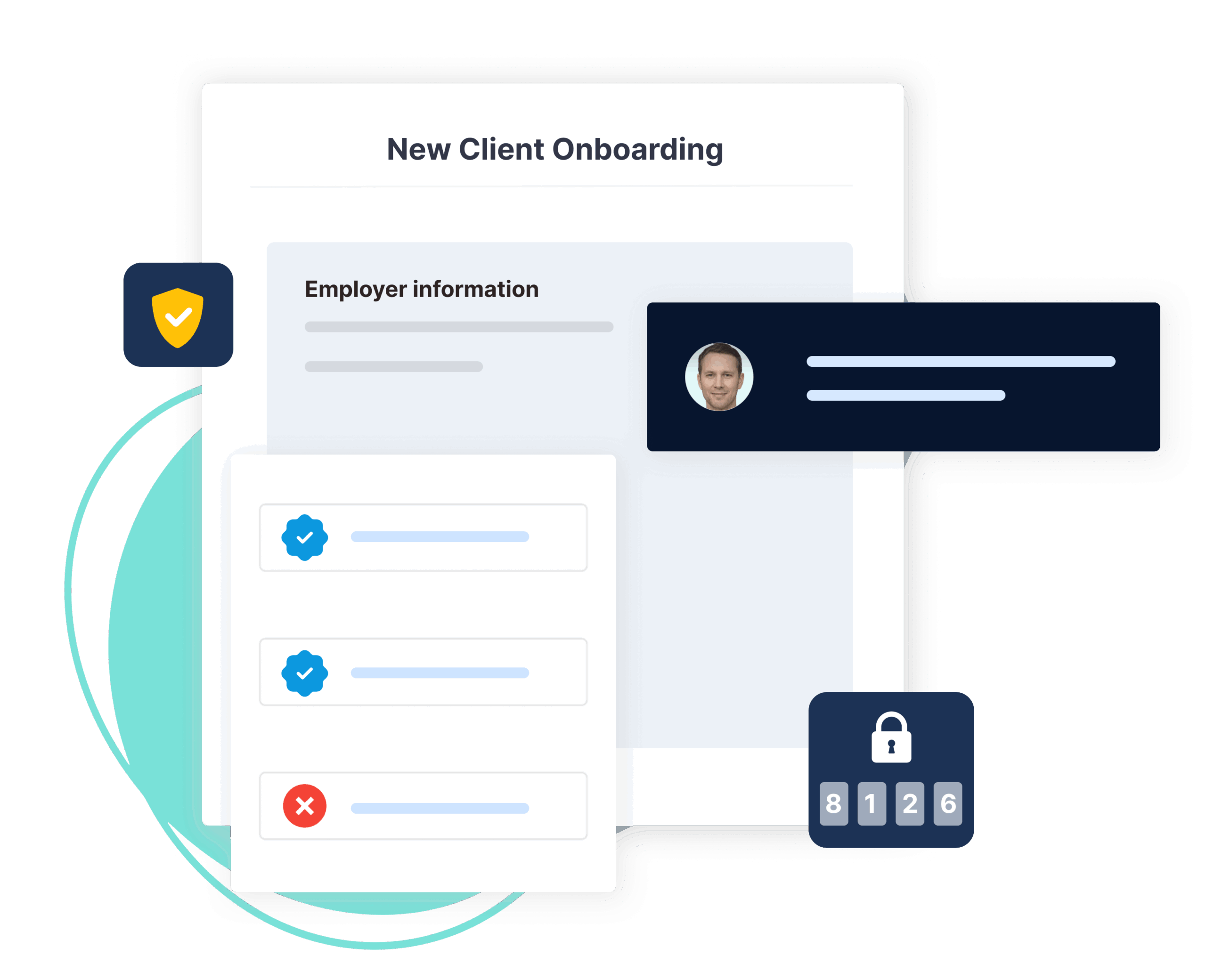
Each client has access to a secure, password-protected portal that can only be opened by authorized individuals. Your team can also use two-factor authentication for added security, while enterprise teams have the option to sign in using single sign-on (SSO).
Files and data are encrypted at rest with AES-256 and in transit with SSL/TLS. Beyond encryption, we are SOC 2 Type II certified, after an independent audit of our security controls. Our platform also complies with the GDPR, the EU data protection law.
The audit trail records every login, upload, approval and signature with a timestamp, including actions by outside reviewers. Guest access limits those reviewers to the steps assigned to them, without full access to your account.
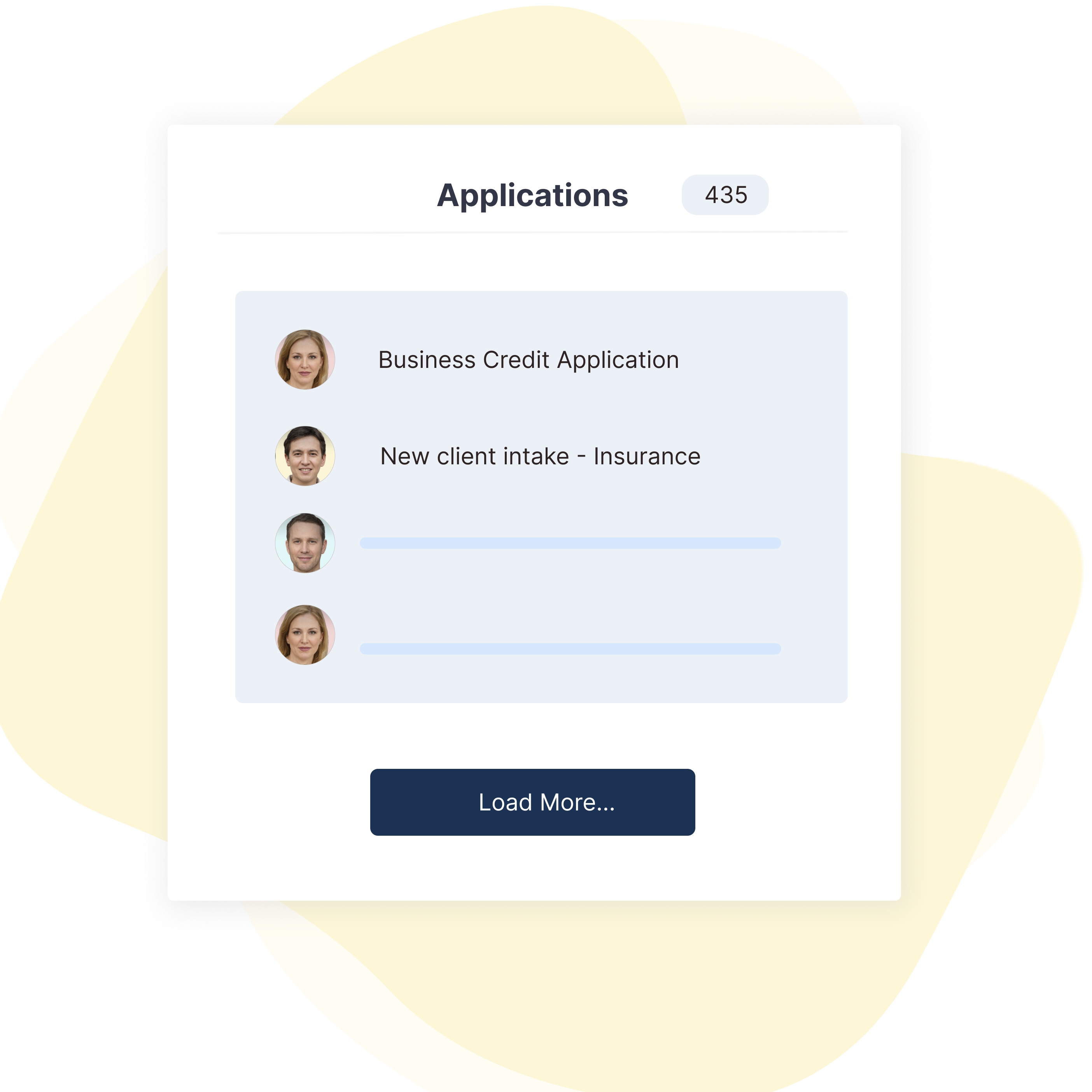
Ideal for teams needing to onboard B2C or B2B clients to their services or programs.
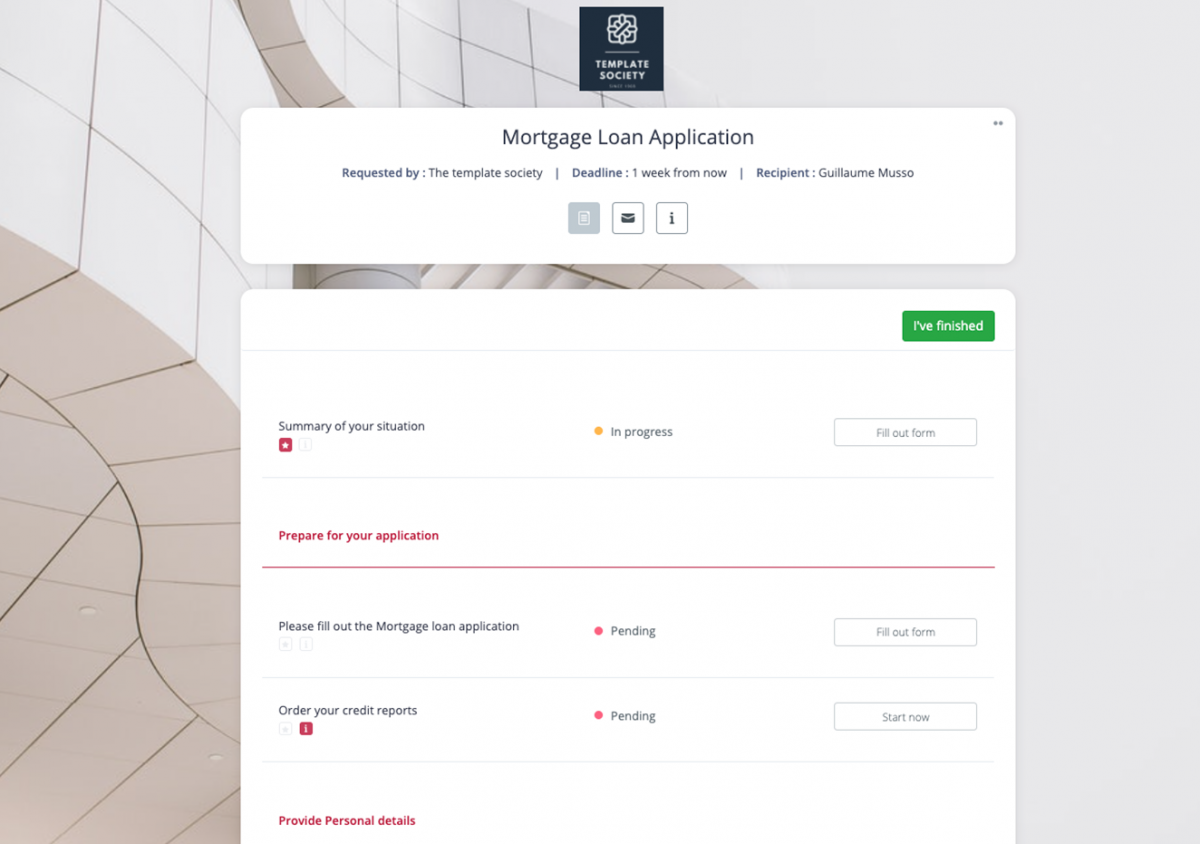
Mortgage Loan Application
Lenders and Mortgage brokers can use these checklists to manage digital loan applications.
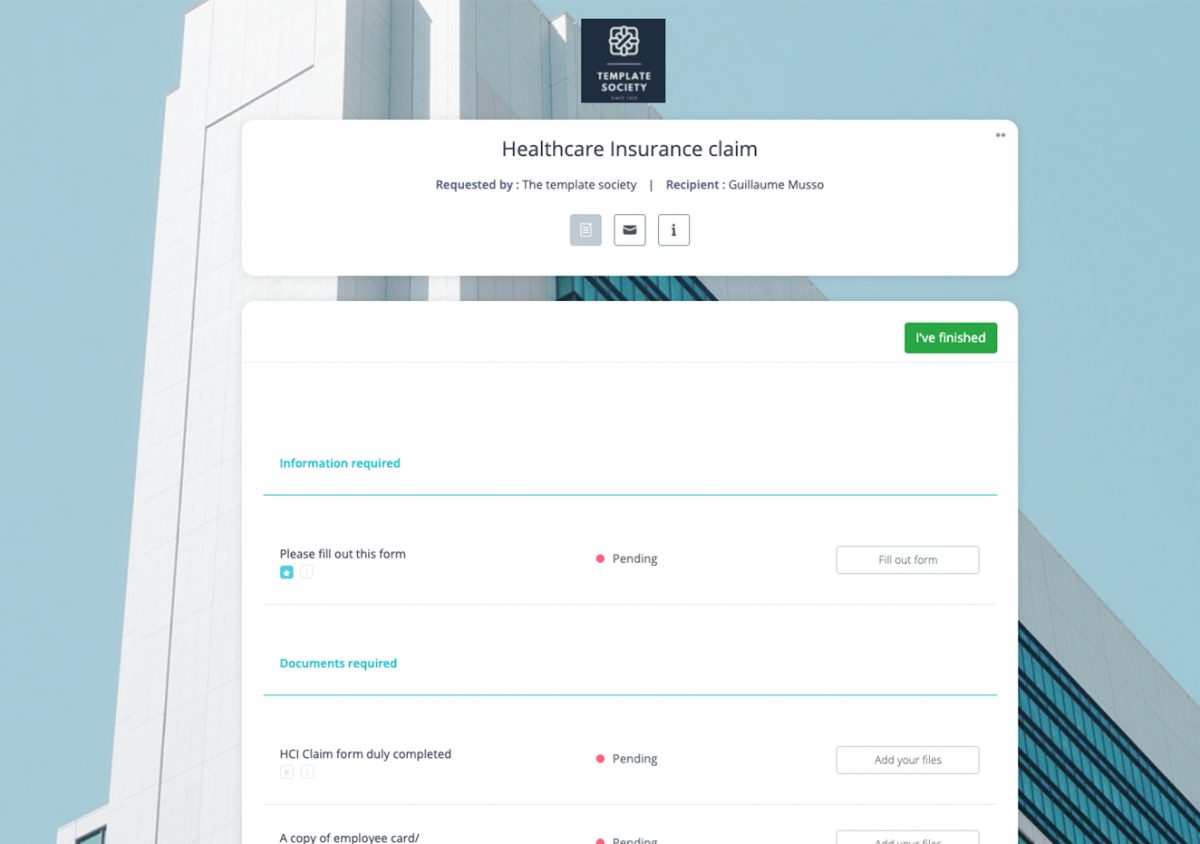
Healthcare Insurance claim
Manage Health Insurance claim for your customers without hassle.
Property Onboarding Checklist
Manage the onboarding of new landlords or properties easily.
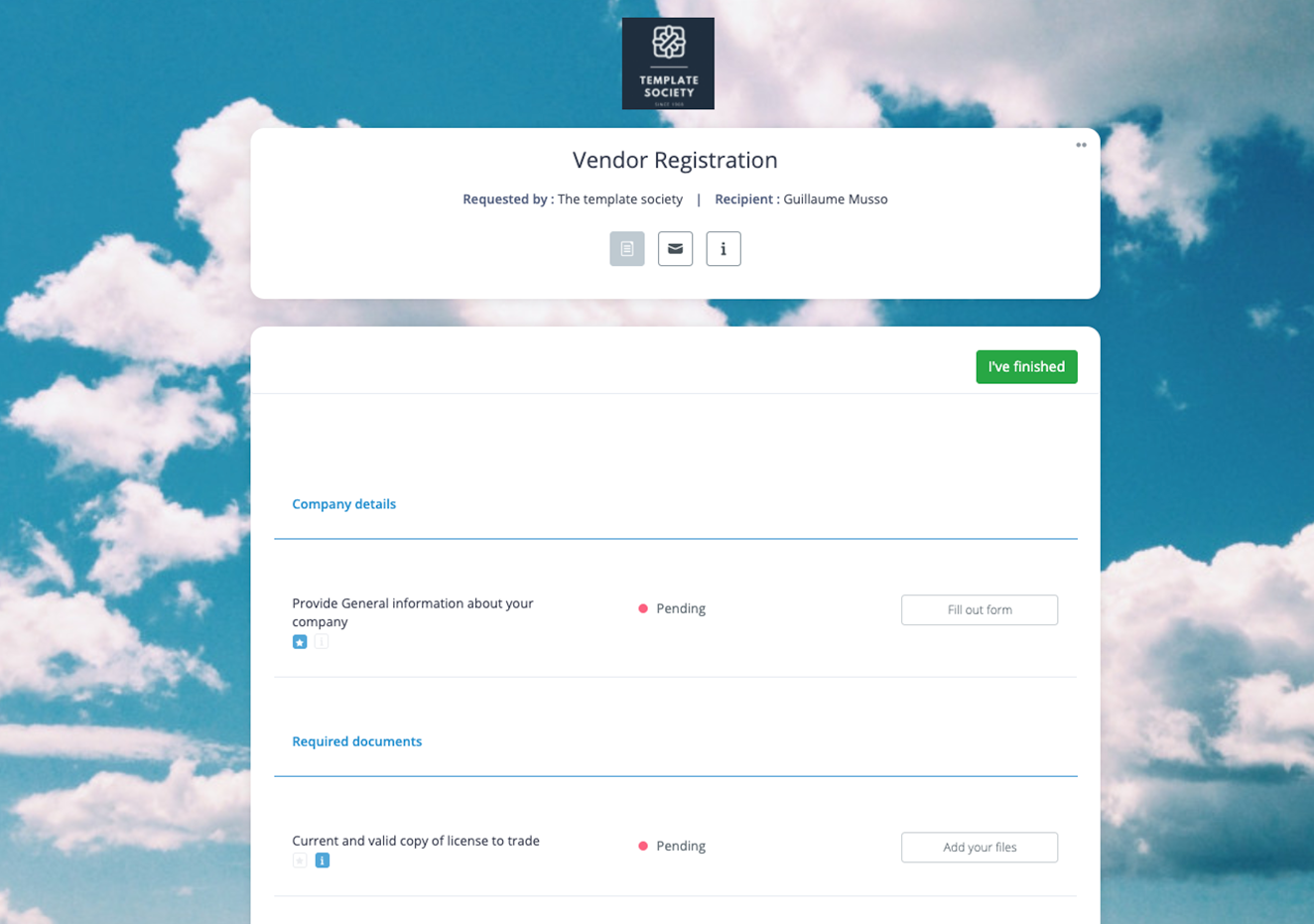
Vendor Registration
Allow business owners to complete the vendor registration process digitally.
IP Due Diligence Checklist Template
Speed up the process of IP investigation and identify legal issues.
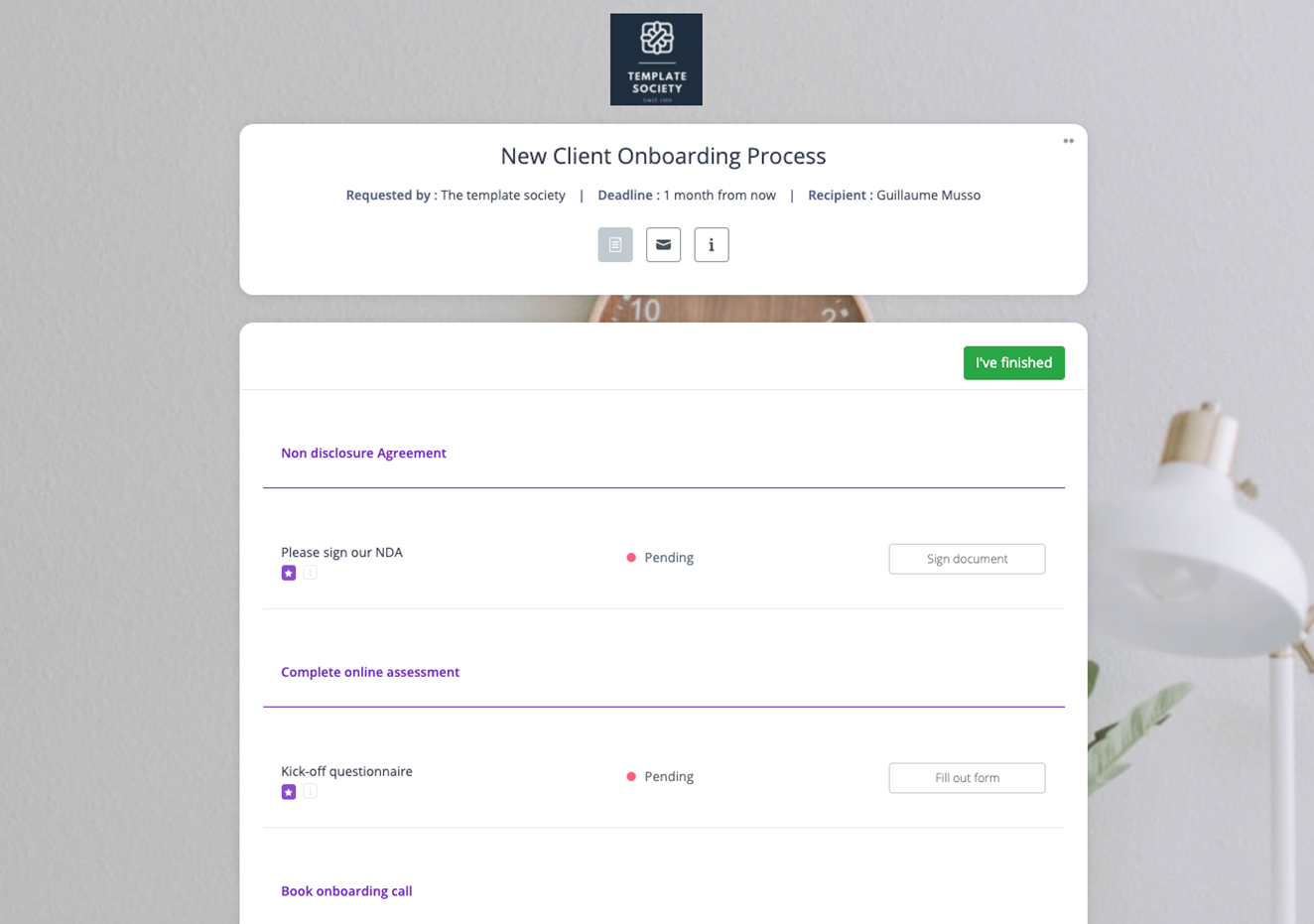
Pick a template, then adjust its steps, forms and document requests to your process. We have hundreds of ready-to-use examples, from vendor registration to accounting client onboarding, and most teams go live within days.
FAQ about the Clustdoc client portal
Before you start, here are some answers to the most frequently asked questions.
What is a client onboarding portal?
At Clustdoc, a client onboarding portal is a public access URL you can put on your website, on social media or in email signatures. Anyone with the link can start one or several of your onboarding processes on their own, and your team handles each submission in Clustdoc.
Can I embed my onboarding portal in a WordPress site?
Sure you can. Clustdoc has a WordPress plugin allowing you to add your onboarding portal directly to your WordPress website in minutes.
Can I manage existing clients only through the onboarding portal?
Yes, it's possible. If you only want existing clients to access your portal, you can activate the login-only option in your portal settings.
Do I need a website to use the portal?
No, you don't need a website to use Clustdoc. If you don't have a website or do not want to embed your portal into your webpages, you can send your clients or contacts to our stand-alone onboarding portal.
What is client portal software?
Client portal software gives your clients one secure, password-protected place to fill in forms, upload documents, sign agreements and message your team. Clustdoc connects that portal to your internal workflow, so each submission can go to an assigned reviewer. Each action along the way is then dated and logged in the audit trail.
What is a secure portal?
A secure portal is a password-protected website where a business and its clients exchange information and documents, instead of sending them by email. Clustdoc encrypts stored files with AES-256, protects transfers with SSL/TLS and logs every upload, approval and signature in the audit trail. Clustdoc is also SOC 2 Type II certified.
How do I set up a client onboarding portal?
Start from one of our templates, or build your own process with forms, document requests and signature steps. You can then embed the portal on your website or share it as a link. If you prefer, the Clustdoc team can configure your processes for you.
Can the client portal connect to our CRM and other tools?
Yes. Clustdoc connects to HubSpot, Salesforce and Pipedrive, and to other tools through Zapier, Make, webhooks and the REST API. With HubSpot or Salesforce, onboarding data can sync back to your CRM records.
Bring your client-facing workflows into one portal.
93% of users would recommend Clustdoc to a peer. Book a discovery call to see the client portal applied to your own process.