People have used signatures for centuries to verify documents and confirm their part in an agreement. As business moves online, most teams weighing digital signature vs handwritten signature options run into a third term, the electronic signature, and the three get mixed up constantly.
The confusion is understandable. The accepted definition of electronic signature is significantly broader than the concept of a digital signature, and the differences between them have real consequences for security and compliance.
This signature comparison breaks down all three: what each one is, how secure it is, and when to use it. You will also see how Clustdoc’s e-signature tool can speed up your document signing process when you sign documents online.
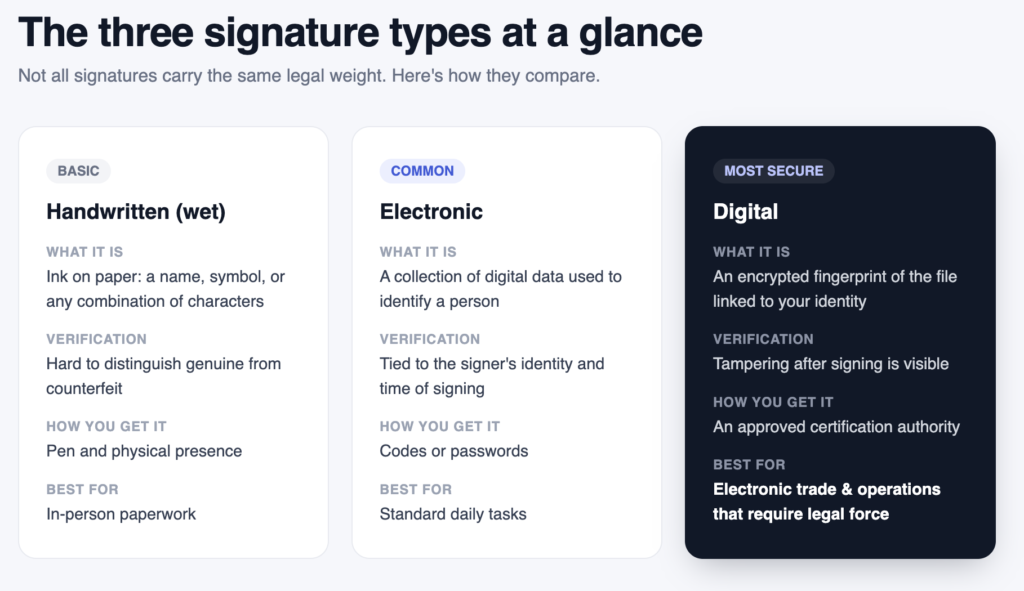
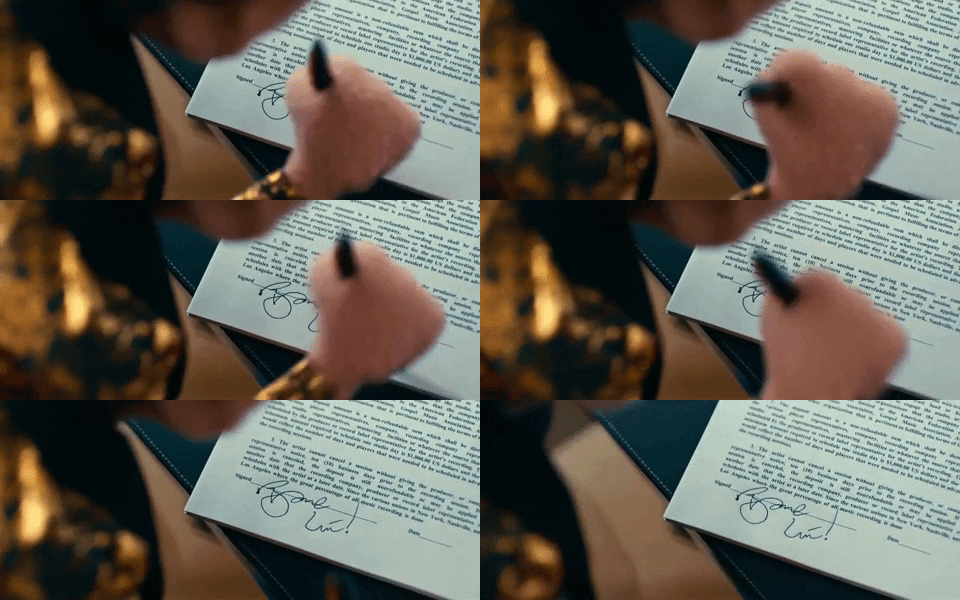
The physical signature is still a core component of document authentication, and for centuries it was the standard way of legally binding a person to contractual obligations. A handwritten signature, often called a wet signature, has no fixed definition. It can be a full name in handwritten form, a symbol, or any combination of letters and flourishes.
That flexibility is exactly the problem. It can be tough to spot the difference between a genuine handwritten signature and a counterfeit, and even two signatures from the same person can vary considerably. Without witnesses or a thorough examination, you cannot be confident that the document you received was signed by the right person.
E-signatures emerged to address this. An electronic signature is a collection of digital data used to identify a person, and it removes the need for physical presence, which makes signing papers and closing contracts faster for both sides.
Electronic signatures are accepted in many countries, but there is no official standard for them, so proof of authenticity can still be required. For the full picture, read our what is an e-signature guide and see how Clustdoc handles e-signing.

The e-signature vs digital signature question comes down to security and regulation. A basic electronic signature ties a signature to a person’s identity and the time of signing, but it cannot show whether someone altered the document afterward.
A digital signature is the more secure version. When you digitally sign a document, an encrypted fingerprint of the file is linked to your identity and permanently encoded in the document. If anyone tries to tamper with the file after you have signed it, the change is visible.
Another practical difference is access. Simple electronic signatures can be created with codes or passwords, while a digital signature is issued through an approved certification authority. That extra layer makes digital signatures the right fit for electronic trade and for business operations that require legal force.
Which one you choose depends on your use case, comfort, and budget. E-signatures cover standard daily approvals. Digital signatures cover remote contracts, electronic trading, and regulated transactions.
Signature comparison software examines two signatures side by side to assess whether they came from the same person. Banks and fraud teams use it to check a wet signature on a document against a reference sample on file.
For most businesses, though, comparing ink after the fact means solving the problem too late. A signing workflow that verifies who is signing before the document is executed gives you a cleaner audit trail than any after-the-fact comparison. That is the approach Clustdoc takes: the signer’s identity and the time of signing are captured as part of the e-signing flow itself, so there is far less to dispute later.
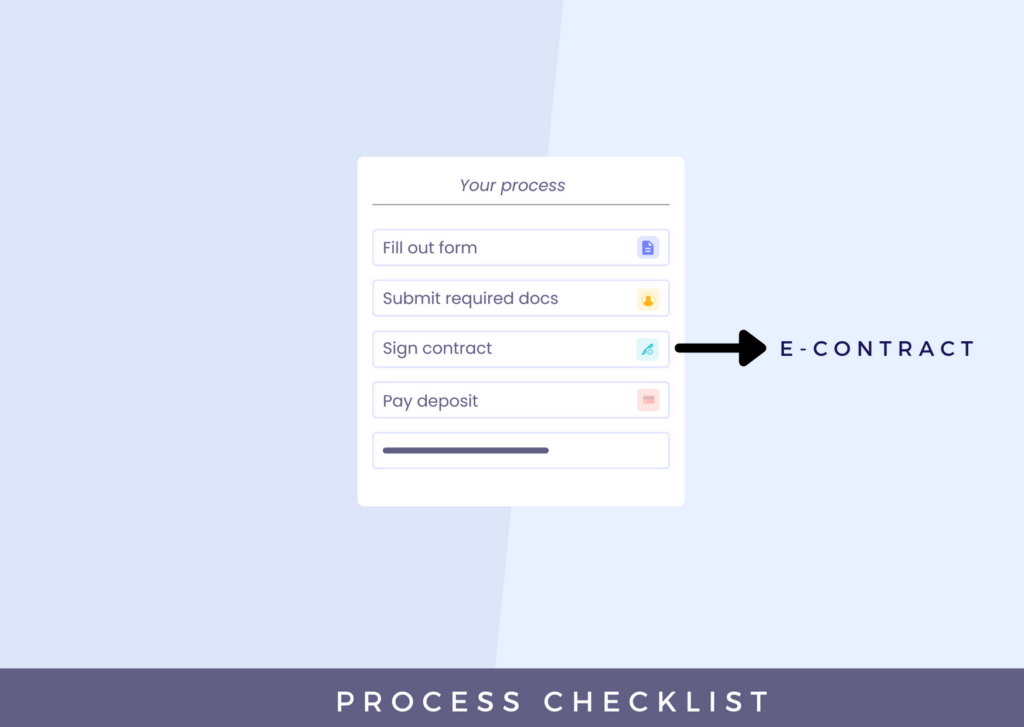
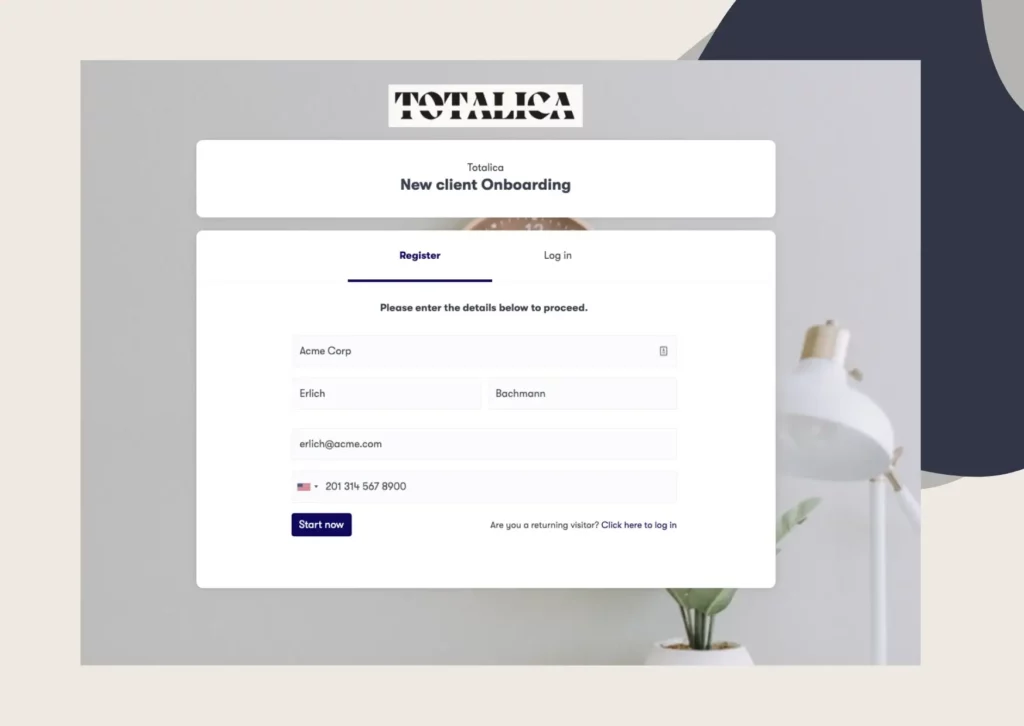
Clustdoc is customer onboarding infrastructure, so e-signing is not a bolt-on. Signatures live inside the same flow where you collect documents, review submissions, and approve new clients.
With the e-signature software built into Clustdoc, you can:
You can gather both electronic and digital signatures from any device, anywhere, with no paper and no pen. Clustdoc is GDPR compliant, which matters when your signed contracts contain client data.
If you want to see how the signature workflow fits your onboarding, book a demo.
A digital signature encodes an encrypted fingerprint of the file and links it to your identity, while a handwritten signature is simply ink on paper. The digital version makes tampering visible after signing, something a wet signature cannot do. Handwritten signatures also require physical presence, which slows down contracts.
No. An electronic signature is any collection of digital data used to identify a person, while a digital signature adds encryption and is issued through an approved certification authority. Every digital signature is a type of electronic signature, but not every electronic signature offers the same level of security.
Signature comparison software checks two signatures against each other to assess whether the same person produced them. It is mainly used in banking and fraud review. Most businesses get better results from a signing workflow that verifies signers upfront instead of comparing signatures after a dispute.
Electronic signatures are accepted in many countries, although there is no official standard for them, so proof of authenticity can still be required. For business operations that require legal force, such as electronic trade, a certificate-backed digital signature is the safer choice.
Yes. Clustdoc lets you gather both electronic and digital signatures from any device as part of your client onboarding flow. You can insert unlimited e-contracts, prepopulate them with information the client already entered, and route them through a signing workflow with multiple stakeholders.
Still stitching emails, files, and approvals together?
Clustdoc gives teams one place to run client-facing work, boost customer engagement and increase compliance.

Claire writes about customer onboarding, digital processes, and the day-to-day challenges faced by operations teams. At Clustdoc, she focuses on practical insights: how organizations collect information, guide customers through complex steps, and improve service delivery with automation.