Who at your company checks a new supplier’s tax form and bank details before the first invoice is paid? If nobody knows, the invoice usually waits in accounts payable while someone finds out.
The same gap shows up in quieter ways too. An insurance certificate nobody checked, a bank change sent by email, or one supplier set up twice and paid twice.
A clear vendor onboarding process closes those gaps before the first order goes out. Without one, the first sign of trouble can be a payment that went to the wrong bank account.
A supplier onboarding process involves several teams, and the vendor file passes between them.
Take an office cleaning company. It needs proof of insurance and a signed contract. An IT provider that can reach client data also needs a security questionnaire and a data processing agreement.
Procurement sets rules like these for every type of vendor before anyone sends a form. Sort vendors by what they will do and what they can access, such as your office or client data.
The same rules should name who approves which vendors, since a cleaning contract rarely needs IT security to sign off. Once they are written into your new vendor onboarding process, buyers ask similar vendors for the same things.
Clustdoc’s vendor onboarding templates cover supplier qualification, compliance checks and contract signing. You can add steps for higher-risk vendors and remove them for low-risk ones.
Accounts payable needs the vendor’s legal name and any trading name. Add the business address and the state or country where the company was formed. Ask for one contact for orders and one for invoices.
US vendors fill in IRS Form W-9, which gives you their taxpayer identification number (TIN) for information returns. Without a TIN, you may have to hold back part of certain payments, which the IRS calls backup withholding. Certain payers can check a name and TIN combination with the IRS TIN matching e-services.
When onboarding suppliers from other countries, skip the W-9, because a foreign company cannot use it. Foreign companies generally send Form W-8BEN-E, which documents their status for US tax withholding and reporting. Your tax advisor can confirm which form applies.
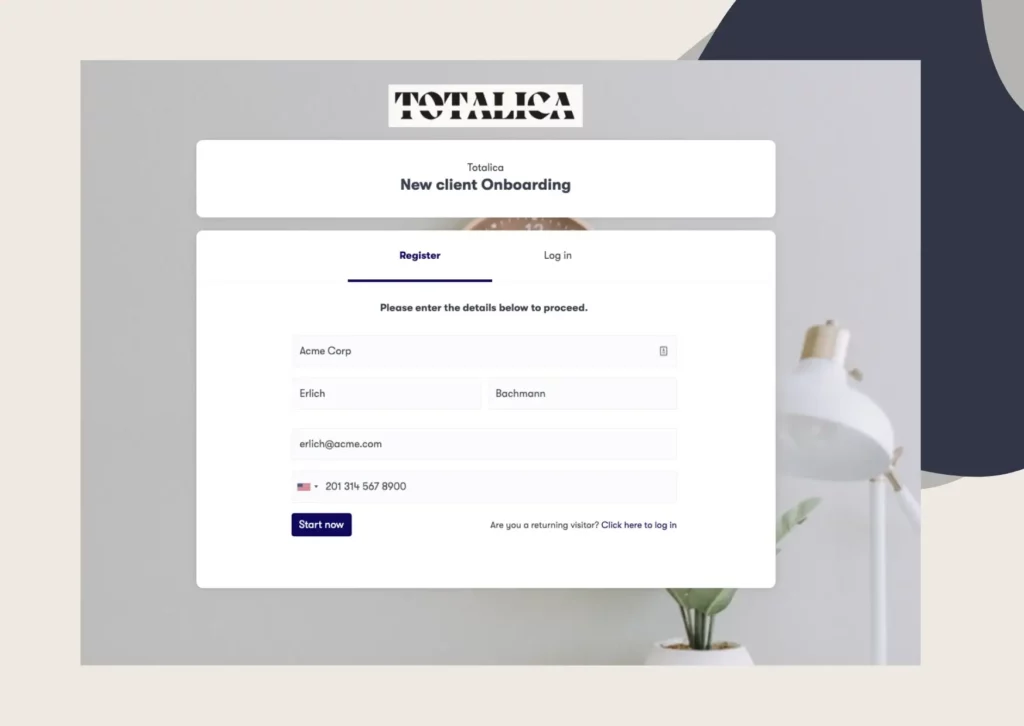
With our vendor onboarding software, vendors enter these details and upload their forms through a branded self-service portal.
Criminals who break into a vendor’s email account can send bank details that look real. Finance asks for proof that the bank account is the vendor’s, such as a bank letter or a voided check. The name on it should match the vendor’s legal name.
Then confirm the details by phone. Call a contact you already know at the vendor, using a number from your own records. Never use a phone number from the email that sent the bank details.
Treat every later change request the same way, even if it comes from a familiar address. A second person in finance should approve the change before the next payment goes out.
Note who called the vendor and who confirmed the details. Keep the bank letter on the vendor’s file to compare with any later request.
Procurement or compliance runs these checks. Start with a basic test: is the supplier a real, active business? To check that a company is legit, find its company record, confirm the address and compare both with its website.
Then review what the vendor sends as part of your supplier onboarding risk assessment. On a certificate of insurance, check the policy dates, the coverage limits and who issued it. Where your contract asks for it, check your company is named on the certificate.
For a business license, confirm with the issuing office that it is still current. A screenshot from the vendor is not proof.
US companies are generally barred from dealing with anyone on the Specially Designated Nationals and Blocked Persons List (SDN List). The US Treasury’s Office of Foreign Assets Control (OFAC) keeps it. UK businesses check the UK Sanctions List, the single source for UK sanctions designations.
Once the checks pass, legal or procurement sends the agreements. For a service vendor, that can mean a master services agreement and a non-disclosure agreement (NDA).
If the vendor will handle personal data for you, add a data processing agreement. In the EU, that arrangement needs a written contract, and an electronic version counts (GDPR, Article 28).
Two parts of that agreement matter most. The vendor cannot pass your data to another company without your written permission (Article 28(2)). It returns or deletes the data when the contract ends (Article 28(3)(g)).
Check that the person signing can sign for the vendor, like a director. Our built-in e-signature lets the vendor sign these in the same place they uploaded their forms.
File the signed copies with the vendor record, where they are easy to find at renewal.
Reviews get skipped when approvals have no fixed order. Set the order once: procurement signs off on the commercial terms, then finance on the tax and bank details. For vendors with access to sensitive data, IT security reviews the questionnaire answers too.
Only after the last approval does finance add the vendor to the accounting system. Before creating that record, search the system for the vendor’s legal name and any trading name. Two records for one company means duplicate payments and a vendor list nobody trusts.
Keep one person in charge of that record, and send every bank detail change through the same check.
Our approval workflow sends the file to each reviewer in turn, with notes and approve or reject decisions. Outside reviewers, like an external auditor, can get guest access to their step only.
A vendor’s file does not stay current on its own. Certificates of insurance and business licenses expire, contacts leave, and vendors change banks.
One of the simplest vendor onboarding best practices is to note the expiry date of every certificate and license. Our platform lets you add an expiry date to each file. Scheduled email or SMS reminders can then ask the vendor for the renewed copy.
Once a year, ask for the renewed certificate of insurance and any license. Confirm the bank details still match the letter on file, and run the sanctions check again, because the SDN List is updated often.
Decide in advance what happens when a certificate lapses, such as pausing new purchase orders until the renewal arrives.
An auditor can see who checked the file and when, because our audit trail time-stamps each upload, approval and signature.
Not every supplier needs the same file. Sort new vendors into three tiers by what they can reach, then run the checks that tier calls for.
|
Tier |
Example vendor |
What you collect |
Suggested re-check |
|---|---|---|---|
|
Low |
Office supplies, a caterer booked once |
Tax form, bank letter, basic terms |
At contract renewal |
|
Medium |
Cleaning company, maintenance contractor on site |
The above, plus certificate of insurance, license and a signed contract |
Once a year |
|
High |
IT provider holding client data, payroll bureau |
The above, plus a security questionnaire and a data processing agreement |
Twice a year |
The re-check timings are a starting point, not a rule. Agree the tiers with finance and compliance first, because your industry may ask for more. Write the tier on the vendor record, so the next person can see why one file holds three documents and another holds eight.
Move a vendor up a tier when the work changes, for example when a cleaner is given a door badge.
Where should the vendor send its invoices? Approval does not settle that. The vendor still needs to know how to get paid, and your team needs to know what to expect.
Payment terms belong in the contract, not in an email after the first invoice. Write down the currency, the payment method and where payment should be sent.
Decide whether this vendor needs a purchase order before any work starts. A PO number on every invoice lets accounts payable match the invoice to what was ordered. Without one, invoices wait while someone works out who approved the spend.
Then tell the vendor the rules in writing: where to send invoices, what must appear on them, and who to contact about a late payment.
The taxpayer identification number you collected earlier comes back at year end. It goes on the information return your company files, such as Form 1099-NEC for nonemployee compensation. Ask your tax advisor which return applies to each vendor.
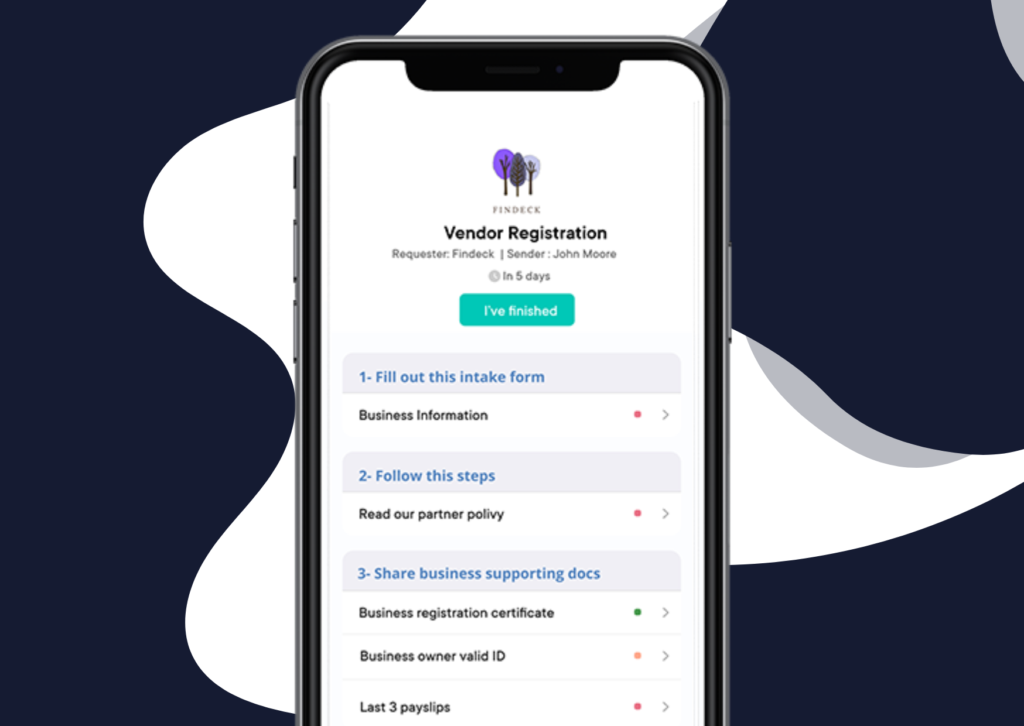
Pick from this list using the vendor’s tier. Ask for everything in one request with a due date, instead of one email per form.
For higher-risk suppliers, a vendor due diligence checklist adds questions about lawsuits, financial health and security practices.
Book a demo call and the Clustdoc team will review how you collect vendor files, contracts and approvals today.
Vendor onboarding is everything a business does before it buys from a new supplier for the first time. That means collecting tax forms, bank details and signed contracts, then getting the file approved.
Onboarding a vendor is mostly a one-time job, but certificates and licenses need updates when they expire. Once the file is approved, finance can add the vendor to the accounting system and pay its invoices.
The two terms are often used for the same work. Some teams say supplier for businesses that sell goods, such as raw materials or office furniture.
They use vendor for services, like IT support or cleaning. The steps and their order stay the same either way. What changes the work is the vendor's risk level, which decides how many checks you run.
Procurement usually leads vendor onboarding and brings in other teams at the right step. Finance, legal and IT security each own the checks in their area, from bank details to contracts to data access.
In a small business, one person may do all of it, which makes a written list of steps even more useful. Either way, name an owner for each step, so no task sits between two teams.
It varies with the vendor. A cleaning company that sends its W-9 and insurance certificate on time has less to check.
An IT provider needs a security review and more sign-offs, so expect it to take longer. A vendor that must sign a data processing agreement may also wait on its own legal team. Late forms and expired certificates can slow down any vendor, whatever its size.
Four problems come up again and again. A vendor gets paid before the tax form arrives, so year end reporting is short a number. Bank details are changed by an email that nobody called to check.
An insurance certificate expires and nobody notices until there is a claim. The same supplier is set up twice under two spellings, and both records get paid.
Still stitching emails, files, and approvals together?
Clustdoc gives teams one place to run client-facing work, boost customer engagement and increase compliance.

Claire writes about customer onboarding, digital processes, and the day-to-day challenges faced by operations teams. At Clustdoc, she focuses on practical insights: how organizations collect information, guide customers through complex steps, and improve service delivery with automation.