An e-signature lets a client sign a contract from a phone or laptop, with no printer involved. For a small team, that usually means proposals and agreements come back in hours instead of days.
Done well, signing is one quick step your client barely notices. Done badly, it becomes another account to create, another PDF to chase, and another deal that stalls.
This guide explains how small businesses get started with e-signatures. It covers the legal basics, choosing a tool, sending your first request, and storing what comes back. By the end you will have a working setup and a place for every signed document.
E-signatures let small businesses get contracts signed online in minutes, with no printing or scanning. Look for a tool that is simple, secure, and ideally part of your onboarding so signing is one step. Clustdoc bundles e-signing into client onboarding. Book a demo to see it work for your business.
The six steps below take you from no tool to a signed, safely stored document. They run in order, and none of them needs technical skills. If you already use a signing tool, start at step four and tighten what you have.
An electronic signature is any online record that shows someone agreed to a document. Typing a name, drawing a signature, or clicking an accept button all count. The tool records who signed, when, and from which device.
A digital signature is a specific technology, not a synonym. It attaches a certificate to the file, so any change made after signing can be detected. Most everyday small business contracts only need the electronic kind.
|
|
Electronic Signature |
Digital Signature |
|---|---|---|
|
What it is |
A recorded action showing agreement |
A certificate attached to the file itself |
|
What it proves |
Who signed, when, and from where |
That the file was not changed after signing |
|
When you need it |
Proposals, NDAs, service agreements |
Regulated or high value documents |
In the United States, the ESIGN Act gives electronic signatures the same standing as ink on most business documents. In the European Union, the eIDAS framework does the same job. Requirements differ between countries, so check the rules where your clients are.
A legally binding e-signature needs three things from your tool. The signer must show intent to sign, agree to do it electronically, and receive a copy to keep. Good software captures all three automatically, so you rarely have to think about it.
Some documents are still excluded in many places. Wills, certain property transfers, and some court filings often need paper, and rules vary by document type. For anything unusual or high value, ask a lawyer before you send it.
You do not need an enterprise contract platform on day one, and most of what those platforms add will sit unused. An electronic signature for small business use has a shorter checklist:
Price matters less than completion rate. The best electronic signature for small business teams is the one clients finish on a phone without calling you for help. We compare the main options in our roundup of the best electronic signature software, so you can shortlist quickly.
Start with a document you send often, such as a proposal or a service agreement. Upload it and place the fields the signer must complete: signature, name, and date. Keep fields to a minimum, because every extra box is a chance to abandon.
Add the signer’s email address and a short message saying what the document is. Give the request a clear name, since many clients sign from a phone between meetings. If two people must sign, set the order so the tool routes it to each in turn.
Send a test to your own inbox before the real thing. After that, watch the status view, which shows whether the document was delivered, opened, or signed. If nothing happens for a few days, one automatic reminder usually does more than three manual follow-up emails.
Save the finished setup as a template so the next request takes seconds.
A signed contract only helps if you can find it during a dispute. Decide where completed documents will live before you send your first request, not after.
Three habits cover most small businesses. Store the final PDF together with its signature certificate, since the certificate proves who signed and when. Keep one folder per client rather than one per document type, and back everything up to a second location.
Cloud storage sync can handle the backup step automatically, so the habit survives your busy weeks.
The record around the file matters as much as the file. We keep a full audit trail in which every signature, upload, and approval is time-stamped and logged. If a client questions a document a year later, that history answers for you.
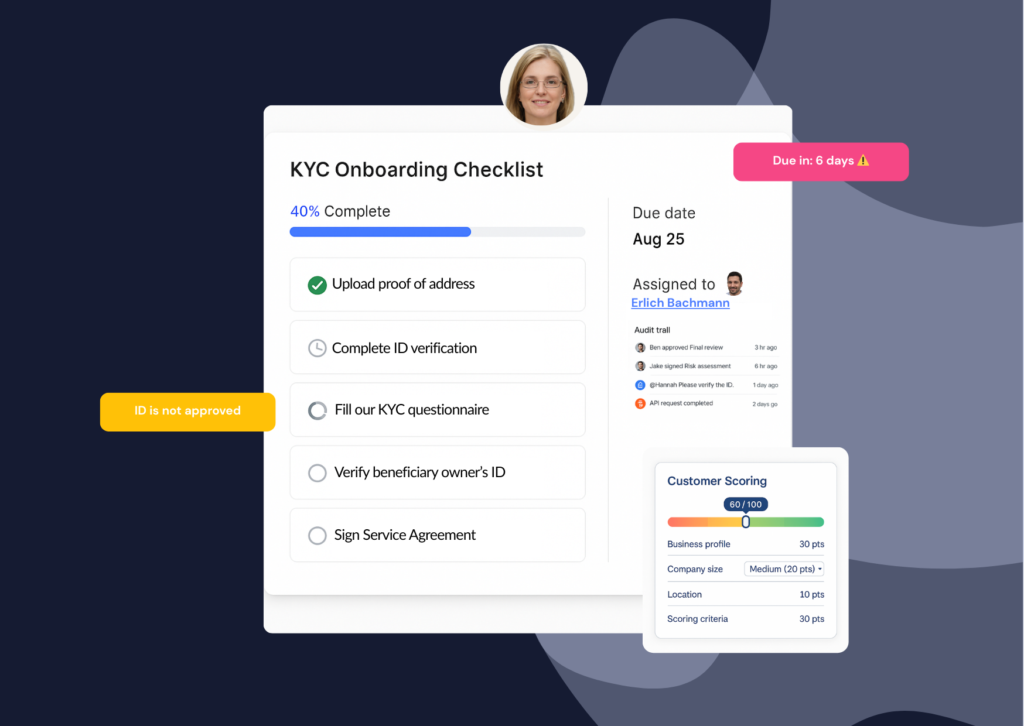
For most small businesses, the signature is not the whole job. A new client also fills in a form, sends documents, and sometimes verifies their identity. Spread across separate tools, that means several links, and something gets missed.
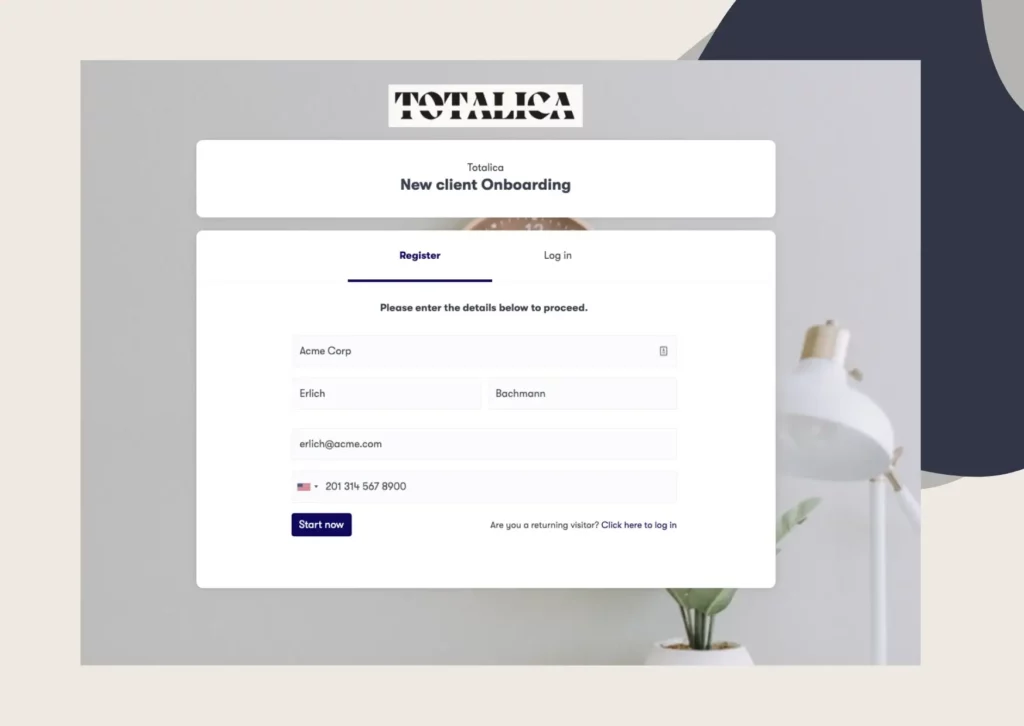
Treating signing as one step inside onboarding removes that juggling. Our platform takes this approach with its built-in signature workflow, which sits next to forms and document collection in one branded client flow. Contracts can be signed in sequential or parallel order, and both electronic and digital signature types are supported.
Your client gets one link, signs where they upload, and your team tracks it all in one place. On complex eSigning workflows, we achieve 40% faster turnaround times.
To see signing built into your whole client onboarding flow, Book a demo call and the Clustdoc team will walk through it with your own documents.
Yes, for most everyday business documents in most countries. Frameworks such as the ESIGN Act and eIDAS recognise them, though a few document types are excluded. Rules vary by country, so confirm locally before signing wills, property transfers, or court paperwork electronically.
An electronic signature covers most small business agreements, including proposals, NDAs, and service contracts. A digital signature adds a certificate that proves the file was not altered after signing. Choose the digital type when a regulator, bank, or public authority specifically asks for it.
Usually not. Most signing tools let the client open a link, review the document, and sign in the browser, with nothing to install. Every extra step before signing costs you completions, so send a test request to a friend and see how long it takes.
Most tools charge per user per month, and some also cap how many documents you can send. Entry plans look cheap until you hit those caps. Compare plans on the documents you actually send, and check that templates and reminders are included at your tier.
If you outgrow an entry plan quickly, treat that as a good sign and revisit the choice once a year.
Keep them for the life of the agreement plus the limitation period that applies where you operate. That period varies by country and industry, so treat it as a legal question, not a storage one. Always keep the signature certificate with the file, since it proves who signed and when.
When in doubt, keep the document, because storage costs far less than a dispute without evidence.
Still stitching emails, files, and approvals together?
Clustdoc gives teams one place to run client-facing work, boost customer engagement and increase compliance.

Claire writes about customer onboarding, digital processes, and the day-to-day challenges faced by operations teams. At Clustdoc, she focuses on practical insights: how organizations collect information, guide customers through complex steps, and improve service delivery with automation.