
Signing a document electronically takes seconds with the right tool, yet many people still print, sign, and scan because they assume e-signatures are complicated or technical. Neither is true.
The harder question is which tool to use. We looked at the electronic signature platforms teams actually reach for and narrowed the field to five options that cover the full range, from a free handwritten signature image to advanced digital signatures built into a full client workflow. You will see the category labeled esign software, esignature software, or e-signature software depending on the vendor, but these electronic signature tools all help you sign documents without paper.
Here is how the five document signing software options compare at a glance:
| Tool | Best for | Free option | Legally binding |
|---|---|---|---|
| Clustdoc | Teams collecting signatures inside client onboarding | No | Yes |
| WiseStamp | Creating a handwritten signature image | Yes, 100% free | Signature image only |
| DigiSigner | Fast personal signing of PDFs, Word files, and images | Yes, personal signatures free | Yes |
| CocoSign | Free document signing and multi-signer contracts | Yes, with limited downloads | Yes |
| Xodo Sign | Signing agreements online with a full audit trail | Yes, with a monthly document limit | Yes |
One note before the details: the EU’s eIDAS Regulation defines three types of e-signature, called simple, advanced and qualified. Each type builds on the requirements of the type below it, so a qualified signature meets the most.
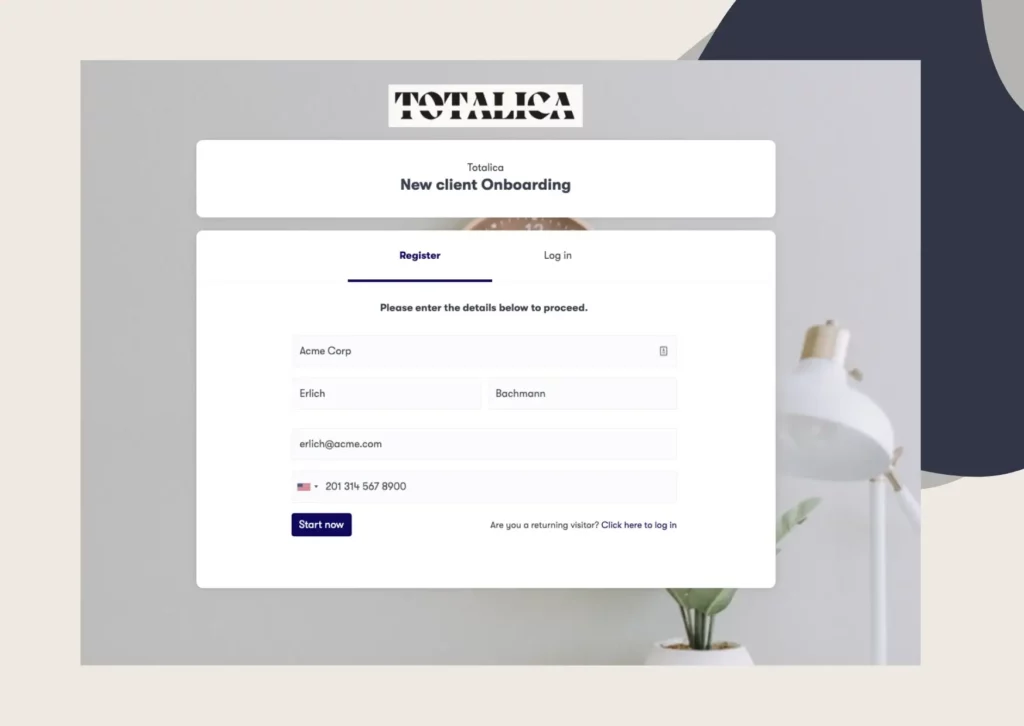
Our e-signature is built into the Clustdoc platform, so you do not need a separate signing provider. Signing happens in our onboarding portal, next to document collection and approvals. Everything runs as one tracked process instead of scattered email threads.
We offer two signature types, both following eIDAS requirements: Simple Electronic Signature and Digital Signature (AES). Every signer works in a password-protected interface, so you can show two things:
Our electronic signature software for client onboarding runs e-signatures inside the same workflow as forms and document requests. You can use it in three ways:
When identity matters, our Digital Signature (AES) adds an extra check. The signer draws a signature, then types in a one-time code sent by SMS or email. We are GDPR compliant, and client data is hosted in North America, Europe or Asia, depending on the client.
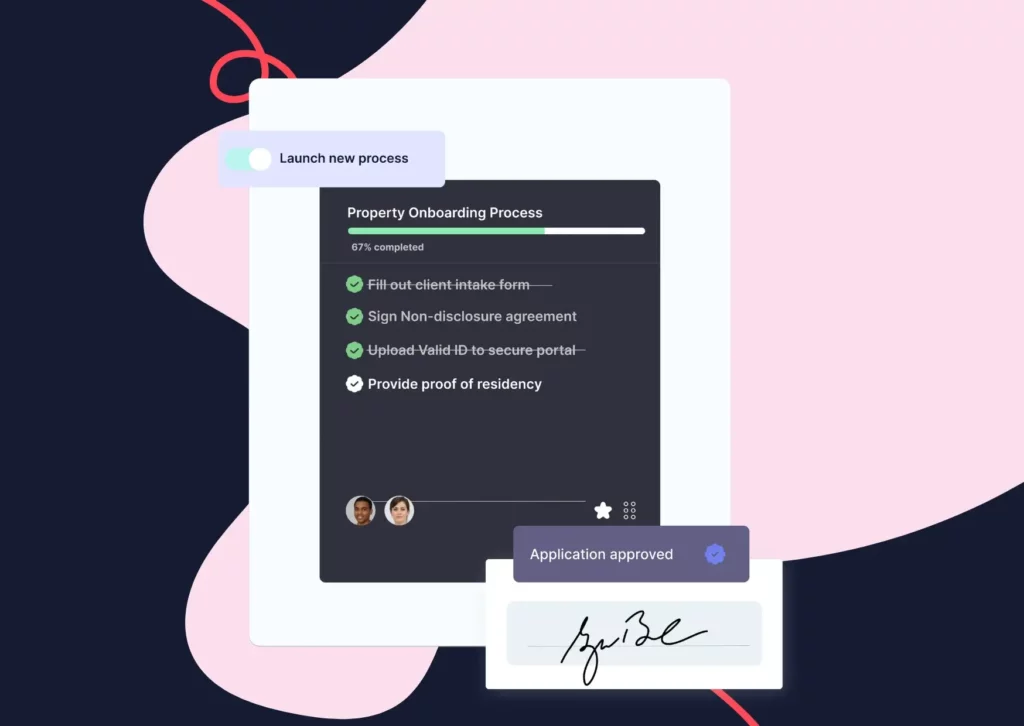
Clustdoc is customer onboarding software built for teams whose signatures sit inside a client process. If you are a lender, bookkeeper, lawyer, marketer, or administrator, Clustdoc replaces manual paperwork and chasing with one tracked flow: document collection, review, approval, and signature.
Our platform is available on desktop, and our mobile app runs on Android and iOS.

WiseStamp makes email signature software for individuals, teams and whole companies.
The company also offers a free Handwritten Signature Generator for creating your signature online. Here’s what it looks like:
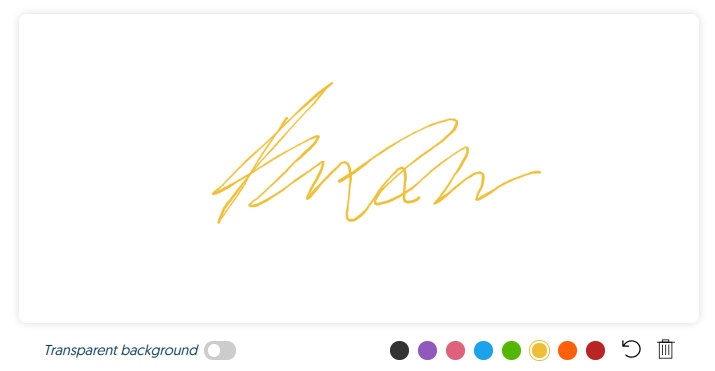
To create a handwritten signature, follow these steps:
1- Open WiseStamp’s Handwritten Signature Generator page;
2- Choose the color of your signature (black by default, with six other colors);
3- Use your mouse, touchpad, or touchscreen to create your handwritten signature;
4- Download it as a transparent PNG file;
5- Add it to your documents by importing it as an image and scaling it to size.
According to WiseStamp, the process takes less than two minutes, and everything happens in your browser. The generator is free, and it does not store your personal information.
The result is a signature image you can place in any document. For contracts that need proof of who signed and when, choose a signing platform with an audit trail.
DigiSigner is a free online tool for signing PDFs, Word files, spreadsheets, text files and images.
You can also fill in text, checkboxes, dates and initials. Other people can sign your documents too, and they do not need a DigiSigner account.
To use DigiSigner, here’s what you need to do:
1- Open DigiSigner’s free Sign Documents Online page;
2- Under ‘Sign Document now’, drop your file or click ‘choose file’;
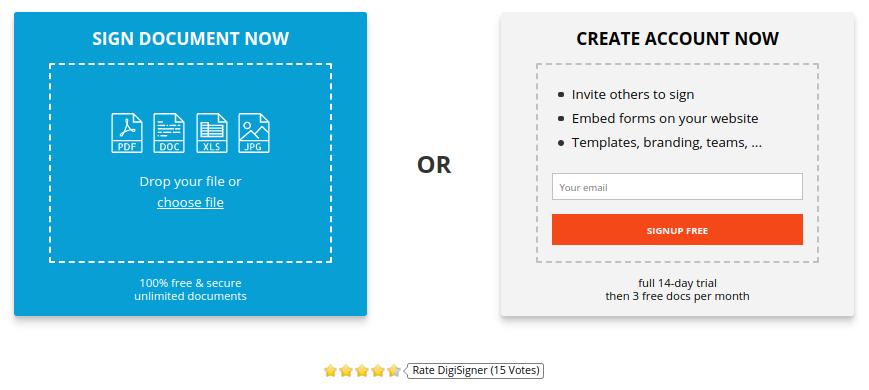
3- Click on the document to open the signature dialog, then draw, type or upload your signature;
4- Click DONE, then DOWNLOAD DOCUMENT to save the signed file as a PDF.
Signing your own documents is free, with no limit on the number of documents. The paid PRO and TEAM plans include multiple signers, templates, branding and signing links.
DigiSigner says its signatures are legally binding and comply with ESIGN, UETA and eIDAS. You do not need your own digital certificate, because DigiSigner uses its certificate to create the digital signature for you.
CocoSign is an electronic signature platform for legally binding contracts, including multi-signer agreements. You can set a signing order, so each person signs in turn.
It also offers a free Sign PDF tool for signing documents online. Besides PDF files, it accepts PNG, JPG, DOC and XLS files.
Here’s how you can quickly put CocoSign to work:
1- Open CocoSign’s Sign PDF page and click Only Me;
2- Tap the ‘Choose File’ button to select a document from your device;
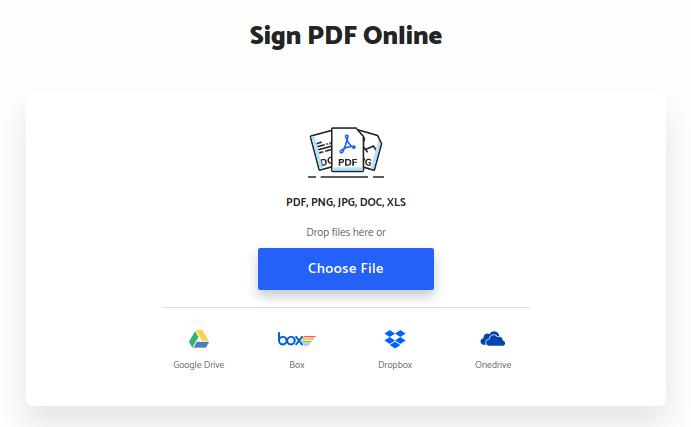
You can also import files from Google Drive, OneDrive, Dropbox, or Box.
3- Once your document is uploaded, add your signature by typing or drawing it;
4- You can also send the document to others to sign (and follow up to see who’s signed it);
5- Click Complete and download a copy of the signed document.
The free plan lets you sign unlimited documents, with a limited number of downloads. Paid plans add reminders, expiration dates and signer authentication.
We’ll close the list with Xodo Sign (formerly eversign), an online platform for legally binding e-signatures. Every completed document comes with an audit trail, and its data protection is SOC 2 compliant.
Xodo Sign offers a free plan with a monthly document limit. Basic costs $20 per user per month, or $10 per user per month billed yearly. Paid plans include unlimited documents.
Creating an electronic signature online is not difficult. In most cases it takes a couple of clicks, whichever tool you choose.
The right choice depends on the job. If you only need simple software for signing documents a few times a year, a free tool covers it: WiseStamp for a handwritten signature image, DigiSigner or CocoSign for quick personal signing. The best esignature service for a one-off lease is not the same as the best pick for a team that collects signed contracts every week.
If signatures are part of how you take on clients, look for a tool that lets you:
That is the job Clustdoc is built for. Book a demo call to see the signature workflow running inside a real onboarding process.
Still stitching emails, files, and approvals together?
Clustdoc gives teams one place to run client-facing work, boost customer engagement and increase compliance.
The best e signature software depends on how often you sign and whether the signature is part of a larger client process. For occasional personal signatures, free tools like DigiSigner or CocoSign cover the basics. For teams that collect signatures during client onboarding, Clustdoc combines electronic and digital signatures with document collection and workflow tracking in one platform.
The best free online signature solutions in 2026 include WiseStamp's signature generator for a handwritten signature image. DigiSigner offers free personal signing of PDFs, Word files, and images, and CocoSign offers free PDF signing. Xodo Sign has a free plan with a monthly document limit.
Free tiers cover the basics, but some cap the number of documents or downloads. Sending documents in bulk or adding signer checks usually requires a paid plan.
Electronic signature software is a digital tool that lets individuals and businesses sign, send, and manage documents online. Instead of printing a document and signing it with a pen, you type your name, draw your signature, or upload an image of it. Most platforms add security features such as encryption and audit trails to prove a document's authenticity.
An electronic signature is any electronic mark that shows intent to sign, such as a typed name. A digital signature is a more secure, encrypted type of electronic signature that uses PKI technology to verify the signer's identity and confirm the document was not altered after signing. Clustdoc offers both, following eIDAS requirements: Simple Electronic Signature and Digital Signature (AES).
Yes, electronically signed documents are often more secure than paper. Leading platforms record audit trails with IP addresses and timestamps, protect data with SSL encryption, and seal signed documents so any later change voids the signature. Look for providers that are GDPR, eIDAS, or SOC 2 compliant; Clustdoc, for example, is GDPR compliant and hosted in North America, Europe or Asia.
Yes. Most top-tier platforms offer native integrations with tools like Google Workspace, Microsoft 365, Slack, and CRMs such as Salesforce and HubSpot. This lets you send documents for signature directly from your existing workflow and cuts manual data entry.

Sampada is a content marketer at Clustdoc, writing about marketing, business, and technology that helps teams work more efficiently.