Keeping client files in order and getting those files from clients are two separate jobs. Document management software is mostly built around the first one. With the same folders for every client, anyone on your team can find last year’s return or engagement letter.
The second job starts before anything is filed. Someone has to ask each client for W-2s, bank statements and receipts, then follow up until each one arrives. Each file also needs a check, since a statement for the wrong month is no use to the preparer.
Most document management tools help with that second job too, but each one handles it differently. So when you compare tools, how they get files from clients matters as much as how they store them.
Document management systems for accounting firms come in two broad groups. SmartVault, IRIS Document Management, GoFileRoom and Canopy are built for accounting, while ShareFile, Revver and DocuWare serve many industries. We start with our own platform, Clustdoc, because it covers the step before storage: getting complete files from clients.
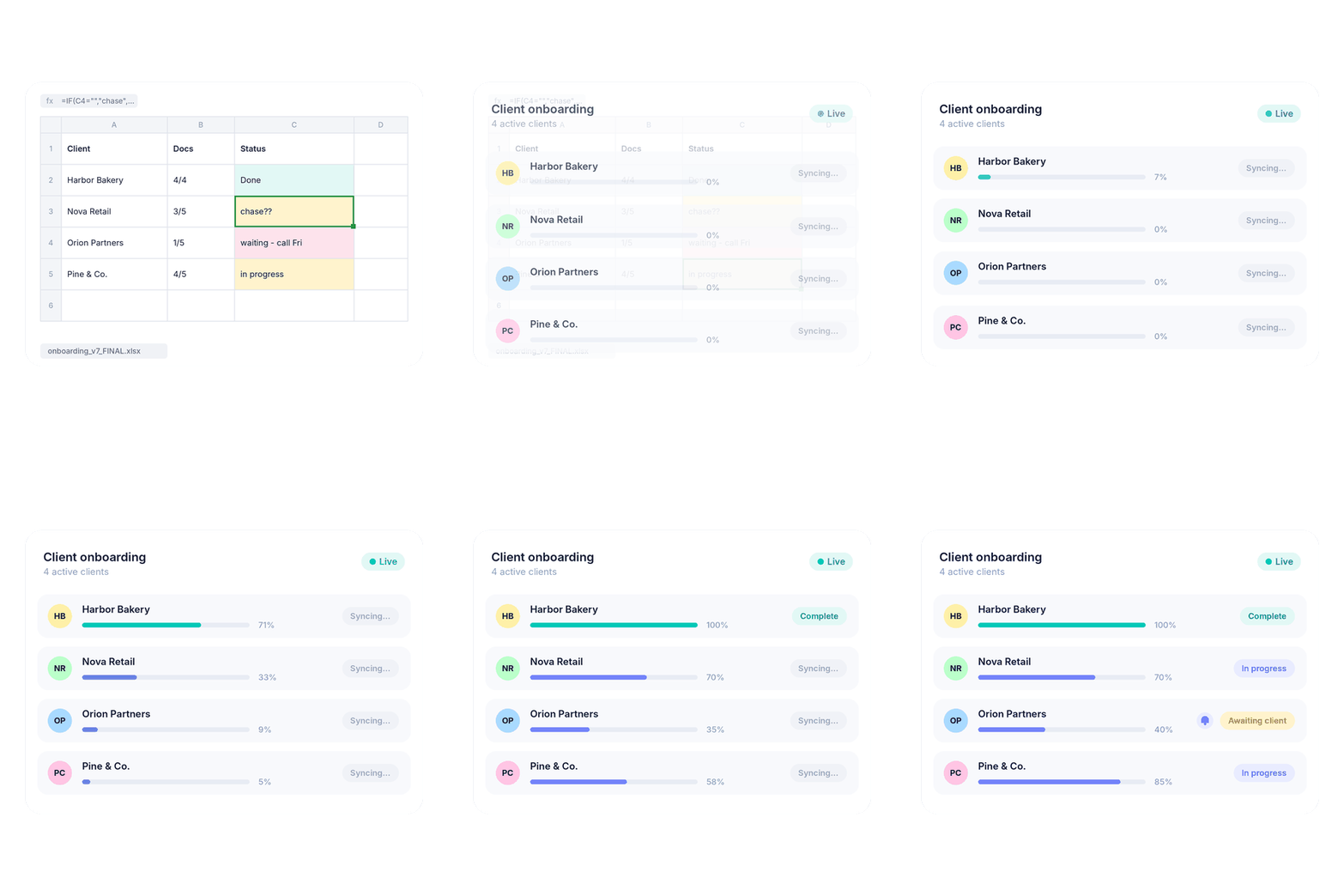
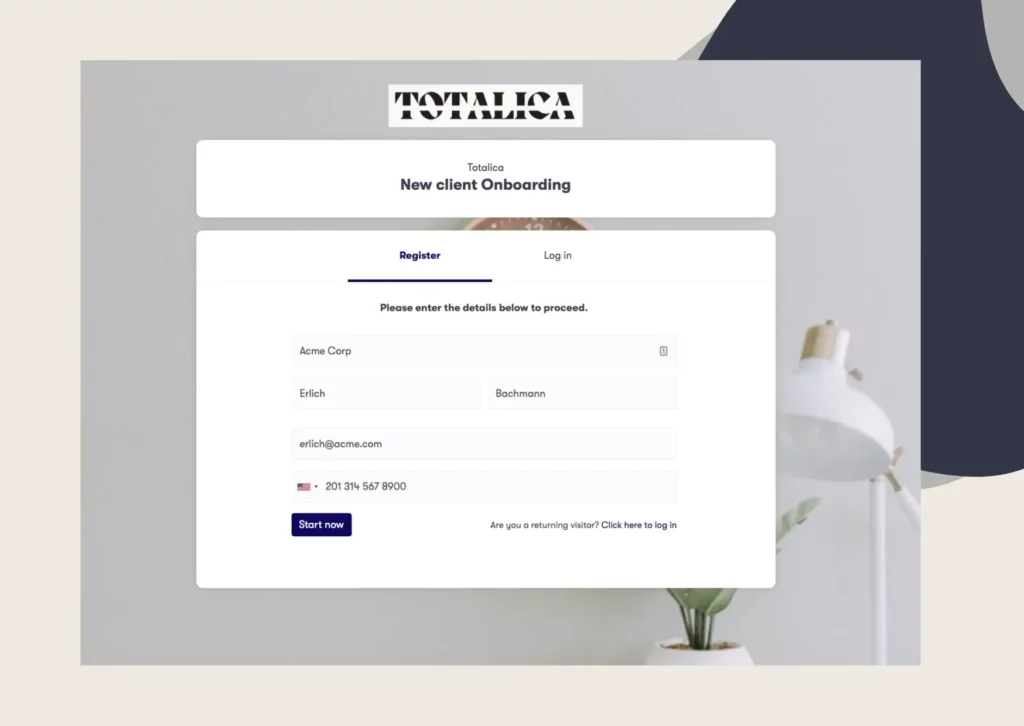
Our platform covers document collection, the work that happens before a client’s file reaches your storage. It sends each client a request list, chases missing items and lets your team approve or reject each upload. From there, collected files can be copied automatically to your firm’s Google Drive or Dropbox.
Best features:
Best for: Firms that want every client file complete and checked before anyone files it.
SmartVault is a document management system built for accounting firms, from tax work to bookkeeping. Every client’s files follow one firm-wide folder template, and returns printed from supported tax software are filed automatically. Client requests, e-signatures and storage all sit in the same system.
Best features:
Best for: Storing, requesting and signing client files in one system.
IRIS Document Management is a cloud document management system for certified public accountant (CPA) firms. It works alone or as an add-on to IRIS Firm Management, which covers time, billing and due dates. IRIS built it for firms leaving older document systems or in-house servers, including mid-size firms.
Best features:
Best for: CPA firms moving from paper files or in-house servers to the cloud.
GoFileRoom is Thomson Reuters’ cloud-based document management software for accounting firms. It stores and archives the firm’s documents, while its built-in FirmFlow tool tracks tax, audit and advisory work. Firms can also connect it to the other systems they already use.
Best features:
Best for: Teams that want document storage and workflow tracking in one place.
Canopy is practice management software for accounting firms, with document management built into the same system. Client files sit in folders linked to each client record, next to tasks, time and billing. Clients can upload through the client portal or through a secure link that expires.
Best features:
Best for: Keeping client files in the same system as tasks and billing.
ShareFile, part of the Progress product portfolio, is secure file sharing and document workflow software. Accounting firms get client portals, e-signatures and automated workflows in the same platform.
Best features:
Best for: Firms that share files with clients and outside parties and want requests and signatures in one tool.
Revver’s document management software covers accounting paperwork from the first request to the final deliverable. Its built-in artificial intelligence (AI) agents pull details from incoming files, then name and file them. Workflows you build without code send documents on to preparers and reviewers for approval.
Best features:
Best for: Handling large volumes of client files in busy season, with naming and filing done by rules.
DocuWare is document management and workflow automation software for businesses in many industries. For accounting, it focuses on finance team work such as invoice processing, contract management and archiving for audits. It can run in the cloud or on your own servers.
Best features:
Best for: Firms that want invoices, contracts and archived records in one platform, in the cloud or on their own servers.
Here is the same list side by side, with who each tool suits and the features that stand out.
|
Tool |
Best for |
Standout features |
|---|---|---|
|
Clustdoc |
Complete, checked files from clients before filing |
Reusable request lists, reminders, file approval |
|
SmartVault |
Storing, requesting and signing in one system |
Folder templates, filing from tax software, e-signatures |
|
IRIS Document Management |
Firms moving from older systems to the cloud |
Full-text search, rules-based filing, legal holds |
|
GoFileRoom (Thomson Reuters) |
Storage and workflow tracking together |
Drawers and indexes, ScanFlow, RecordsFlow |
|
Canopy |
Client files next to tasks and billing |
Request lists from last year’s return, secure links |
|
ShareFile |
Secure sharing with clients and outside parties |
Request lists, e-signatures, audit logs |
|
Revver |
High volumes of incoming files |
Smart Extract, scanned-text search, retention controls |
|
DocuWare |
Invoices, contracts and archives in one platform |
Invoice capture, workflows, cloud or own servers |
If a document system does not connect to your tax software, someone has to file each return by hand. So start with the tax software and practice management tool at the center of your accounting workflow. Check which of those programs each vendor connects to.
Next, look at how files are organized and protected, starting with folder templates and naming rules for each new client. Permissions by role decide who can open each file, and an activity log shows who did.
Retention settings should match the rules your firm follows. For US tax work, signing preparers keep each return, or a list of clients and returns, for three years after the return period closes (Treasury Regulation 1.6107-1). That period is the 12 months from July to June in which the client received the return to sign.
Firms in the EU have their own retention rule. Under Article 40 of Directive (EU) 2015/849, external accountants and tax advisors keep client due diligence records for five years after a relationship ends. Those records include ID copies, and the personal data then has to be deleted unless national law provides otherwise.
In a vendor demo, storage is easy to see, from folder templates to search and retention rules. Collection is harder to see, because it matters most when a client sends a wrong file or no file. That is why document management for accounting is easier to judge in two parts, storage and collection.
For the collection part, ask each vendor to walk through one real request from start to finish. Watch what the client sees, how reminders go out and what happens when your team rejects a bank statement.
Some firms use one product for both parts, while others pair their storage with a client portal. Our platform for accounting firms runs that collection step and hands your team complete, checked files.
Book a demo call and bring your current document request list, such as the one your tax clients receive. We will walk through how each item on it would be requested, chased and approved in Clustdoc.
Certified public accountant (CPA) firms often combine three kinds of software. Tax software prepares returns, a practice management tool tracks tasks and billing, and a document management system stores files. Some firms also use a tool such as Clustdoc to request and check client files before they are filed.
There is no single best tool, because each firm needs something different. If you want returns filed as they print from supported tax software, SmartVault does that. If the main delay is getting files from clients, Clustdoc covers that step before anything is filed.
No, although some products cover both. Document management software stores and organizes client files, while practice management software runs tasks, deadlines, time and billing. Canopy combines the two in one system, and IRIS Document Management can be added to IRIS Firm Management.
It can be, as long as the vendor shows independent proof of how it protects client files. Ask for an audit report such as SOC 2 Type II, and check for encryption and two-step sign-in. Clustdoc is SOC 2 Type II certified and complies with the EU's General Data Protection Regulation (GDPR).
Still stitching emails, files, and approvals together?
Clustdoc gives teams one place to run client-facing work, boost customer engagement and increase compliance.

Claire writes about customer onboarding, digital processes, and the day-to-day challenges faced by operations teams. At Clustdoc, she focuses on practical insights: how organizations collect information, guide customers through complex steps, and improve service delivery with automation.