In most accounting firms, the team’s own work is planned in detail. Each tax return has a preparer, a reviewer and a due date, so everyone knows who has the file next.
The client’s part of the same job often gets far less planning. Requests for last year’s return and bank statements go out by email, and files arrive a few at a time. Someone on the team then has to remember what is still missing while the preparer waits.
Those client steps decide when your team can start, review and finish each job. That makes them part of the accounting workflow, even though your team does not do them.
Every accounting service follows a series of steps, starting with the client’s request and ending when the work is completed. An accounting workflow organizes these steps, making it clear what needs to be done, who is responsible and when each task should be finished.
For example, when preparing a tax return, your team collects the necessary information, prepares the return, reviews it and files it. The client is responsible for providing documents and approving the completed return before submission.
Each stage depends on the previous one. Your accountant cannot begin preparing the return without the required documents, and the client cannot approve it until your team sends it for review. This is why managing the communication and transfer of tasks between your team and clients is an important part of accounting workflow management.
Most accounting firms handle several workflows at the same time, including client onboarding, tax preparation and monthly bookkeeping. Many of these processes involve similar client tasks, so organizing those steps is a good starting point for improving how your firm works.
Whatever the service, the client’s part of the work usually runs through the same six stages. Every stage ends with a handoff, so name the person on your team who picks up the work next.
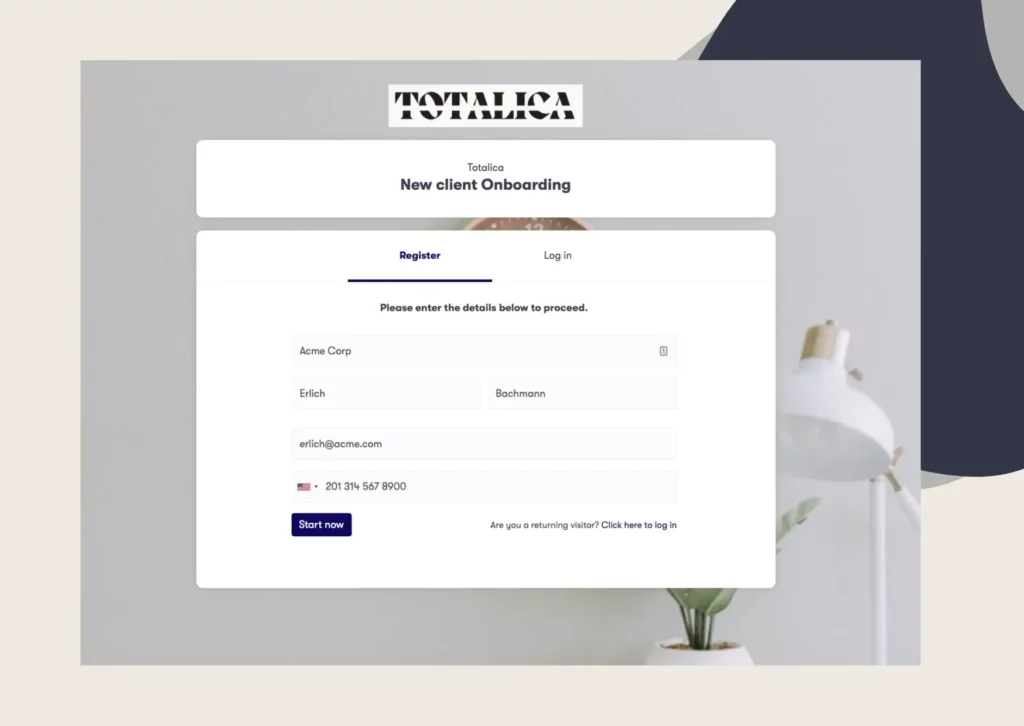
Onboarding a new accounting client happens once, before the first job starts. The client fills in an intake form, completes your identity check and signs the engagement letter. Each step gives your team something it needs, such as details for the client file or the agreed scope.
The rules on a written engagement letter differ by country. For US tax work, Circular 230, the Treasury rules for tax professionals, does not require one. It only lists clear communication about the terms as a best practice (31 CFR 10.33).
In France, an expert-comptable, the French chartered accountant, must have a written contract with each client (article 151 of decree 2012-432).
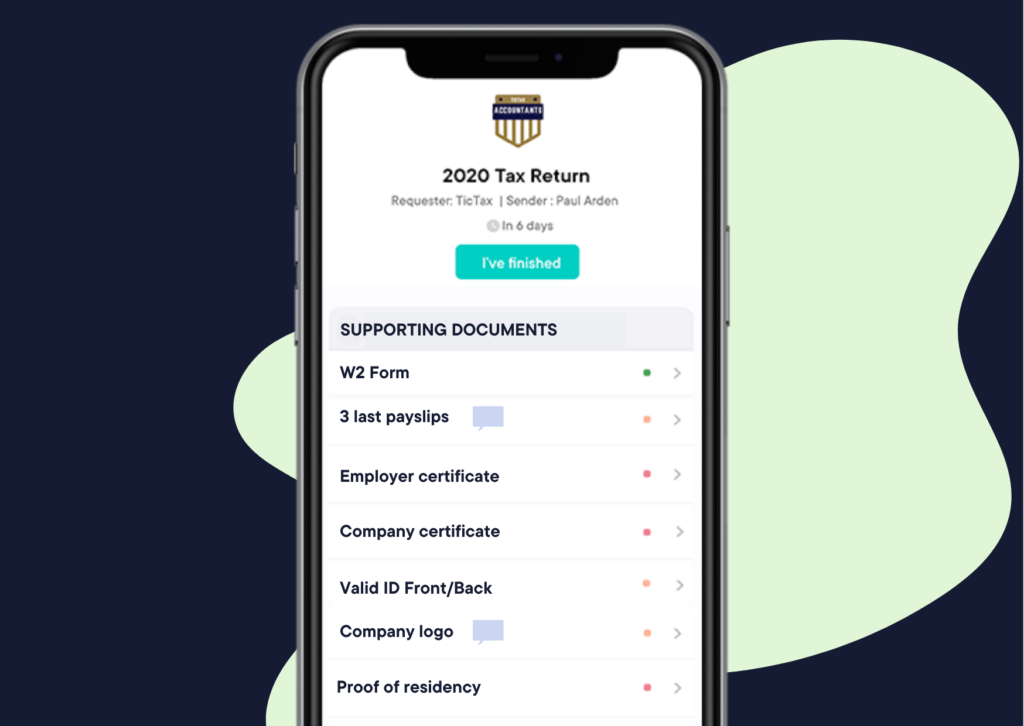
A tax client sends files once a year, while a bookkeeping client may send them every month. Either way, each service needs one fixed request list, so nobody on your team writes it from memory.
For a US personal tax return, that list often includes:
Clustdoc’s tax preparation checklist template already covers forms such as the W-2 and 1099. Conditional rules then hide items that do not apply, which means a company and a sole proprietor get different lists.
A request that goes out once is easy for a busy client to forget. Follow-ups work better on a schedule, with each reminder naming the file and the date it is due.
Our automated reminders start from a trigger you choose, such as a pending document or an upcoming deadline. They go out by email, text message or both, with the client’s name and due date filled in.
If a client still does not respond, the request can be escalated to someone on your team. That person can then call the client instead of sending another email.
An uploaded file is not always a usable one. A bank statement may cover the wrong month, or a page of a form may be missing. Someone has to check each file before the preparer relies on it.
In our approval workflow, a team member can approve or reject each file before the work moves on. A rejection then shows on the client’s checklist, so the client knows to send a corrected copy.
Bookkeeping also raises questions, such as what a large transfer was for. Messages in our platform stay inside the client’s file, next to the statement they are about.
Before a return is filed, the client needs to see it and agree to it. In the US, clients must get a complete copy of the return by the time they are asked to sign it. That duty falls on the preparer who signs the return (Treasury Regulation 1.6107-1).
In our platform, finishing your internal review can open the client’s next step. The client then sees the draft only after your reviewer has approved it.
Some documents also need the client’s signature, such as an engagement letter for new work. With our signature workflow, two directors can sign one after the other or both at once.
Filing the return or sending the report ends the job, but the records still have to be kept. Treasury Regulation 1.6107-1 also requires signing preparers to keep a copy of each return, or a list of clients and returns. They keep it for three years after the July-to-June period in which the client was asked to sign.
In the EU, anti-money laundering rules cover auditors, external accountants and tax advisors, not only banks. They must keep client due diligence records, such as ID copies, for five years after the relationship ends (Article 40 of Directive (EU) 2015/849). The EU regulation that applies from 10 July 2027 keeps the same five years (Article 77 of Regulation (EU) 2024/1624).
Each client file in our platform keeps a dated record of every upload, approval and signature. Files can also be copied to your Google Drive or Dropbox.
The six stages stay the same from one service to the next. What changes is how often they repeat and which files the client sends.
|
Workflow |
How often |
What the client sends |
What your team does next |
|---|---|---|---|
|
Tax preparation |
Once a year, before the filing deadline |
Last year’s return, W-2 and 1099 forms, receipts for deductions |
Prepares and reviews the return, then sends it to the client for approval |
|
Monthly bookkeeping |
Every month |
Bank and card statements, receipts, sales invoices |
Reconciles the accounts and sends the monthly reports |
|
Payroll |
Every pay period |
Hours worked, new hires, departures and pay changes |
Runs payroll and files the payroll tax forms |
Tax workflow management is mostly about one deadline, so the client steps tend to fall in the weeks before filing. Bookkeeping workflows are smaller but repeat every month, so the same request should go out without anyone rebuilding it.
With a separate workflow for each service in our platform, tax and bookkeeping clients each get their own checklist.
Some accounting tasks repeat for every client and can be automated to save your team time. These include requesting documents at the start of each accounting period, sending reminders and assigning tasks to the right team members.
Our workflow management software can automatically start the next steps based on information clients submit. For example, an answer on an intake form can trigger additional tasks, while a new payroll client can be assigned directly to your payroll team. The software can also notify selected team members when a client completes an important step, such as signing an engagement letter.
However, workflow management for accountants does not mean automating every task. Your team still needs to review documents, check that information is complete and make decisions that require professional judgment. The software takes care of routine reminders, task assignments and follow-ups, giving your accountants more time to focus on their actual work.
When you compare tax workflow management software or workflow software for bookkeepers, check how each tool handles the client’s part. For that side, look for software that can:
Our accounting client onboarding software sits in front of your tax and practice management software. It runs intake, document requests, e-signatures and reminders for each client. We are SOC 2 Type II certified and compliant with the EU’s General Data Protection Regulation (GDPR).
Book a demo call and bring one recurring engagement, such as a monthly bookkeeping client or a yearly tax return. We will walk through its client steps and your team’s steps with you, and show how each one runs in Clustdoc.
An accounting workflow is the set order of steps for one job, such as a tax return or monthly close. Each step has an owner and a due date. Some steps belong to the firm, while others belong to the client, such as sending files or approving the return.
A checklist names the tasks for a job. A workflow also sets their order and gives each one an owner. It says what happens next, too, such as a file going to a reviewer.
Start with one service, such as monthly bookkeeping, and list every step from the first request to the finished work. Mark which steps belong to the client, then give every step an owner and a due date. Test it on a few clients before you use it for everyone.
Common client-side examples are reminders for missing files, request lists reused each period and review tasks for new uploads. Clustdoc automates those client steps, while your accounting software handles the ledger.
Still stitching emails, files, and approvals together?
Clustdoc gives teams one place to run client-facing work, boost customer engagement and increase compliance.

Claire writes about customer onboarding, digital processes, and the day-to-day challenges faced by operations teams. At Clustdoc, she focuses on practical insights: how organizations collect information, guide customers through complex steps, and improve service delivery with automation.