Many law firms still collect a new client’s documents by email, a few attachments at a time. The client sends their ID in one message and the contract you need to review a week later. The signed engagement letter may then sit in one partner’s inbox, where nobody else on the team can find it.
Once the matter is open, clients start calling to ask what is happening with their case. Each call pulls someone away from the work, and the person who knows the answer may be in court.
A client portal for law firms gives clients one secure place for files, signatures and case updates. The tools that offer one were built for different jobs, though. Some focus on the paperwork before a matter opens, while others focus on updates once the case is underway.
These eight tools offer different ways to manage client communication, documents and case updates. Some include a legal portal within their practice management software, while others focus on client intake or work alongside your existing systems. Here’s how each one works and what it offers law firms.
Our own platform, Clustdoc, comes first below. The numbers are not a ranking, and each description is based on what the vendor publishes about its own portal.
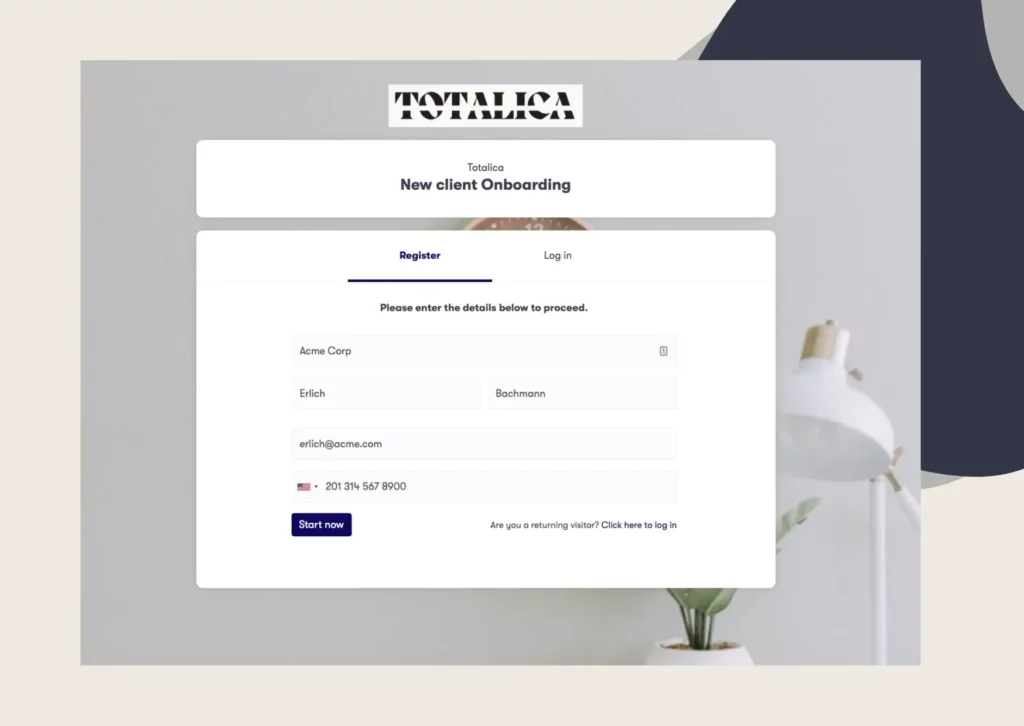
Our platform gives each client one branded portal for the client-facing legal workflows around a matter. Clients fill in intake forms, complete identity checks, send the files you request and sign their engagement letter there. Approved data and documents then go to the systems that hold the matter record, such as your case management software.
Best features:
Best for: Firms that want each new client’s forms, files, ID check and signed engagement letter in one branded portal.
Clio for Clients is the client portal from Clio, the company behind the Clio Manage practice management software. Clients use it to message the firm, share documents, check their case and pay bills on any device. Clio saves that activity to the matter, so clients and staff see the same information.
Best features:
Best for: Firms that already run their matters, bills and calendars in Clio.
MyCase is legal practice management software, and its client portal sits in the same system as your cases. Clients use it for case updates, invoices and account statements, and can share documents with their attorney at any time. The portal is designed for mobile devices, so clients can check their case on the go.
Best features:
Best for: Firms that want case updates, texts, documents and invoices in the same system as their case files.
PracticePanther is practice management software for law firms of all sizes, covering intake, case management, billing and accounting. Its secure client portal sits in the same platform, where messages, shared files and invoices are stored together.
Best features:
Best for: Firms that want a branded portal, with alerts and online payments, inside their practice management software.
Filevine’s Client Portal is built directly into Filevine’s case management system. Clients can message their attorneys, upload and download documents and follow their case timeline at any hour. The firm chooses which of its internal project phases appear in that timeline as client-facing steps.
Best features:
Best for: Firms whose cases depend on outside parties, such as medical providers, experts or co-counsel.
Lawmatics builds client intake and legal customer relationship management (CRM) software for law firms. Its client portal gives prospects and clients one secure login for shared documents, calendar events, notes, tasks and messages.
Best features:
Best for: Firms that want the portal in the same system that runs intake and follow-ups with new leads.
HighQ, from Thomson Reuters, is a secure platform for document sharing, collaborative workspaces and client portals. It is built for law firms, corporate legal departments and government organizations. For clients, its portals give round-the-clock access to information about their own matters.
Best features:
Best for: Law firms and in-house legal teams that share deal documents and matter information with clients and colleagues.
Case Status is a client communication app, with a web portal for clients who prefer not to use apps. It connects to the case management system a firm already uses, and messages from the app flow into that system.
Best features:
Best for: Firms that want to keep their case management system and add a mobile app for clients.
The table sums up who each tool suits and the features that stand out.
|
Tool |
Best for |
Standout features |
|---|---|---|
|
Clustdoc |
Forms, files, ID checks and signatures for new clients |
Matter templates, file review, ID checks, built-in e-signature |
|
Clio |
Firms that run their matters in Clio |
Encrypted messages, court dates, English or Spanish |
|
MyCase |
Case updates and invoices in one system |
Text messaging, case reminders, online payment |
|
PracticePanther |
A branded portal with alerts and payments |
Two-way messaging, court date alerts, payment plans |
|
Filevine |
Cases with outside parties |
Forms in the client’s language, outside party access |
|
Lawmatics |
Intake and follow-ups with new leads |
Portal e-signatures with deadlines, shared calendar events |
|
Thomson Reuters HighQ |
Deal documents and matter information |
Virtual data rooms, single sign-on, project dashboards |
|
Case Status |
A client app linked to existing case management |
Branded app, message translation, client surveys |
Start by looking at the requests your team handles most often and the tasks that take up the most time. This will help you decide which features matter most when choosing client portal software for law firms.
Our platform is built to help law firms manage client intake, collect required documents and send reminders, so your team can start work without chasing clients for missing information.
Client files hold ID copies, financial records and legal advice, so check who can open them before you compare features. A secure client portal for lawyers should let you answer yes to each of these:
In our platform, documents are encrypted when they are stored and while they are being sent. Every upload, review decision, signature and login is time-stamped in our audit trail. Two-factor authentication can also add a second check when your team signs in.
Permissions set what each person on your team can see, and each client sees only the tasks assigned to them. For independent proof, our platform is SOC 2 Type II certified. It is also compliant with the General Data Protection Regulation (GDPR), the European Union’s data protection law.
A portal only saves your team time when clients use it instead of email. Start while you are onboarding a new client, so the intake form is their first step in the portal.
Clients may also ignore a link they do not recognize, so the invitation should clearly come from your firm. Our client portal carries your logo and colors and runs on a subdomain with your firm’s name. Emails go out under your firm’s sender name, and the portal can also be embedded on your website.
After that, answer client questions inside the portal rather than by email. Each message then stays with the right matter, where the next person on the case can read it.
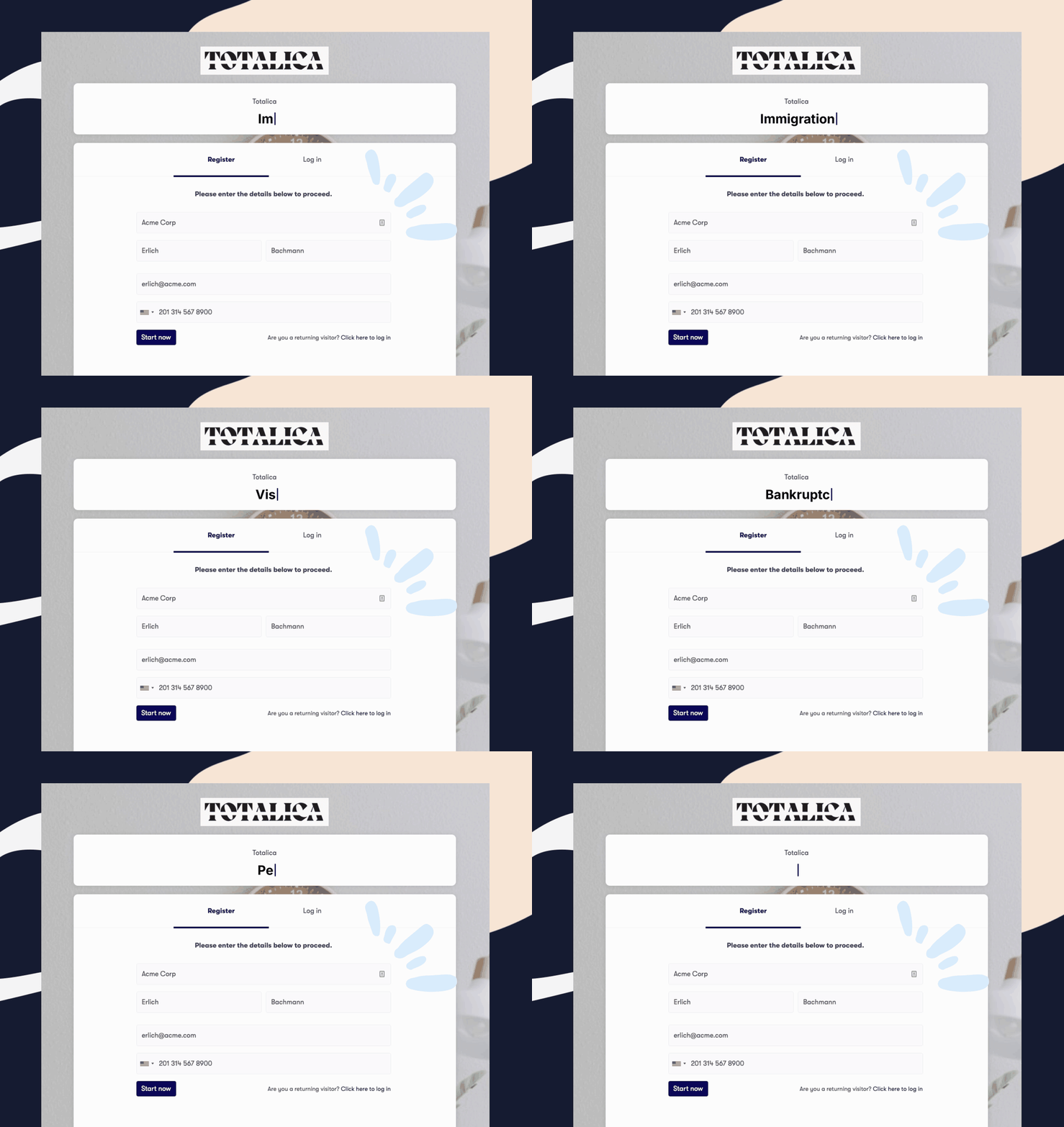
Book a demo call and bring one matter type you open often, such as a divorce or an immigration case. We will go through its forms, document list and engagement letter in Clustdoc with you, from the client’s side.
A legal client portal is a secure website or app where clients can message their lawyer and share files. Many also let clients follow their case, sign documents and pay invoices. Some come built into practice management software, while others work alongside it.
Each portal here is built for a different job, so the best one is the one that matches yours. Clio, MyCase, PracticePanther and Filevine build theirs into practice or case management software. Clustdoc suits firms whose main delay is getting forms, files, ID checks and signed engagement letters from new clients.
Clients can send files, sign documents and check their case without calling or emailing the office. That can mean fewer status calls for your team and less time searching inboxes for attachments. With Clustdoc, new clients can also complete their ID check and sign the engagement letter in the same portal.
Many practice management tools do, including Clio, MyCase, PracticePanther and Filevine. A separate portal can help when one stage needs its own steps, such as ID checks for each new matter. Clustdoc runs those client steps and hands approved data and documents to the system that holds the matter record.
Still stitching emails, files, and approvals together?
Clustdoc gives teams one place to run client-facing work, boost customer engagement and increase compliance.

Claire writes about customer onboarding, digital processes, and the day-to-day challenges faced by operations teams. At Clustdoc, she focuses on practical insights: how organizations collect information, guide customers through complex steps, and improve service delivery with automation.