Your team is sending dozens of emails every day containing sensitive information such as client files, financial records, and confidential documents.
So you assume those messages are reasonably secure.
After all, everyone does it.
Plus, IT hasn’t flagged any concerns, and lastly, you’ve never personally experienced a breach.
Well, that assumption actually costs organizations billions annually.
The issue with email messages is that they were never meant to protect sensitive information in the first place.
You click send, and boom, whoever can get into that inbox owns your file and your other sensitive data now. They can forward it, save it, or share it with whoever, and way more people can access inboxes than you think.
I totally get why it feels safe for all of us, though. I mean, emailing someone is like breathing to most of us; we’ve done it a thousand times… It’s just a normal thing to do.
But when dealing with customers, what feels normal isn’t always secure.
And when you’re moving around sensitive data, regulated information, and actual confidential business files? That gap between “feels fine” and “actually secure” matters more than most organizations realize.
Let’s discover how.
Email creates conversations, not momentum.
The biggest problem with email systems isn’t something you can fix with a patch or a setting, it’s baked into how the whole system was built back in 1982.
When Jon Postel created the Simple Mail Transfer Protocol (SMTP), security just wasn’t on his radar.
So today, the second you hit send, you’ve lost control.
Pretty much like posting something on social media, you can’t make sure it stays with the person you sent it to.
You can’t stop them from forwarding it either.
And you definitely can’t delete it from every device or backup sitting on some email provider’s server. And if it ends up in the wrong hands? There’s nothing you can do, unfortunately.
Even with modern email security features, today’s email still works like a broadcast system both for business and consumer emails and this can be a threat to protecting confidential data.
Some email security risks are obvious, but most are invisible until it’s too late.
Human error is probably the biggest one. A simple typo in an address field could send confidential information to the wrong person.
How many times did you receive a ‘recalled message’ notification while already being on an email?
Well-known email servers like Gmail and Outlook try their best, but it’s still quite stressful to accept that one misplaced character could transform the intended recipient into a complete stranger with access to sensitive customer data, and by the time you notice, it’s already too late.
Unauthorized access creates cascading exposure. Another big one is the fact that if someone gained access to an inbox, they would inherit everything: past conversations, forwarded threads, and email attachments going back years.
And this can happen with just weak email passwords, a shared password, or a stolen device, creating a winning opportunity for identity thieves.
Phishing attacks keep getting worse. One sketchy link, and attackers have your credentials. Next thing you know, they’re reading financial information, credit card numbers, confidential business information and ultimately revealing sensitive information from your inbox. According to recent data, on average, 3.4 billion phishing emails are sent every single day, making this practice the number one cybercrime.
Insecure networks expose your team constantly. Every time we check our email on public networks such as airports, cafés, hotels etc, messages and login credentials become vulnerable to interception, especially when accessed from personal devices without proper protections.
When we’re connected to public Wi-Fi, anyone on the same network can potentially intercept our communications.
But here’s the sneaky one,
Emails replicate data endlessly: in backups, in mobile apps, on personal laptops, across synced inboxes managed by different email providers, and forwarded internally to potentially wrong people who shouldn’t see it. This is how compromised information quietly multiplies across systems you don’t control, with every copy representing another potential breach point.
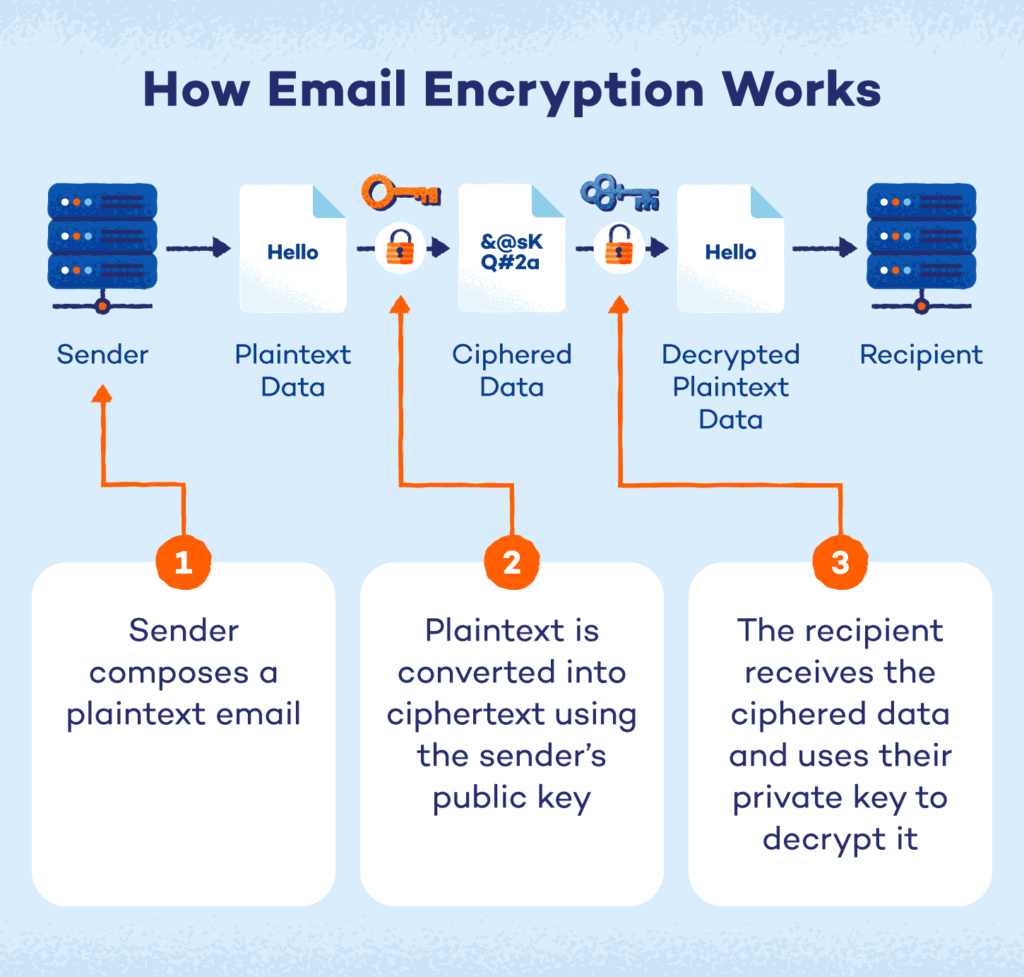
How email encryption works by Panda Security
Many companies turn to encrypted email services, or they add encryption tools to regular email and this approach definitely helps.
Why? Cause sending an encrypted message stops outsiders from intercepting it while it’s in transit.
There are a few different types of encryption in transit you’ll see:
Transport-level encryption (TLS) protects messages as they move between servers. TLS is commonly used as the default secure email to protect email communications while it’s being transmitted between servers.
End-to-end encryption means only you and your only the intended recipient can read the content, even the email service provider can’t see it.
S/MIME and PGP are the certificate-based options companies use for enterprise setups.
The only problem is that even the strongest encryption doesn’t stop forwarding or someone saving your file to their personal laptop.
Or long-term storage in cloud backups you don’t control.
Or other people who share that inbox.
Or and again, just sending it to the wrong person by accident.
Encryption protects how data moves, but it still doesn’t protect what happens to it afterward.
Also, there are some technical limitations to the encryption methods.
Both sides need compatible systems and correct private key management, which rarely goes smoothly in practice.
Alternatively, you can add a second layer of password protection: two-factor authentication, multi-factor authentication, VPNs for public networks, file encryption programs, or attempt to password-protect attachments.
You can implement stricter security measures across your email client and enforce strong password rules throughout your organization.
But these protections only secure access to the email account, not the sensitive content that leaves it and hackers know well how to bypass these measures as well.
Regulated businesses need a secure communication method that governs the entire workflow from start to finish, and there are options that actually prevent these issues by working completely differently from email.
Secure alternatives like client portals and workflow platforms don’t natively send confidential documents through email at all.
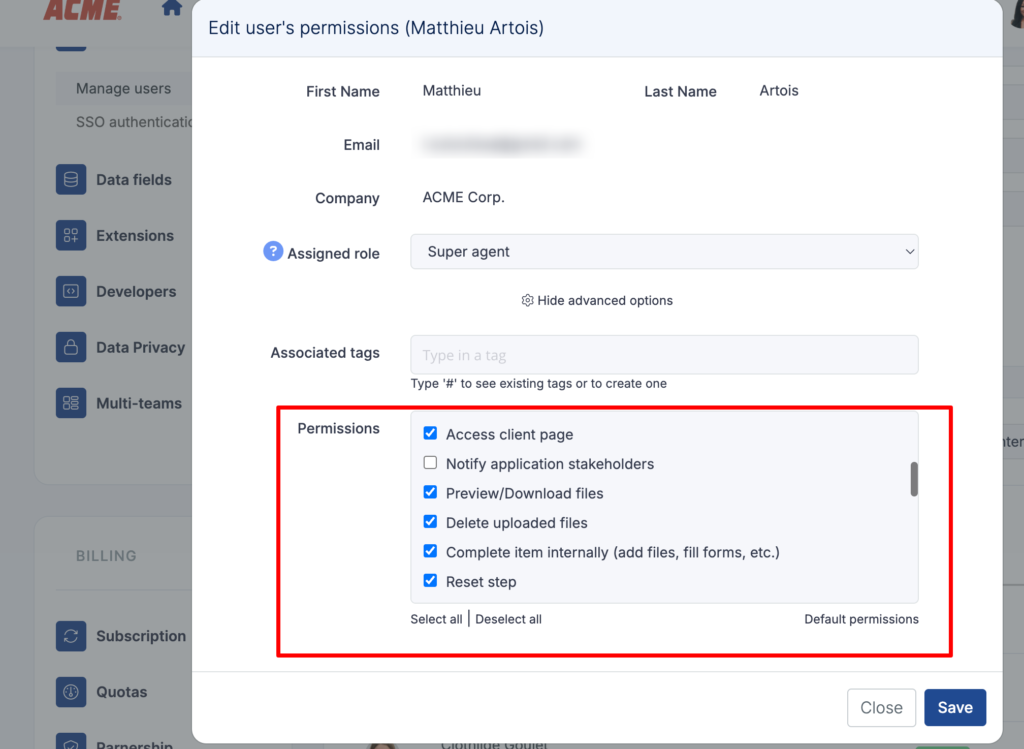
Roles and permissions in Clustdoc
Instead, customers’ files and data stay inside a controlled environment built to streamline customer document management.
You can restrict uploads to specific people on your customer side and allow downloads by just a few people from your team, or set permissions for who can download what.
You can revoke access at any time, even after someone’s already viewed a document.
There’s no forwarding because files never leave the platform.
While, screenshots may still happen (you can’t prevent those), the file itself doesn’t scatter across devices.
You control exactly who sees what through permission settings, so there’s no “wrong person” receiving it.
The fundamental difference with regular email is this: Portal systems are access systems, your client files stay in one place, and you control who can access it.
Modern organizations are making this shift from “send and pray” to structured, safer, and easy-to-track collaboration. They’re removing emails from sensitive workflows entirely, eliminating email from processes where security actually matters.
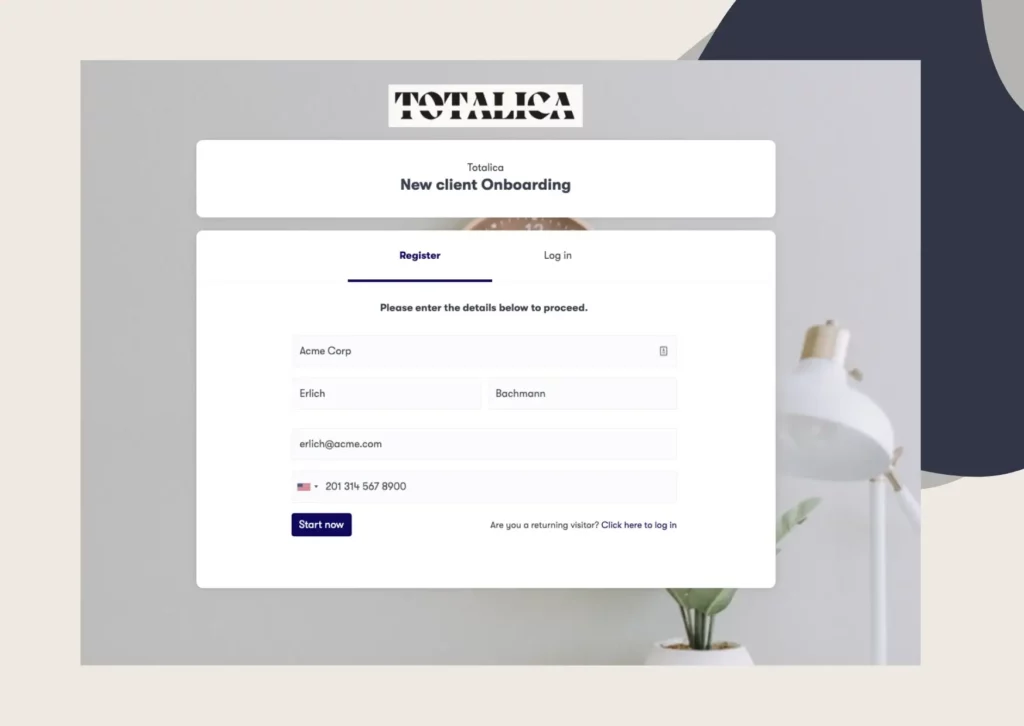
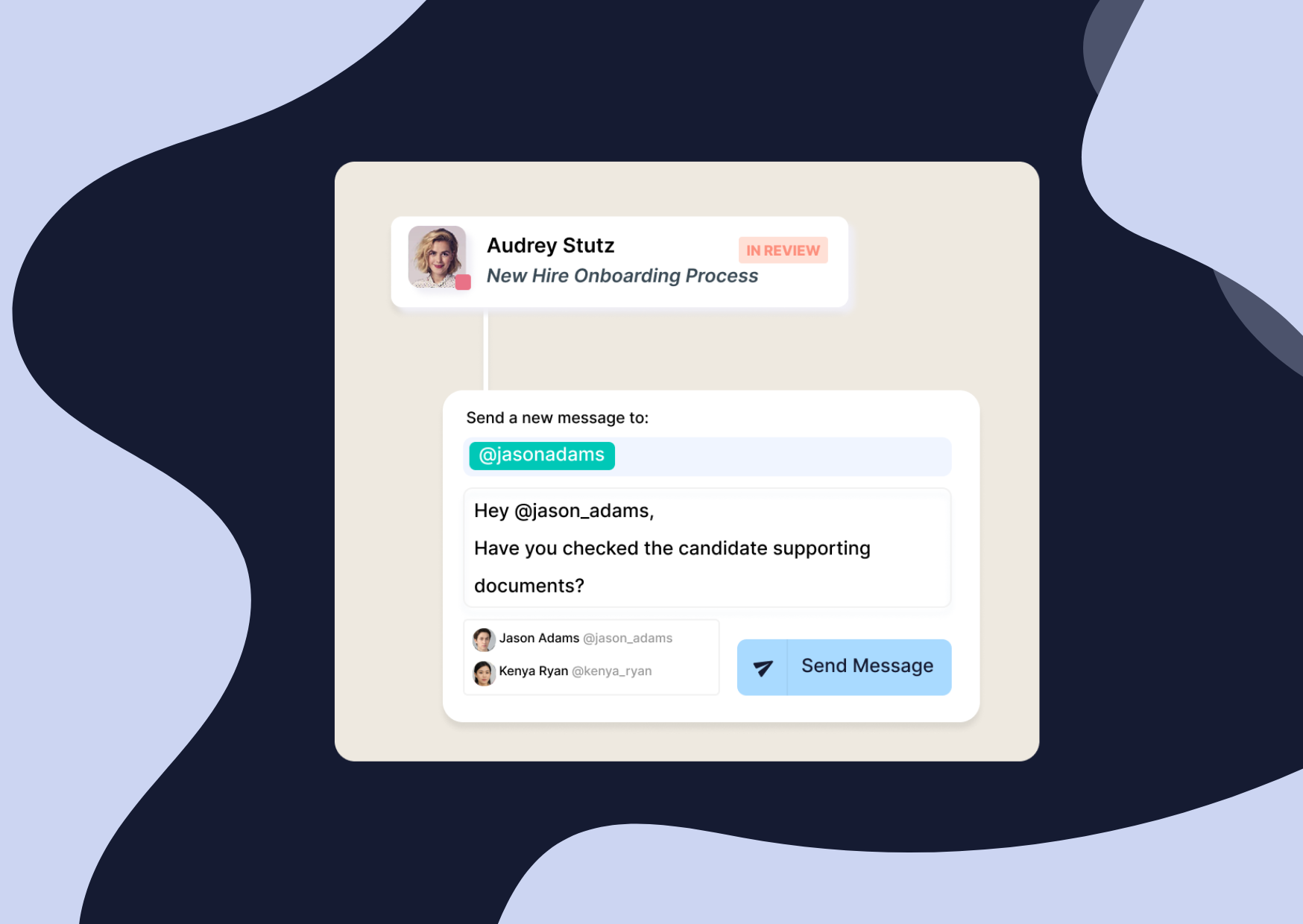
With Clustdoc, clients upload sensitive documents in a protected workspace and all communications and private information goes through a secure messaging app only available through Clustdoc.
The submitted files never leave the platform: approvals, comments, and submissions are also centralized and saved in your secure online account.
There’s no forwarding, no uncontrolled copies, no storage on personal devices and it’s easy to set expiration dates and digital privacy rules for your client’s data.
Every action is auditable, and each access is permission-based, which keeps sensitive flows within a structured, compliant environment.
Instead of working around how email operates, Clustdoc gives you a workflow designed to avoid its limitations altogether.
If you’re ready to transform and strengthen your client-facing interactions with a dedicated professional tool, we’re here to help.
Email security has improved, but the way email operates still exposes sensitive information to several risks.
Even when an email is encrypted during transmission, it may pass through multiple servers, each managed by different server administrators with varying access controls.
Once the message reaches the recipient’s inbox, its safety depends entirely on the recipient’s device, operating system, and the recipient’s email provider.
Because attachments often include personally identifiable information, poor inbox practices or weak passwords increase the likelihood of unauthorised access, brute force attacks, or phishing scams.
In short: email is secure “enough” for everyday communication, but not for workflows that require traceability, confidentiality, or control once the message leaves your environment.
No provider can guarantee perfect security, but some offer stronger protections than others.
Services that prioritise online privacy, enforce strict access controls, support end-to-end encryption, and manage encryption keys independently tend to offer the highest level of protection.
What actually matters most is how the recipient’s email provider handles messages once delivered.
Even if your provider is highly secure, the moment the email reaches a less-protected inbox, the message inherits that inbox’s weaknesses.
If your workflow depends on exchanging sensitive files or personally identifiable information, relying solely on email security (even with a strong provider) remains risky.
Still stitching emails, files, and approvals together?
Clustdoc gives teams one place to run client-facing work, boost customer engagement and increase compliance.

Claire writes about customer onboarding, digital processes, and the day-to-day challenges faced by operations teams. At Clustdoc, she focuses on practical insights: how organizations collect information, guide customers through complex steps, and improve service delivery with automation.