With over 950,000 office administrators employed in the U.S. alone, it’s clear how critical this role is. Having worked in management for years, I know just how hectic a day can get for an office administrator. That’s why having the right tools for office managers is essential to stay organized, save time, and keep operations running smoothly.
You have to handle a wide variety of tasks and responsibilities depending on your role:
Scheduling appointments, answering calls, filing information, managing communications, managing office records, and whatnot😓. There’s no end to activities that you have to handle.
With so many important tasks to handle, you need assistance to help you complete them quickly with efficiency or else you’ll be overloaded with work.
You need modern office management tools at hand to help you stay on top of all your managerial duties.
You have endless office tasks to take care of and finding the right tool for each one can be troublesome.
To cover all your needs, I’ve categorically listed the best tools that will help you manage your work smartly and get more done in less time.
These tools have helped me in my own daily routine and made life so much simpler.
I ensure the tools listed below will make a difference in your life working as an office administrator.
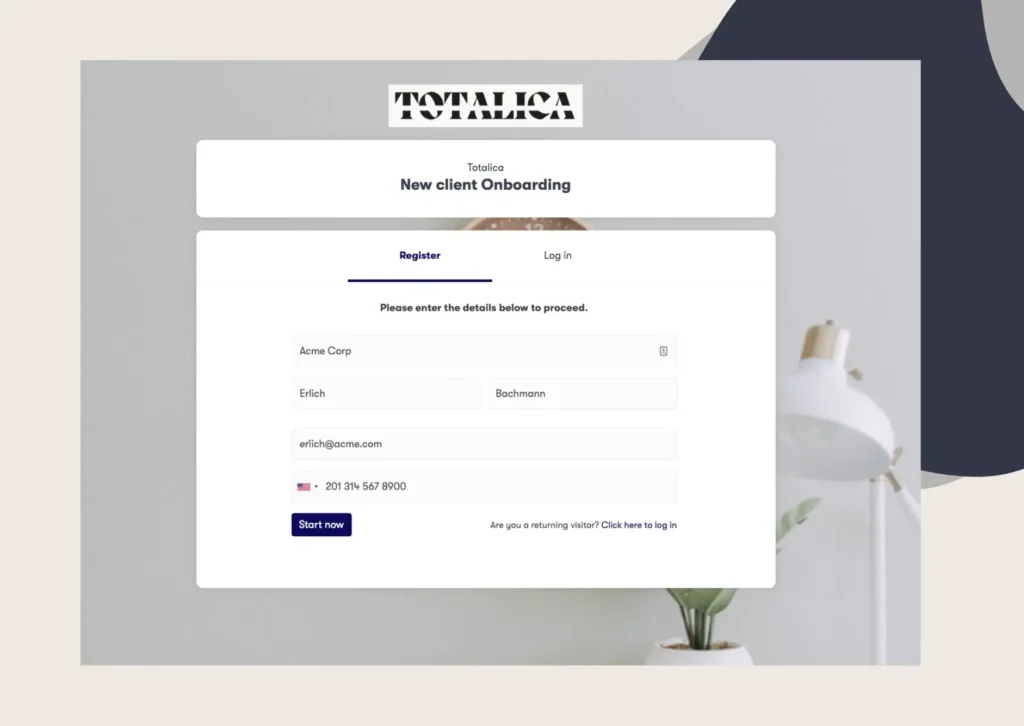
If chasing client documents, signatures, and approvals is where your week disappears, that is exactly the work Clustdoc was built to run.
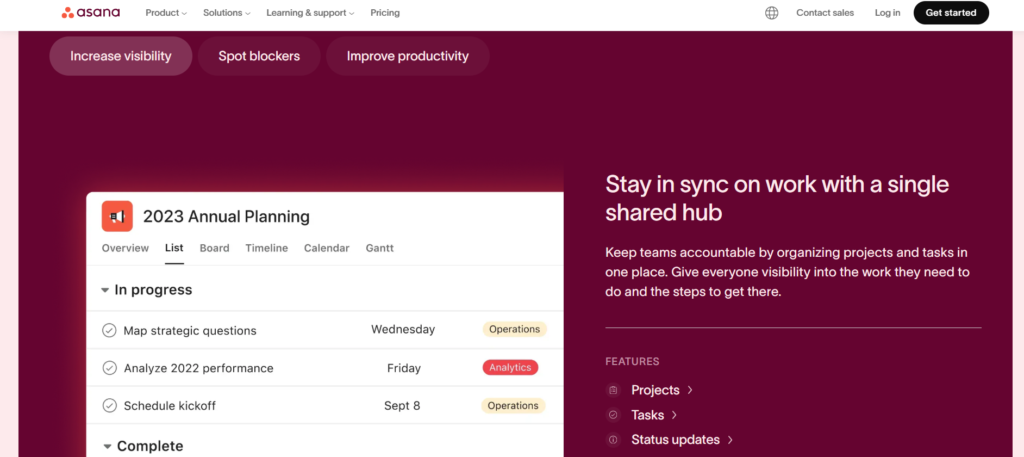
Asana is a web and mobile application that enables you to organize, track, and manage the workflow in your workplace. Not only does Asana give you the flexibility to choose an organization system that best fits your needs, but it’s also intuitive and beginner friendly.
Additionally, it allows you to break down your projects into sub-tasks and assign them to users with deadlines and notes. You can also create interactive calendars and track your progress in real-time. Because of these reasons, Asana has remained one of the most popular productivity and project management tools.
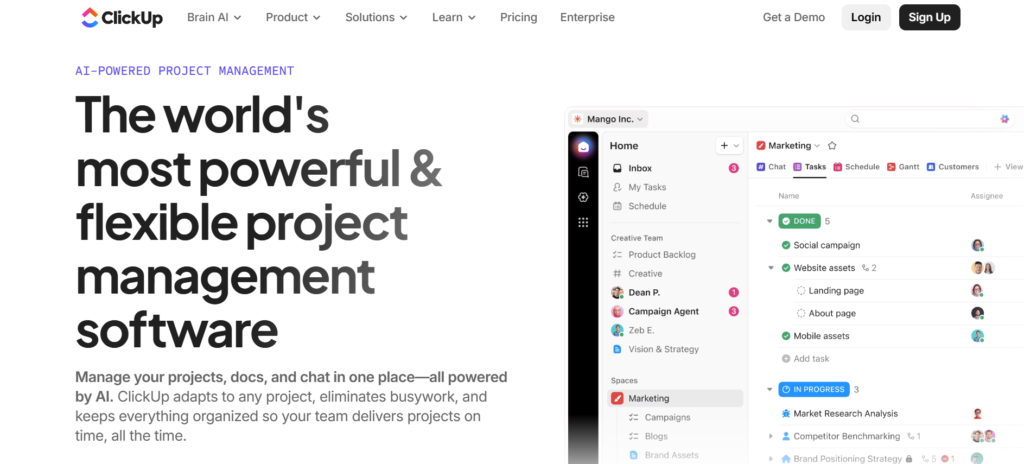
ClickUp is a cloud based collaboration and project management tool. Just like Asana, ClickUp includes features that help you create subtasks and track them in real-time, complete with a checklist.
ClickUp excels in enabling users to collaborate in real time. You can work on tasks with anyone, even someone out of your workspace as long as they are present on ClickUp.
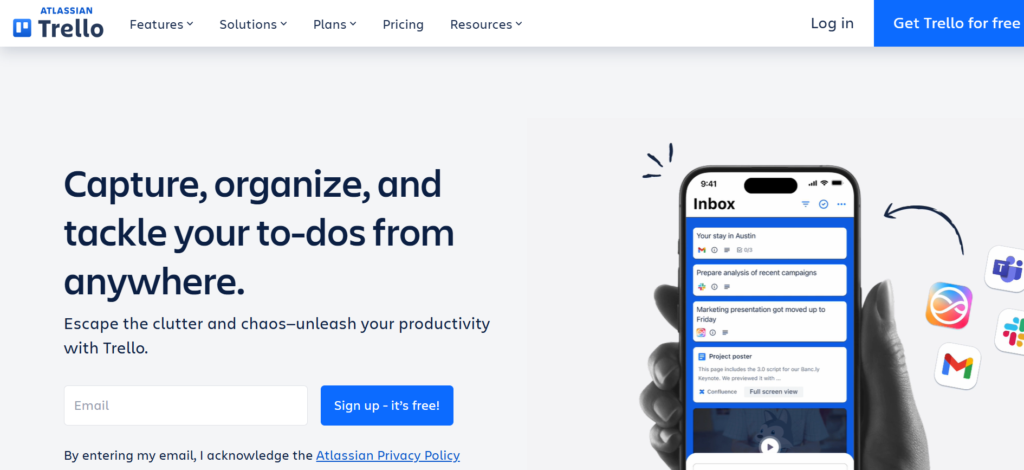
Trello is another management software that helps you organize your projects, teams, events and more with cards. It combines visuals and text to offer a more intuitive way to organize your workflow by allowing you to create cards to represent tasks.
Trello also allows you to track the progress of tasks with the familiar drag-and-drop element built into the app (you can drag-and-drop cards into different lists like the ‘done’ list to indicate the status of the task). The app is available on Web, iOS, and Android.
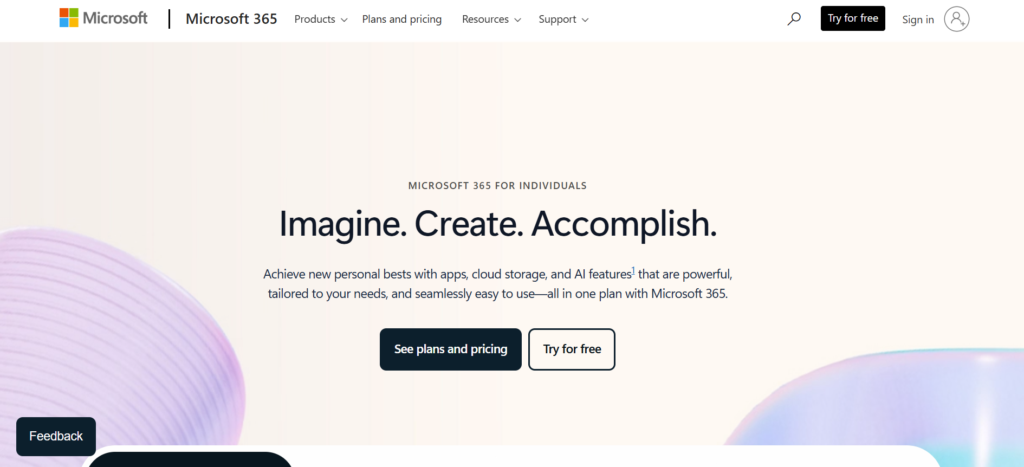
When it comes to boosting office productivity, Microsoft 365 is an excellent choice. The subscription service gives you access to way more features than the traditional Microsoft Office suite and ensures you are up to date with the latest updates and additions done to any programs included in the subscription.
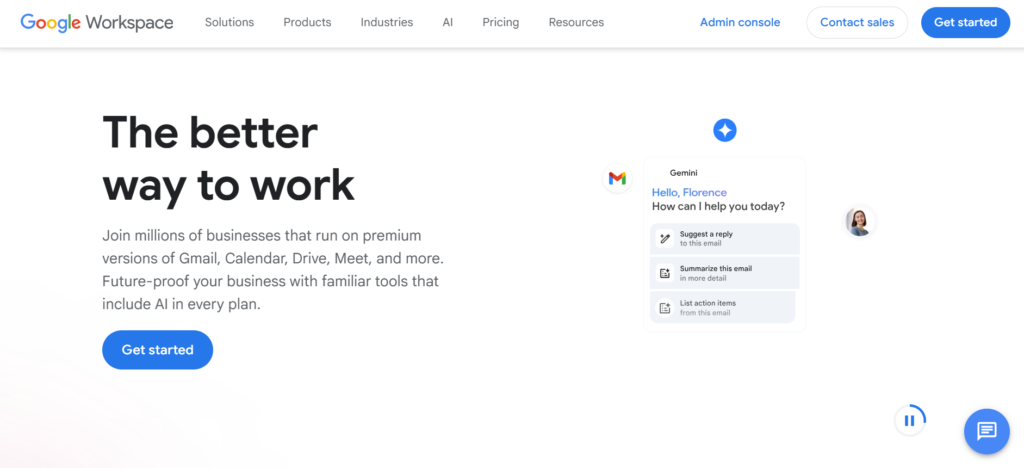
Google Workspace is a collection of productivity and collaboration tools, complete with storage for businesses. With Google Workspace, you can gain greater admin control and set up a cloud-based file sharing and storing system to make things easier and efficient for your team.
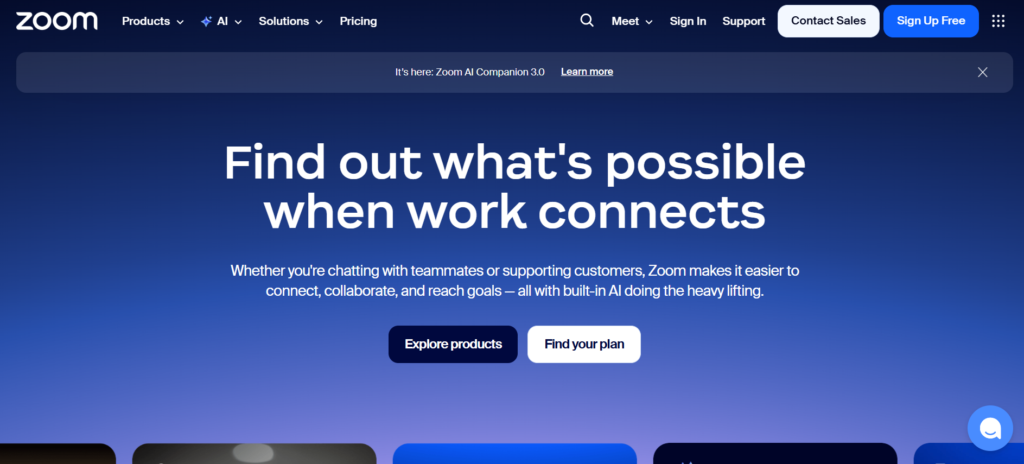
Zoom is one of the most popular video conferencing apps. You can either opt for their free plan for personal and team meetings or their premium plans, depending on the needs of your organization.
On top of its affordable pricing plan that allows you to connect with people anywhere in the world, it also allows you to record video and audio calls.
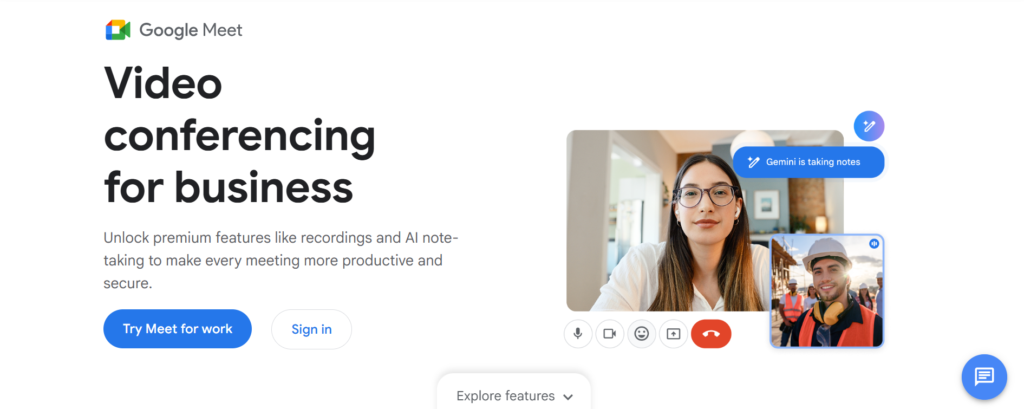
Google Meet is another video conferencing tool that allows you to connect with anyone without much hassle. It allows you to set up a meeting within seconds and share it with anyone with just a link.
Like Zoom, Google Meet also allows you to record your meetings.
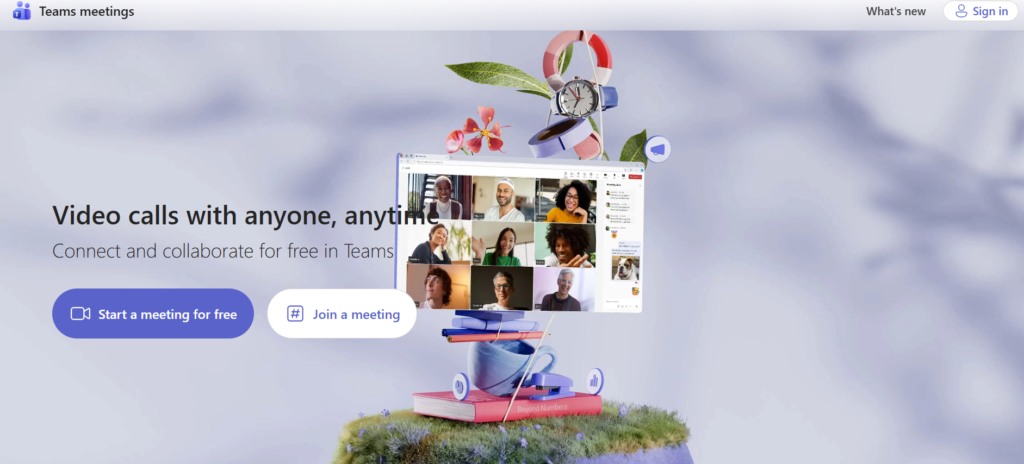
Microsoft Teams is yet another option for online conferencing. What sets it apart from the aforementioned two options is that Teams allows you and your team to edit the files being shared simultaneously while conferencing.
It’s also completely compatible with Microsoft’s other tools like Excel, Word, and PowerPoint.
Xero is an accounting software that runs on the cloud. This allows business owners and related parties to have instant access to financial data at any time via any device.
Xero’s dashboard also does an excellent job of showing your business’s cash flow while keeping a track of invoices and bills. It also imports and categorizes all your banking, credit card and PayPal transactions.
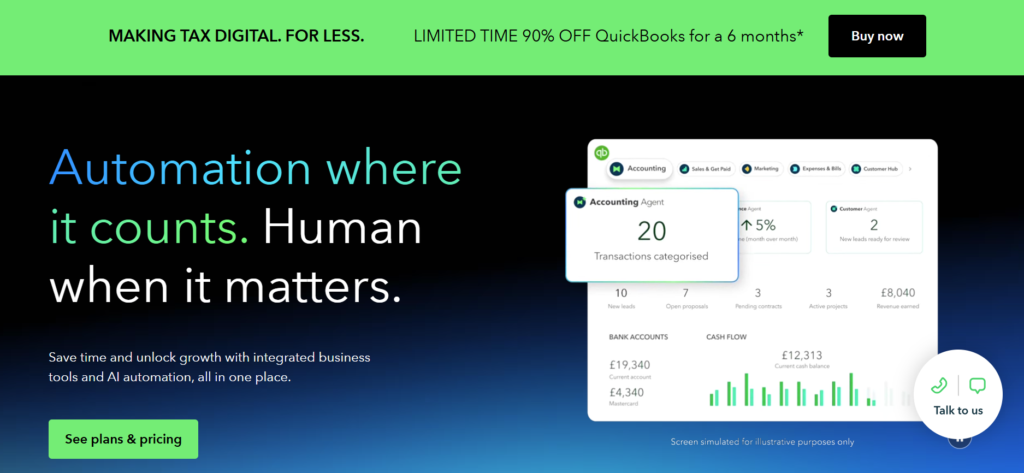
Quickbooks is another accounting and bookkeeping tool that allows you to get an overview of all of your income, expenses, sales, invoices and more.
It’s neatly organized dashboard and menu also makes entering transactions manually intuitive and efficient.
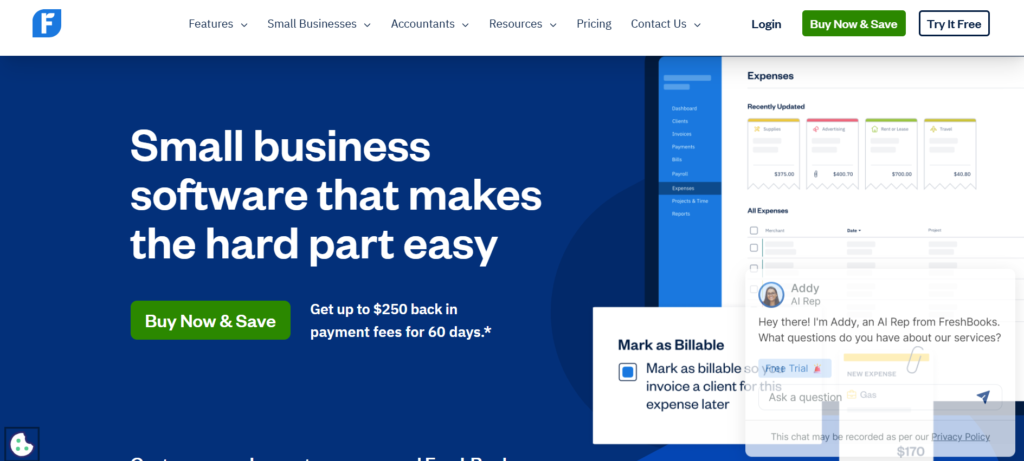
Freshbooks is a web-based accounting solution. It has a time tracker integrated into your invoicing system, allowing you and your team to log your hours and automatically put them onto an invoice.
Freshbooks is a web-based accounting solution. It has a time tracker integrated into your invoicing system, allowing you and your team to log your hours and automatically put them onto an invoice.
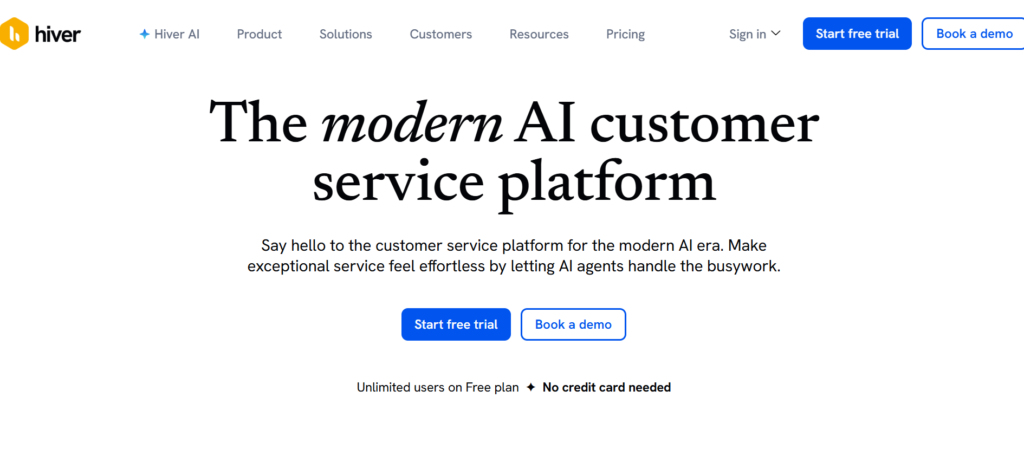
With Hiver, you can create and manage a collaborative email inbox with other people and your team.
Hiver lets you create new email groups and assign appropriate team members in those groups. Another Hiver feature that stands out is you can assign specific mails to specific individuals without needing CC and BCC.
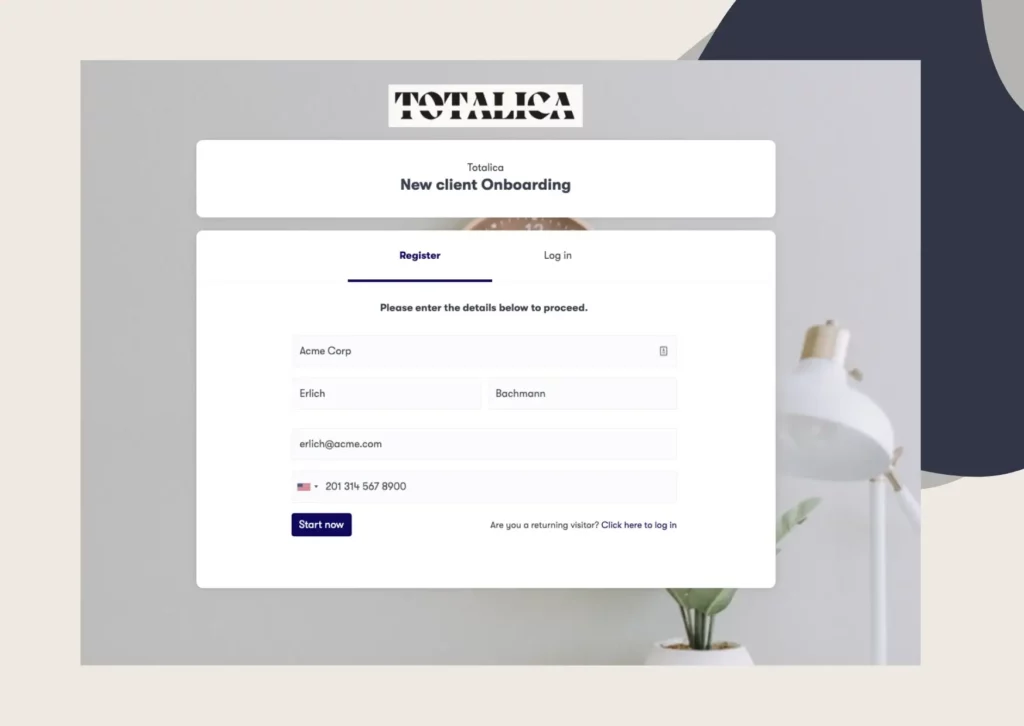
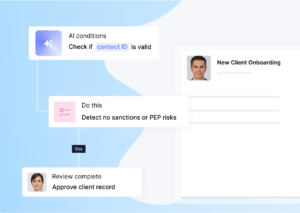
Clustdoc is customer onboarding infrastructure that gives office managers one place to run client-facing work. Instead of chasing files through email threads, you invite clients into a portal where they upload documents, fill out digital forms, and sign contracts, while automated reminders handle the follow-up for you. Approvals live in the same dashboard, so nothing gets stuck between inboxes, and your team always knows what has been received, reviewed, and signed. For office managers whose week revolves around customer onboarding and document collection, this replaces a patchwork of email, e-signature, and storage tools with a single workflow. Clustdoc is GDPR compliant and hosted in North America, Europe or Asia, which matters for files like IDs and signed contracts.
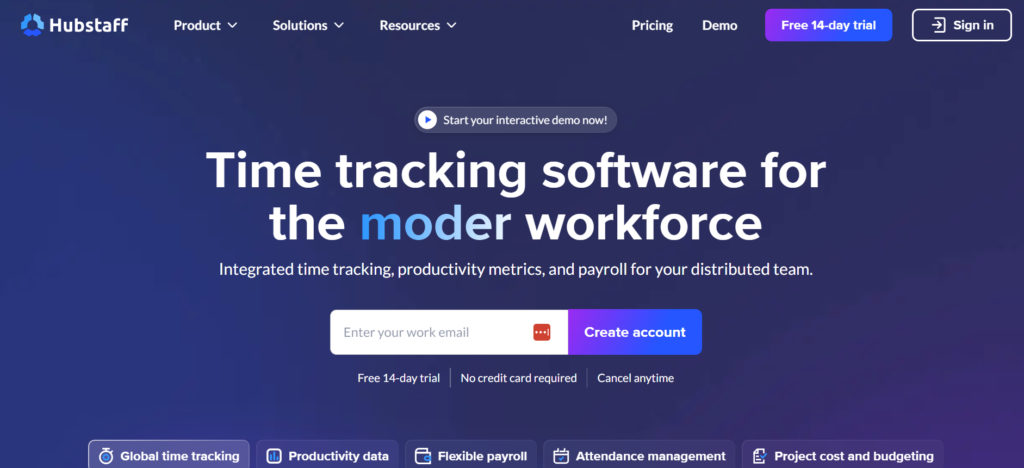
Hubstaff is a workforce management platform that helps you keep track of everything between invoicing, payroll, schedule, tracking and more. It also integrates with Trello, Basecamp, github, and Asana among other things.
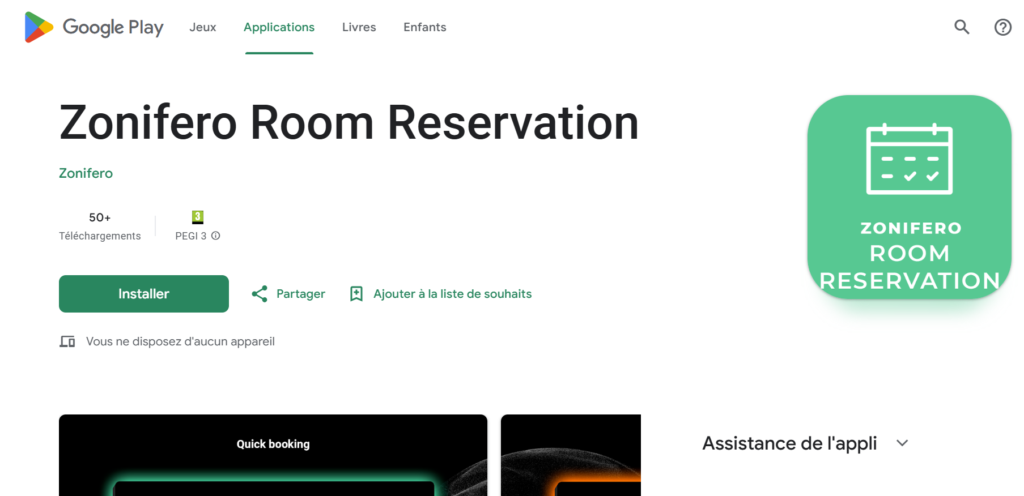
Zonifero allows you to manage your office space. It tells you which rooms and desks are currently in use or available. It also helps you find and contact people in your organization and manage the flow of your office and people.

Travelperk makes organizing business travels easier. You can book, manage, and report on travel while also letting you book accommodations, flights, trains and more, all under one platform.
Through Travelperk, you can also set up company travel policies and limits, giving your team the freedom to book travel themselves.
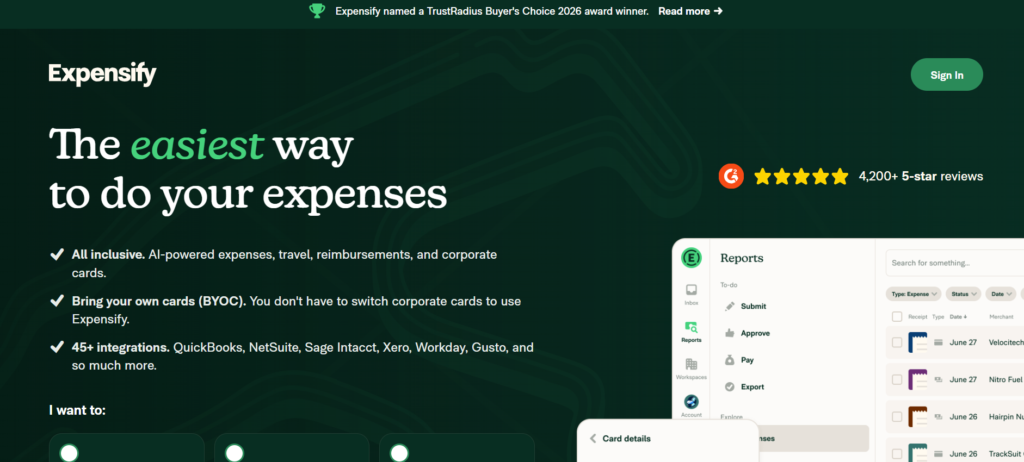
Expensify automates the expense reporting process, enabling you to put together expense reports without the hassles that come with traditional methods. It also integrates with HR, travel, tax, and practice management software to make things easier for your workflow.
Still stitching emails, files, and approvals together?
Clustdoc gives teams one place to run client-facing work, boost customer engagement and increase compliance.
Whether you call them office management apps, office manager software, administrative software, or a full office administration system, the selection criteria are the same. Before you commit to anything on this list, run your shortlist through five checks:
An office management tool is a software solution or platform designed to centralize and automate the day-to-day administrative operations of a workplace. Its primary goal is to reduce manual "busy work" so that office managers and teams can focus on high-value tasks.
Think of it as the "operating system" for your office; it connects different departments, manages physical and digital resources, and ensures that company processes are followed consistently.
To run a modern office, an office management tool should ideally cover five key areas:
- Workflow Automation: To handle repetitive tasks like document collection.
- Digital Signatures: For quick, legally binding approvals.
- Communication: Such as Slack or Teams for instant internal alignment.
- Project Management: To track deadlines and team responsibilities.
- Facility Management: For coordinating vendors and office supplies.
The right tools for office managers eliminate the "friction" of manual work. By automating reminders, digitizing forms, and providing a central dashboard for approvals, these tools free up hours of time each week. This allows the team to focus on strategic growth rather than getting stuck in "email threads" or chasing missing paperwork.
Yes. A primary function of a modern office management tool is to replace physical filing cabinets with secure cloud storage. By using digital portals to collect files, verify IDs, and sign contracts, office managers can eliminate the need for printing, scanning, and physical storage entirely.
The best office management software depends on the job you need to cover: Asana or ClickUp for project management, Microsoft 365 or Google Workspace for everyday productivity, QuickBooks or Xero for accounting, and Clustdoc for client-facing document workflows. Most office managers combine two or three tools rather than relying on a single platform. Start with the category where you lose the most time each week and pick the strongest option in that category.
An office management system is a set of connected software tools that handle the administrative side of running an office, such as scheduling, document handling, approvals, and team coordination. Unlike a single app, a system covers several categories at once, either through one platform or through a stack of tools that integrate with each other. The tools in this guide can be combined into exactly that kind of office administration system.
Administrative software refers to programs that support back-office tasks such as record keeping, filing, and data entry, while office management tools is a broader label that also covers project management, communication, and people management apps. In practice the two overlap heavily, and most modern administrative tools handle project and people management work as well. Most of the tools listed above fit both labels in at least part of their feature set.
For accounting firm office managers, the strongest combination is QuickBooks or Xero for the books, Expensify for expense reports, and Clustdoc for collecting client documents and signatures during onboarding. Accounting firms handle a heavy volume of sensitive client files, so a dedicated portal beats email attachments for both speed and compliance. Clustdoc also offers a dedicated setup for accounting client onboarding.

Sampada is a content marketer at Clustdoc, writing about marketing, business, and technology that helps teams work more efficiently.