Client communication software built for regulated industries.
Deliver secure, organized, and compliant client communications with a shared inbox designed for onboarding, customer communication management, and high-stakes operations.
Bring all client conversation into one shared inbox.
Managing customer communication across multiple channels often leads to lost information, inconsistent follow-ups, and fragmented customer interactions.
Clustdoc’s client communication software centralizes all client communications inside one platform, replacing chaotic emails with a user-friendly shared mailbox.
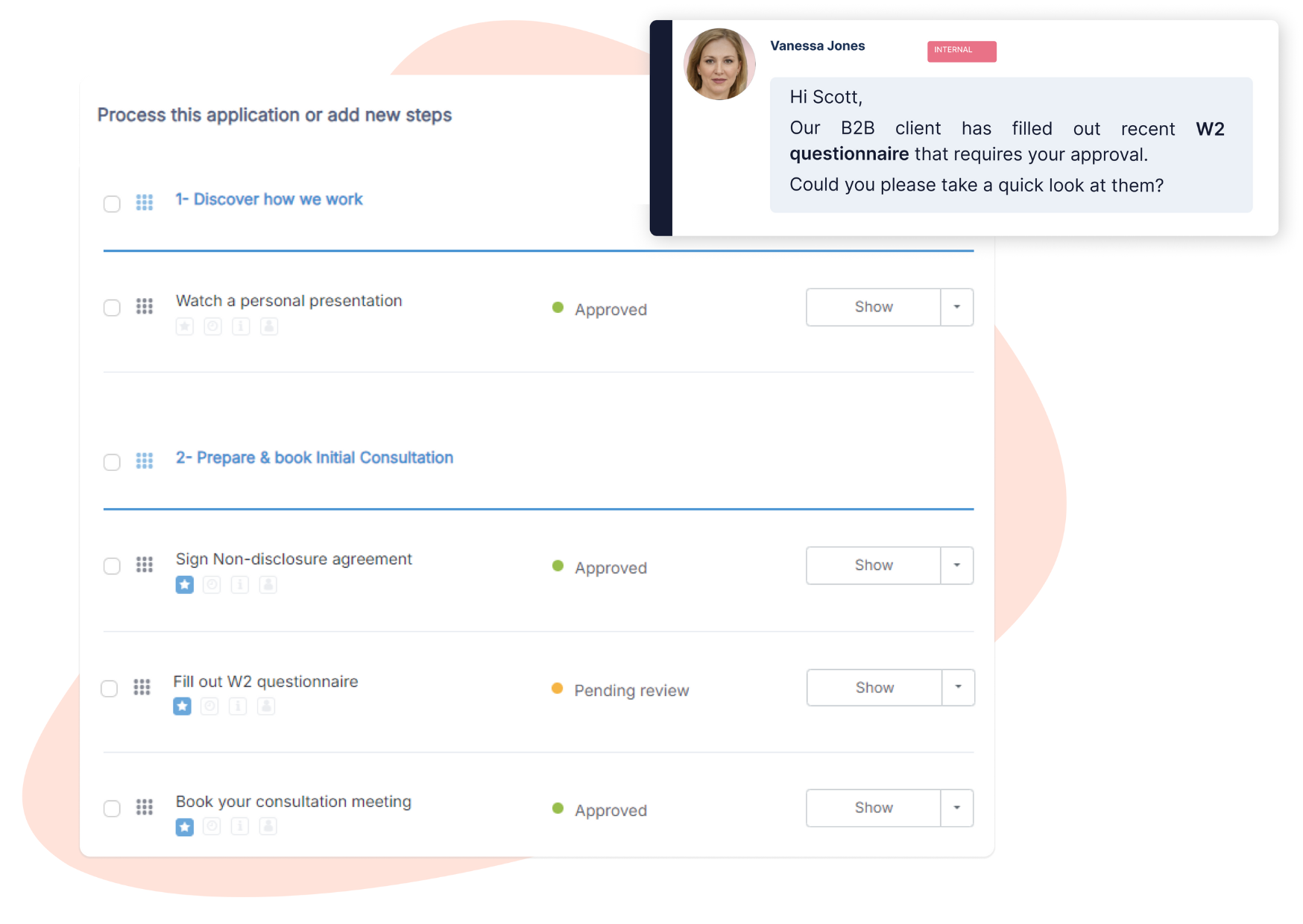
Each interaction is tied to a client application, giving your company a single dashboard to manage conversations, documents, and tasks.
Centralize client communications inside one inbox
Track customer interactions in real time
Maintain organized customer communication across all workflows
Enable seamless team collaboration across departments.
Office staff, compliance teams, sales, and onboarding units need one platform to collaborate without switching tools.
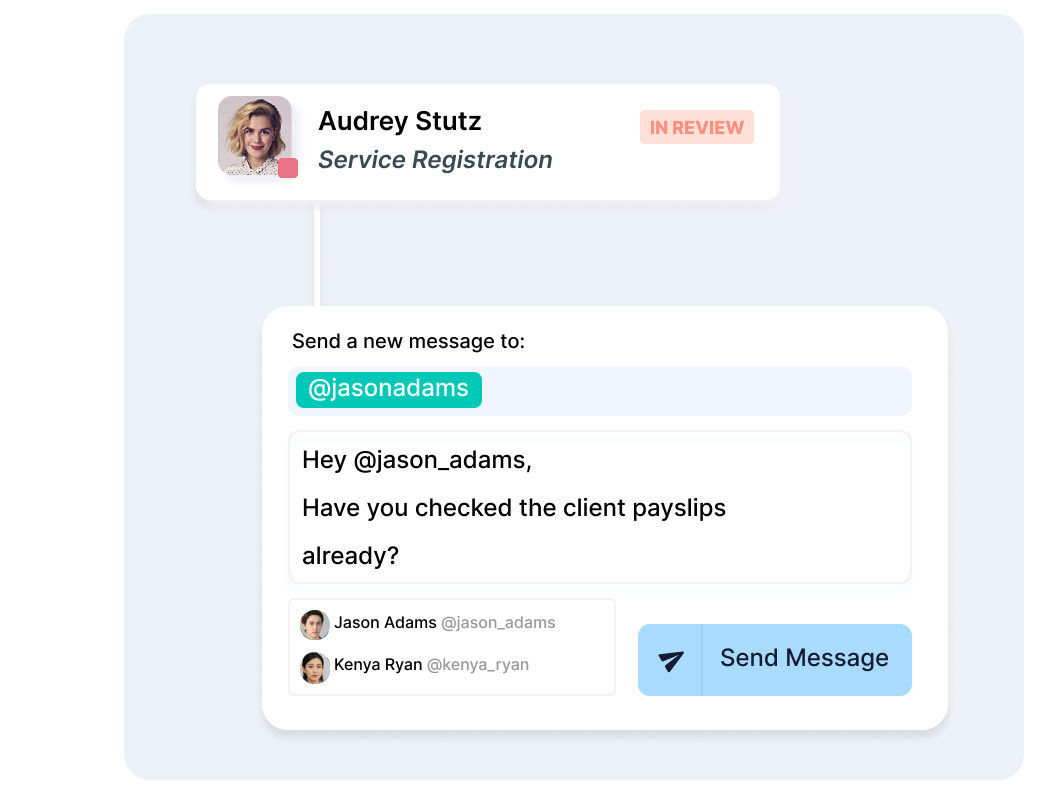
Clustdoc’s customer communication management software lets teams access the same shared mailbox, add internal notes, collaborate on messages, and coordinate follow-ups.
Internal users collaborate directly on customer interactions while role-based permissions ensure the right users manage the onboarding steps.
Cross-team collaboration on client conversations
Internal notes separate from customer communications
Quickly access critical information for improved efficiency.
With Clustdoc, teams don't have to lose time searching for emails, investigating who replied last, or tracking customer interactions across multiple channels.
They can easily can retrieve conversations from six months ago, check document requests, or resume customer interactions instantly.
Inside your professional account, your shared inbox highlights unread messages, pending follow-ups tasks and customer communication threads for smarter and faster responses.
Quick access to all client communications
Faster response time with clear overview of process status
Fewer platforms to manage and no cluttered inboxes
Embrace modern approach to streamline your client onboarding workflows
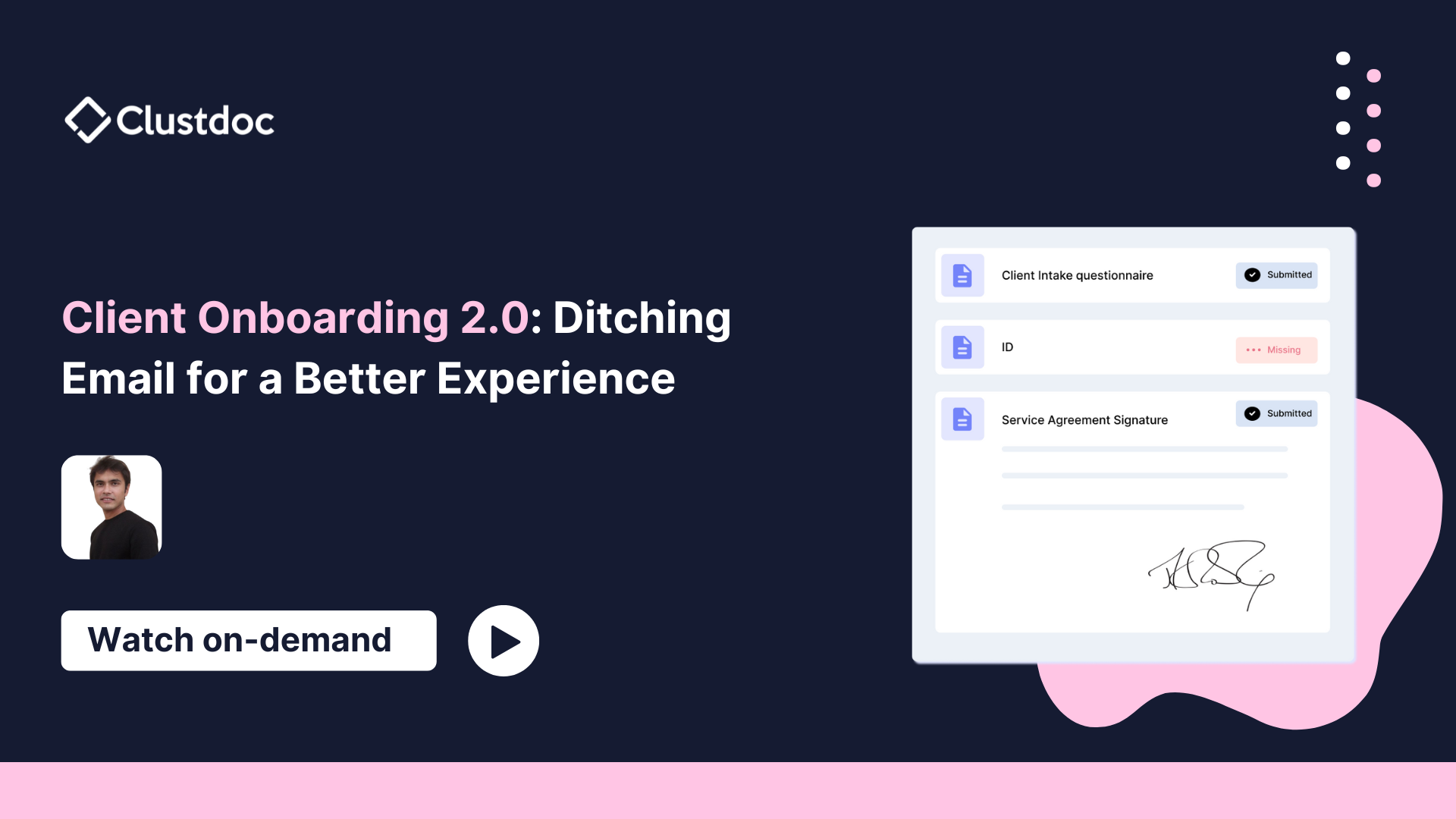
Client Onboarding 2.0: Ditching email for a better experience
Frequently asked questions
Before you start, here are some answers to most frequently asked questions.
Can I export data from the shared mailbox?
Yes, the history of your conversations can be exported to your own systems or Cloud storage solution.
Exporting conversation history from the shared email inbox allows you to backup your data, retrieve key data, analyze communication patterns, and comply with regulatory requirements.
How does the shared email inbox handle follow-up emails or requests for additional information?
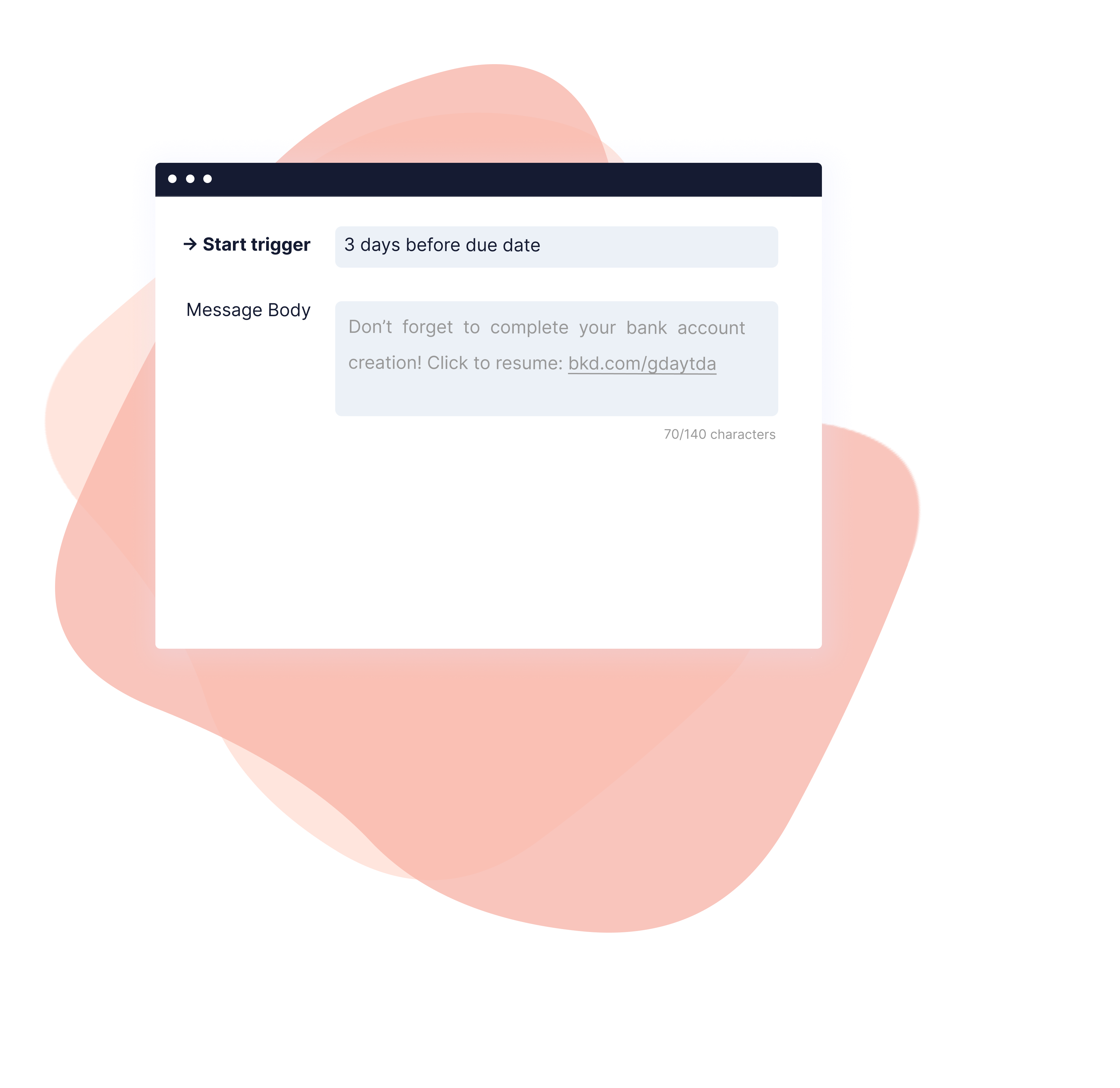
When you set up automated reminders, it's possible to send them directly via email or through your shared email inbox. It's easy to set up and you can choose which option works best for you.
Can I see who has access to the shared inbox?
As a Clustdoc admin user, you can see who has access to your shared inbox and also control who can access conversations with your clients. Leverage our permissions and access rights feature to specify who should access what.
Do I need to connect my personal email with Clustdoc inbox?
No need to make complex integrations for each of your team members. As long as your team mates have a Clustdoc seat and the right permissions, they will be able to send and reply to messages through the inbox.
Deal with customers, not emails.
93% of users would recommend Clustdoc to a peer. No Credit card required