Looking for the best client portal software for accountants? You’re in the right place.
Moving away from paper-based processes creates new expectations: clients assume they can upload documents securely at midnight, track engagement progress in real time, and receive immediate confirmation when tasks complete.
And, they are absolutely right.
In a world where email threads and shared drives are no longer able to meet these expectations, client portals have become standard infrastructure in accounting firms.
These platforms manage how you onboard new clients, collect tax documents and financial records, and satisfy compliance requirements that regulators enforce with increasing scrutiny.
This guide covers 11 best client portal solutions designed specifically for client-facing accounting workflows. And because software alone doesn’t fix process debt, you’ll also get practical templates, you can use as-is with your clients, without months of setup.
The accounting client portal solutions below are grouped by type: some excel at file sharing, others at client communication or full-service practice management.
All of them offer client portal software for accountants, but their strengths differ depending on your firm’s needs and workflows.
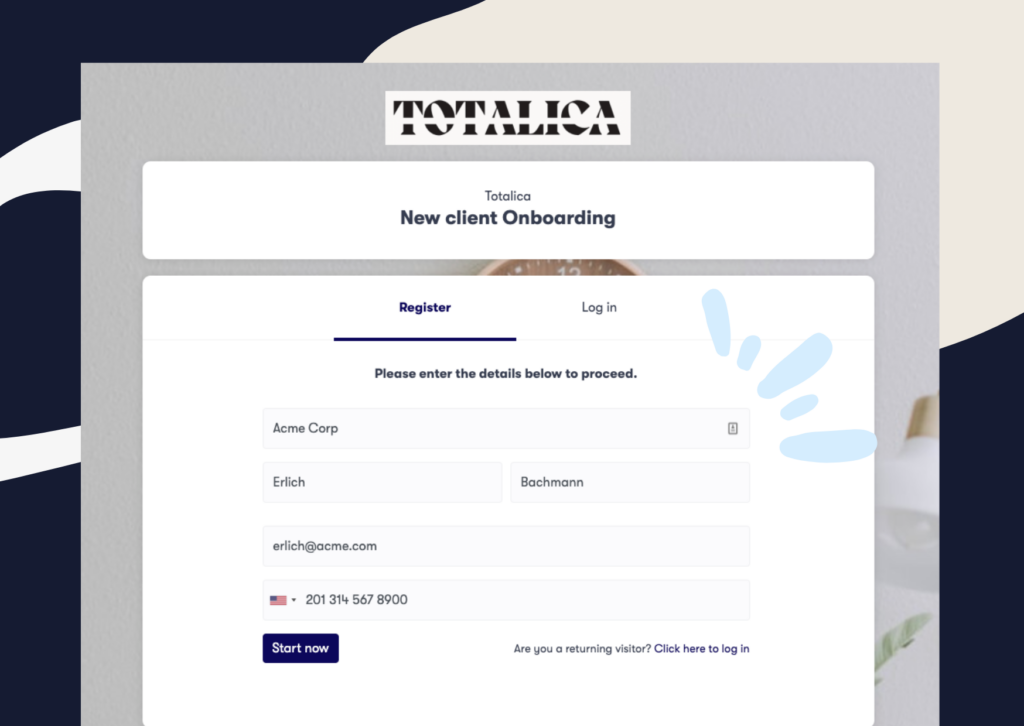
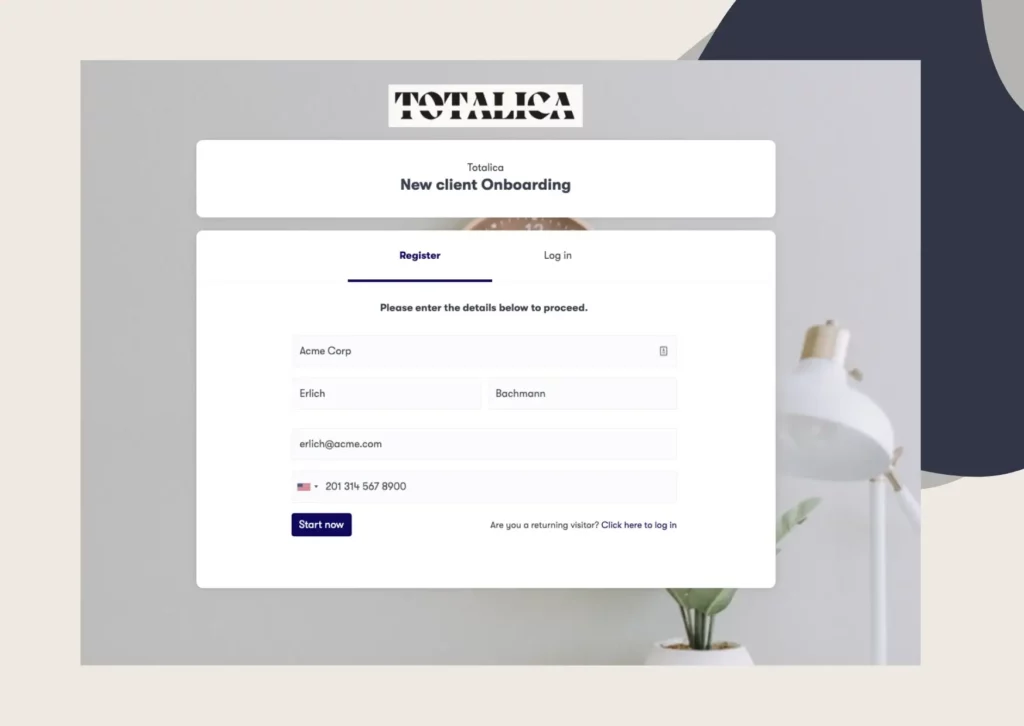
Clustdoc is a compliance-ready client onboarding and engagement platform designed for regulated industries including accounting, legal, and financial services.
Clustdoc best features:
Primarily focused on accelerating client onboarding and intake, Clustdoc works best when working alongside your existing accounting tools.
Who is Clustdoc best for?
Accounting firms prioritizing compliance, rapid implementation, and systematic client onboarding.
Pricing: Starting at $190/month
Too many tools. No clear progress.
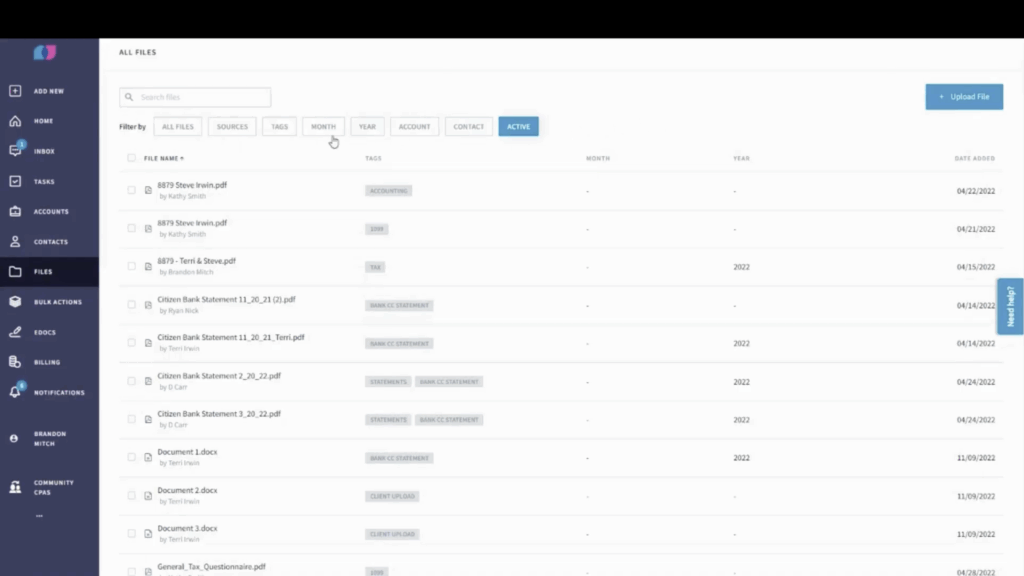
Liscio is a communication platform designed to replicate consumer messaging apps (WhatsApp, iMessage) while maintaining IRS compliance and security standards.
Liscio best features:
The absence of structured folders and limited export options can make long-term file organization difficult, especially for firms managing a high number of client accounts.
Who is Liscio best for?
Firms prioritizing client communication speed and mobile accessibility over structured workflow automation.
Pricing: Approximately $59/user/month
These platforms prioritize real-time client communication such as secure messaging, video calls, and mobile-first interactions.
TaxDome is an all-in-one practice management platform combining workflow automation, CRM, billing, and client portals specifically for tax and accounting firms.
TaxDome best features:
TaxDome is powerful but takes time to master. Most firms need several weeks to get their teams fully comfortable, and setup often involves training or external consultants, which adds to the cost.
Who is TaxDome best for?
Established tax and accounting firms (15+ staff) ready to commit to comprehensive practice management transformation and willing to invest in implementation.
Pricing: Approximately $900/user/per year (3 year engagement)
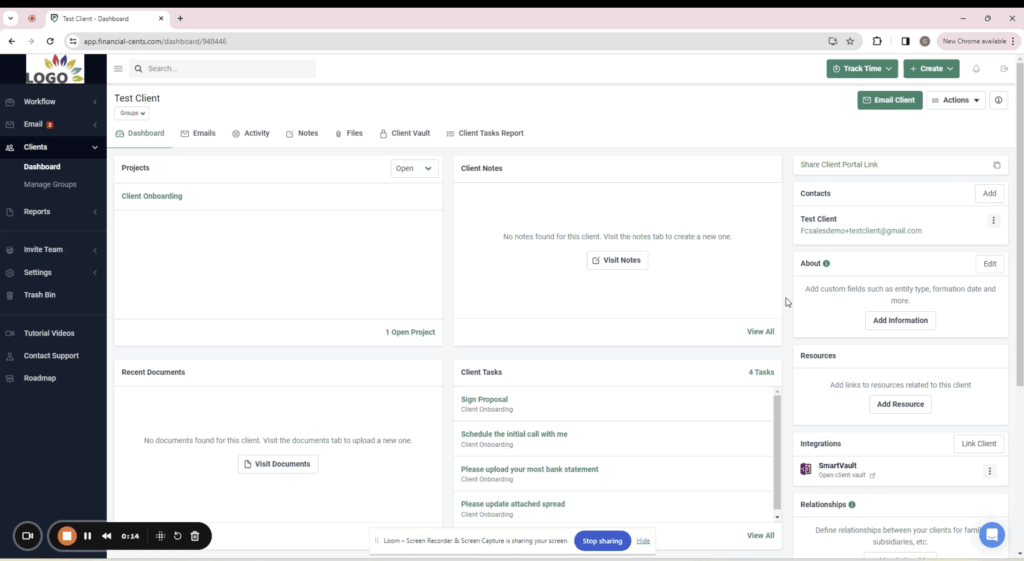
SmartVault is a cloud-based document management with client portal features built on top of secure storage infrastructure.
SmartVault best features:
SmartVault works more like a set of shared folders than a structured client management system. Some users also report that the platform can be slow to load and not particularly intuitive, even when handling small files.
Who is SmartVault best for?
Firms with established workflow systems elsewhere that need secure, compliant document storage and robust client file exchange.
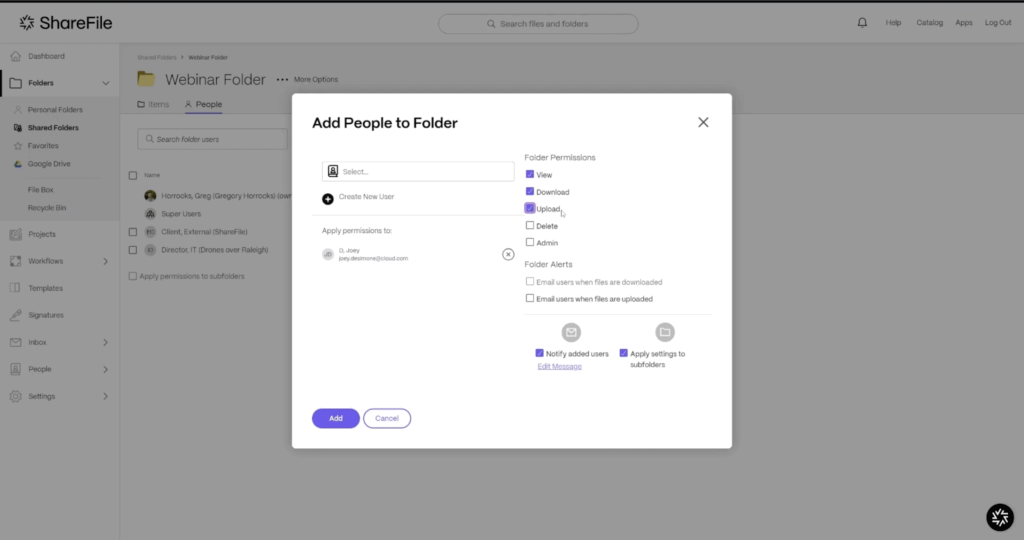
ShareFile focuses on secure document exchange and is widely used in regulated industries.
It handles large files, integrates with Microsoft 365, and offers advanced permission settings.
ShareFile best features:
Large file transfer capabilities without size restrictions
Co-authoring and document commenting
Enterprise-grade security suitable for highly regulated environments
Deep Microsoft ecosystem integration (Office 365, SharePoint, Teams)
Granular permission controls and access management at folder/file level
ShareFile limitations:
ShareFile provides a secure environment for document sharing and storage, which many firms use as a client-facing portal. However, because it focuses primarily on file exchange, teams often need to rely on additional tools to manage client interactions.
Who is ShareFile best for?
If you work at a multi-disciplinary professional services firms needing one file-sharing platform across departments, or if your firm has a dedicated IT teams to build custom workflows.

Doc.It is a document management system specifically designed for accountants in the UK and Commonwealth markets, with portal capabilities for client collaboration.
Doc.It best features:
Doc.it limitations:
Doc.It by IRIS includes client portal capabilities, mainly used by firms in the UK and Commonwealth regions, however, portal features are secondary to its internal document workflows.
Who is Doc.it best for?
UK and Commonwealth accounting firms prioritizing internal document management with client portal as secondary benefit.
Box is an Enterprise cloud storage platform offering secure file sharing and collaboration tools for professional services firms.
Box best features:
Box limitations:
Box is primarily built around file storage, which means it lacks many of the structured features accountants need for guiding clients through engagements.
Who is Box best for?
Firms prioritizing storage capacity and enterprise security controls, already invested in Box infrastructure, and willing to manually build engagement workflows on top of file storage foundation.
Pricing: Starts around $15-25/user/month, scales with storage capacity and advanced features

AccountantsWorld is a client collaboration component within AccountantsWorld’s practice management software suite for small-to-midsize accounting firms.
AccountantsWorld best features:
AccountantsWorld limitations:
AccountantsWorld offers a client portal as part of its broader suite, but the interface and user experience feel a bit dated compared to modern, cloud-native platforms.
Who is AccountantsWorld best for?
Firms already invested in AccountantsWorld practice management infrastructure seeking integrated portal functionality without adding additional vendors, and comfortable with established technology patterns
Pricing: Bundled with AccountantsWorld practice management suite, typically $30-50/user/month for combined tools.
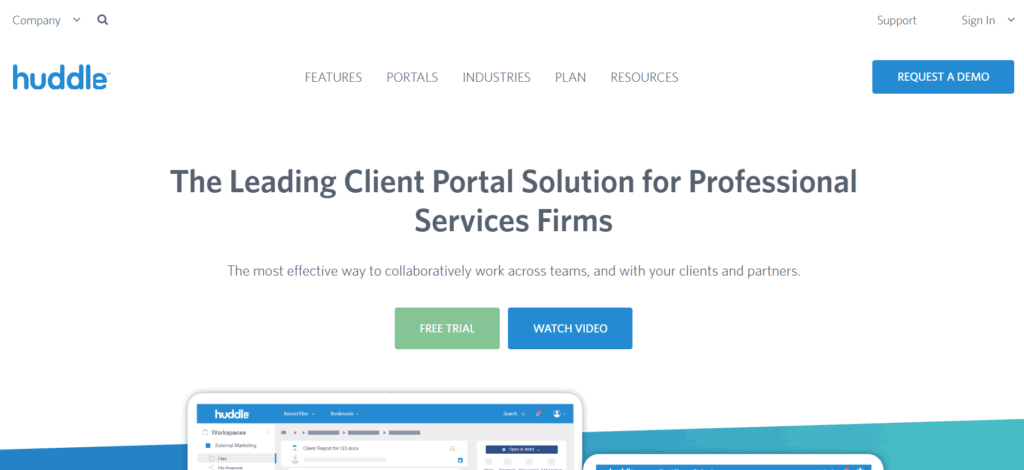
Huddle is a secure collaboration and document management platform designed for regulated industries, owned by UK-based compliance software provider Ideagen.
Huddle best features:
Huddle limitations:
Huddle is a platform originally designed for large organizations and government agencies.
While it works well for document sharing and project coordination, most accounting practices will find it heavier than they need for day‑to‑day client work such as tax preparation or onboarding.
Who is Huddle best for?
Large accounting firms or government/enterprise clients requiring Ideagen’s security standards, or firms already using other Ideagen compliance products seeking integrated collaboration tools.
Pricing:Custom enterprise pricing, typically from 25 users.
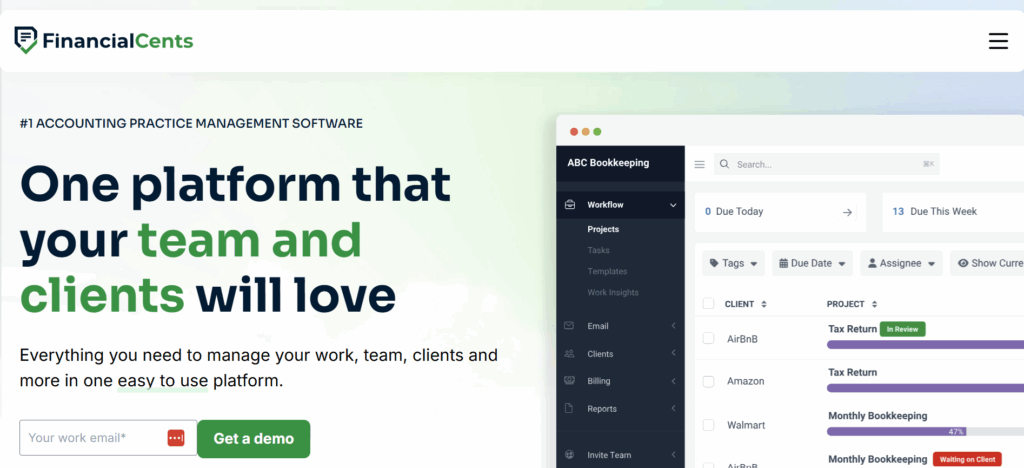
Financialcents is a practice management platform designed specifically for QuickBooks Online accounting and bookkeeping firms, with integrated client portal for collaboration and communication.
Financialcents best features:
Financialcents limitations:
Some firms worry they’re investing setup time in a platform they’ll outgrow within 18-24 months as they add services, grow teams, or need more sophisticated capabilities.
Who is Financialcents best for?
Small bookkeeping practices (under 10 staff) serving QuickBooks Online clients with ongoing monthly relationships, prioritizing simple client communication and task management without enterprise complexity.
Pricing: Starts around $50-75/month for small teams, scales with client count
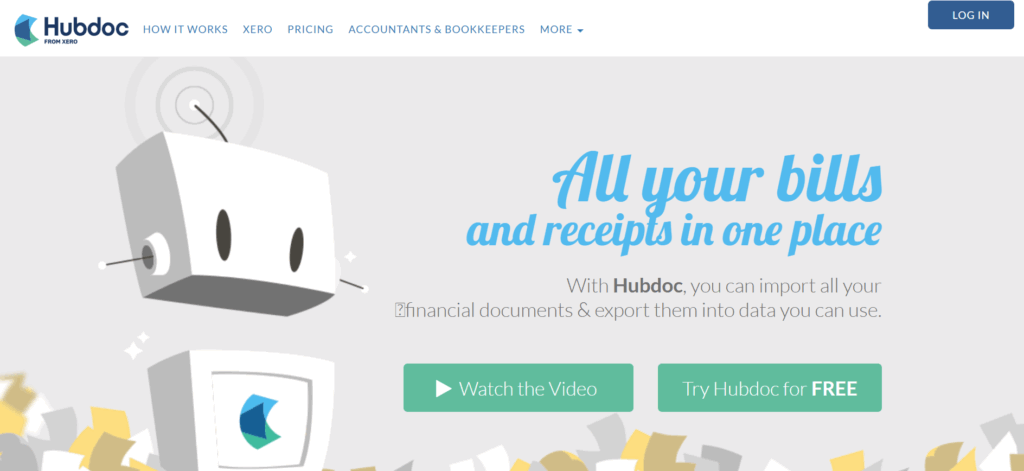
Hubdoc is a document capture and data extraction tool owned by Xero, designed to automate the collection of bills, receipts, and financial documents for bookkeeping workflows.
Hubdoc best features:
Financialcents limitations:
Hubdoc seems designed specifically for bookkeeping document capture, not broader engagement management.
Who is Hubdoc best for?
Bookkeepers and accountants managing ongoing monthly bookkeeping clients who need to automate bill and receipt collection, particularly those already using Xero.
Pricing: Free with Xero subscription; standalone pricing around $20-60/month depending on document volume
To help you streamline operations and reduce manual work, here are 7 high-impact checklists that you can deploy inside your client portal software or use to build better internal processes from day one.
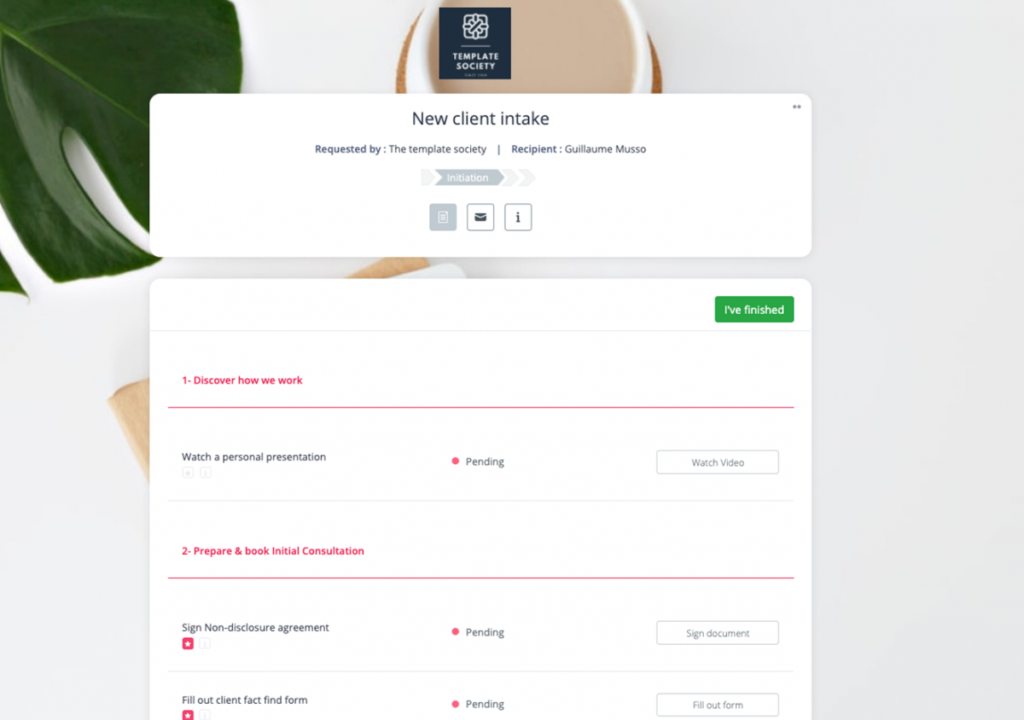
Structure the beginning of every client relationship. Use smart intake forms to collect client and entity data, trigger e-signature requests for engagement letters, and gather key documents like IDs and tax registrations, all inside a secure client portal.
Why it matters: It eliminates email back-and-forth and creates an audit-ready, trackable onboarding flow from day one.

Deliver dynamic tax organizer checklists based on entity type (LLC, S-Corp, C-Corp, sole proprietor). Request only the relevant files, track submission status, and automate reminders for outstanding items.
Why it matters: Fewer incomplete submissions and much less time spent chasing missing documents the week before filing deadlines.
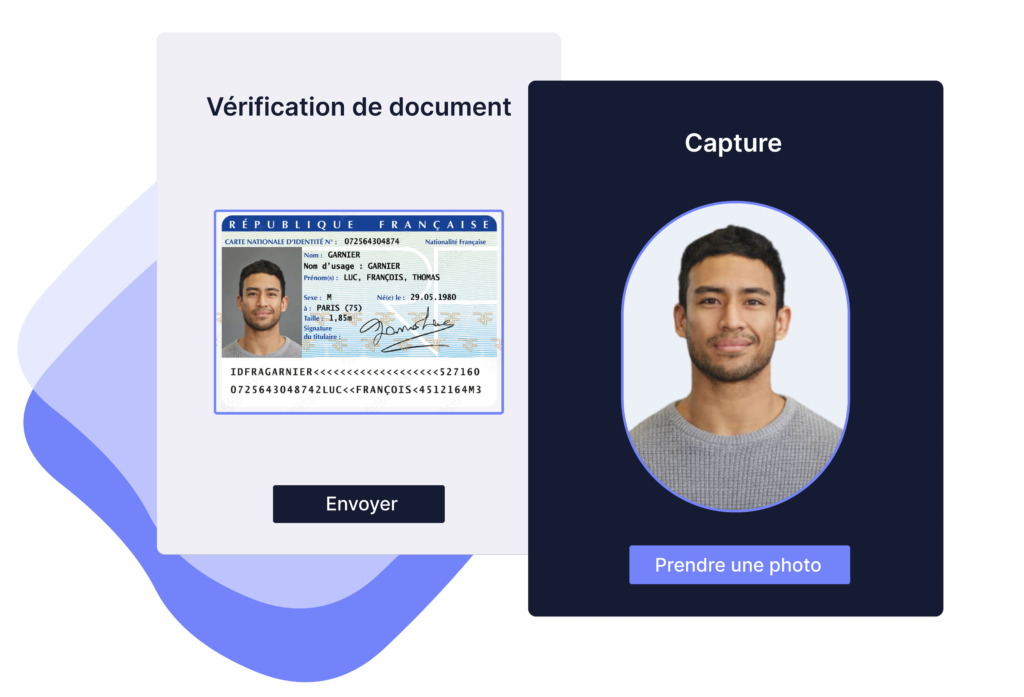
Set up a standardized KYC checklist for new clients, including ID verification, BOI forms, risk scoring, and internal approvals. Every step is logged and timestamped to satisfy compliance requirements.
Why it matters: Saves hours on high-risk clients and gives you immediate proof of due diligence for regulators or auditors.
For clients receiving advisory or fractional CFO services, create a structured onboarding workflow: access requests, historical data upload, KPI baseline collection, and service calendar setup.
Why it matters: Speeds up onboarding, gives clients a premium experience, and builds trust for long-term advisory work.

Assign clients a monthly checklist to upload bank statements, receipts, and invoices. Your team reviews, flags issues, and finalizes the close. Deliverables are archived and accessible from the client hub.
Why it matters: Standardizes the monthly process, reduces errors, and makes collaboration easier across time zones and roles.
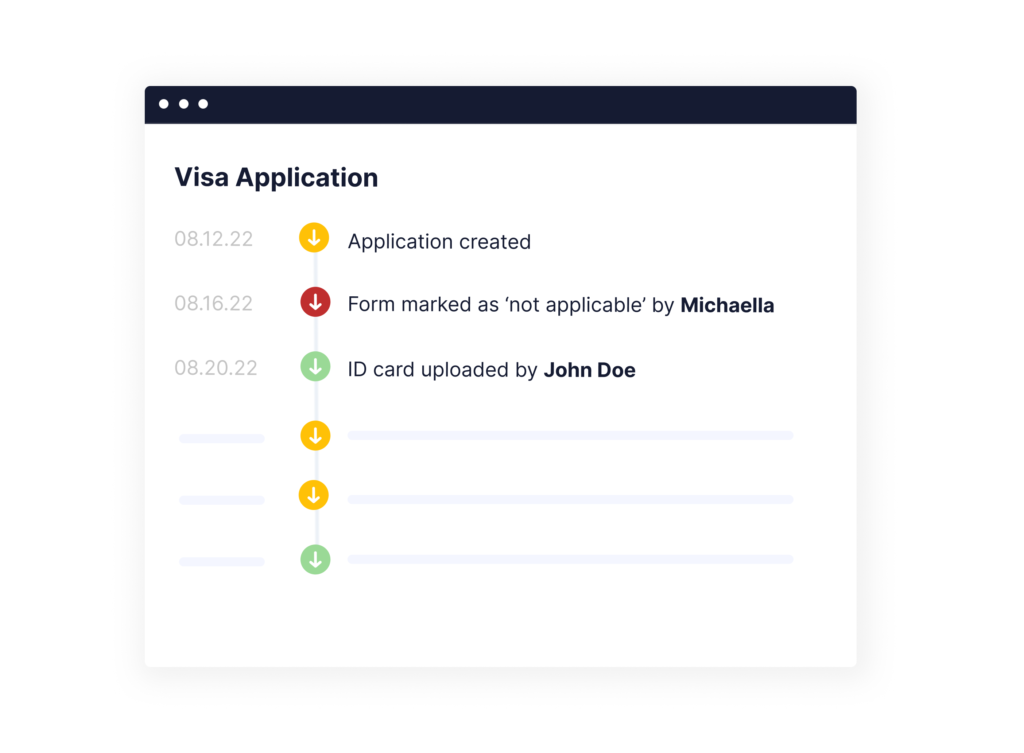
Set up a shared portal for year-end audits or external reviews. Request financial statements, supporting documents, and confirmations. Track every item and share access with auditors.
Why it matters: No more last-minute document scrambles. The entire audit trail lives in one place and can be exported in a few clicks.

Launch a vendor-facing portal where clients upload W-9s, confirm TINs, and track which vendors need 1099s. Once the data is collected, generate and file the forms directly or hand them off to your tax prep tool.
Why it matters: Centralizes vendor data collection and drastically reduces errors and late filings in January.
The shift toward client portal software for accountants reflects strategic necessity. Here is concretely what most accounting firms are expecting:
Legacy tools like email, Dropbox, or Google Drive, handle document exchange adequately but collapse under operational complexity.
A typical tax and accounting engagement involves multiple steps and sequences that no email solution can enforce efficiently.
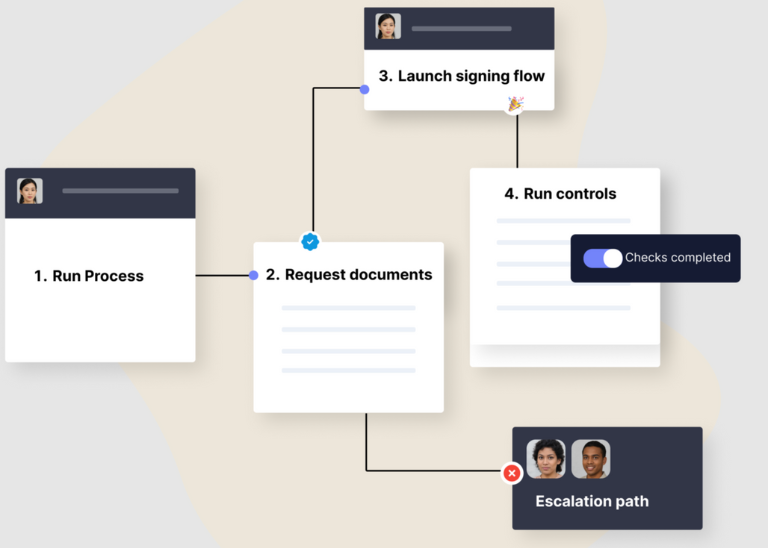
Modern client portal software orchestrates these sequences: they present clients with task lists that unlock progressively, send automated reminders for incomplete items, and provide real-time visibility to both parties on engagement status.
This transforms reactive document sharing into proactive workflow management.
Regulatory pressure intensifies annually and CPA firms face strict deadlines for Beneficial Ownership Information reporting, enhanced data privacy standards requiring encryption, not to mention penalties reaching $500 daily for non-compliance.
In this context, it’s clear that sticking to scattered systems is not the right way to demonstrate compliance consistently.
Client portal softwares centralize evidence: every client request carries a timestamp, every action generates a log entry, and every access event is logged.
When auditors or regulators request proof of due diligence, firms produce comprehensive reports in minutes rather than reconstructing trails across other apps.
According to Xero’s 2025 State of the Industry Report, 73% of US accounting firms reported increased profits, with firms crediting enhanced operational efficiency and expanded service offerings.
When associates spend 40% less time chasing client documents, they redirect that capacity toward advisory work that commands premium fees.
So if your firm manages 200 returns and eliminates 90 minutes of administrative friction per return through client portal automation, that’s 300 hours annually (the equivalent of two months of professional time reclaimed for billable services.)
Getting the most out of your accounting client portal
A client portal only works if clients actually use it. That means being upfront from day one about what goes where: documents get uploaded here, approvals happen there, questions come through the portal’s messaging, not scattered across email, text, and voicemail.
Keep clients in the loop without making them ask. Use automated reminders when something’s sitting in their court, send progress updates so they’re never wondering where things stand, and make the interface simple enough that they don’t need a training manual to upload a bank statement.
The goal isn’t just getting documents faster. It’s creating a workflow where clients know exactly what’s expected, you’re not chasing anyone, and nothing gets forgotten in someone’s inbox.
Your client portal shouldn’t live in isolation. If it doesn’t connect to your practice management system, billing software, and time tracking tools, you’re just adding another place to update information manually.
When your portal syncs with the rest of your firm’s infrastructure, client conversations, document submissions, and task completions flow directly into your internal workflows. No duplicate data entry. No wondering if the file a client uploaded three days ago ever made it to the right person. No reconciling mismatched information across systems.
Integration isn’t something you add later. It’s what separates a portal that actually saves time from one that just moves the chaos to a different platform.
Accounting firms can’t afford to be casual about data security. Client portals handle tax returns, bank statements, social security numbers: the kind of information that ruins lives if it ends up in the wrong hands.
That means two-factor authentication isn’t a premium feature, it’s baseline. Role-based permissions ensure your junior bookkeeper can’t accidentally access a partner’s private client files. Encryption protects data whether it’s sitting in storage or moving between systems. And audit logs document every access, every download, every change, so if a regulator or client ever asks “who saw this and when,” you have answers.
The best client portal isn’t just about digital file transfer. It’s a secure and compliant software solution that transforms client interactions, enhances trust, and operationalizes excellence.
With tools like Clustdoc, you can build repeatable, scalable, and compliant client-facing processes that clients love.
Want to experience how this works in practice? Start with a free demo of Clustdoc and deploy your first client portal workflow in under a week.
In your accounting firm, an accounting client portal software centralizes communication, manages client tasks, and protects sensitive data. As you handle increasing volumes of client data, using email or disconnected tools creates security risks.
The right platform improves how your clients interact with your firm, reduces manual work for your teams, and supports service delivery while maintaining security standards.
A well-designed portal creates a consistent experience for your clients by providing a secure space where they can upload files, review documents, and complete recurring tasks from any device through mobile access.
Features like automated alerts, task tracking, and workflow tracking eliminate the need for you to chase documents and reduce friction in your processes. When you centralize communication, this strengthens how your clients engage with your firm and positions you as their trusted advisor.
To protect your client data, you need secure document management with secure access controls and advanced security features. Look for end to end encryption, bank level security, and detailed permission settings.
Portal solutions offer different levels of protection. When you choose a solution with robust security, this reduces security risks in your organization and ensures sensitive data remains protected within a dedicated secure space.
When you evaluate client portal options, prioritize these capabilities:
Integration with accounting software and cloud accounting systems
Workflow tracking and project management capabilities
Tools to request files and manage recurring tasks
Support for multiple languages
Mobile access for clients and internal teams
An all in one solution approach to avoid disconnected tools in your tech stack
These capabilities directly impact how efficiently your teams operate and how your clients experience your services.
Yes. A modern portal automates many manual tasks in your firm such as sending reminders, managing recurring tasks, and tracking client tasks across engagements.
For example, you can automatically request files, follow up on missing documents, and help your clients resolve uncategorized transactions without constant email exchanges. This improves workflow tracking in your organization, enhances how your clients experience your services, and allows your teams to focus on service delivery rather than administrative coordination.
Still stitching emails, files, and approvals together?
Clustdoc gives teams one place to run client-facing work, boost customer engagement and increase compliance.

Sampada is a content marketer at Clustdoc, writing about marketing, business, and technology that helps teams work more efficiently.